
Question
select and mask weak - poor performance
Hello,
I have the latest Photoshop version,and I find that the "select and mask" function is very,very weak. I keep looking at YouTube instructions, and they always uses a model with dark hair against a blurred or light background for the head shop - e.g. too easy to do!
I've attached 1 photo- Adobe keeps showing errors to upload more that 1 image!!!!!
*Image is for practice only (please do not use for anything else).
Can someone please help me in terms of either:
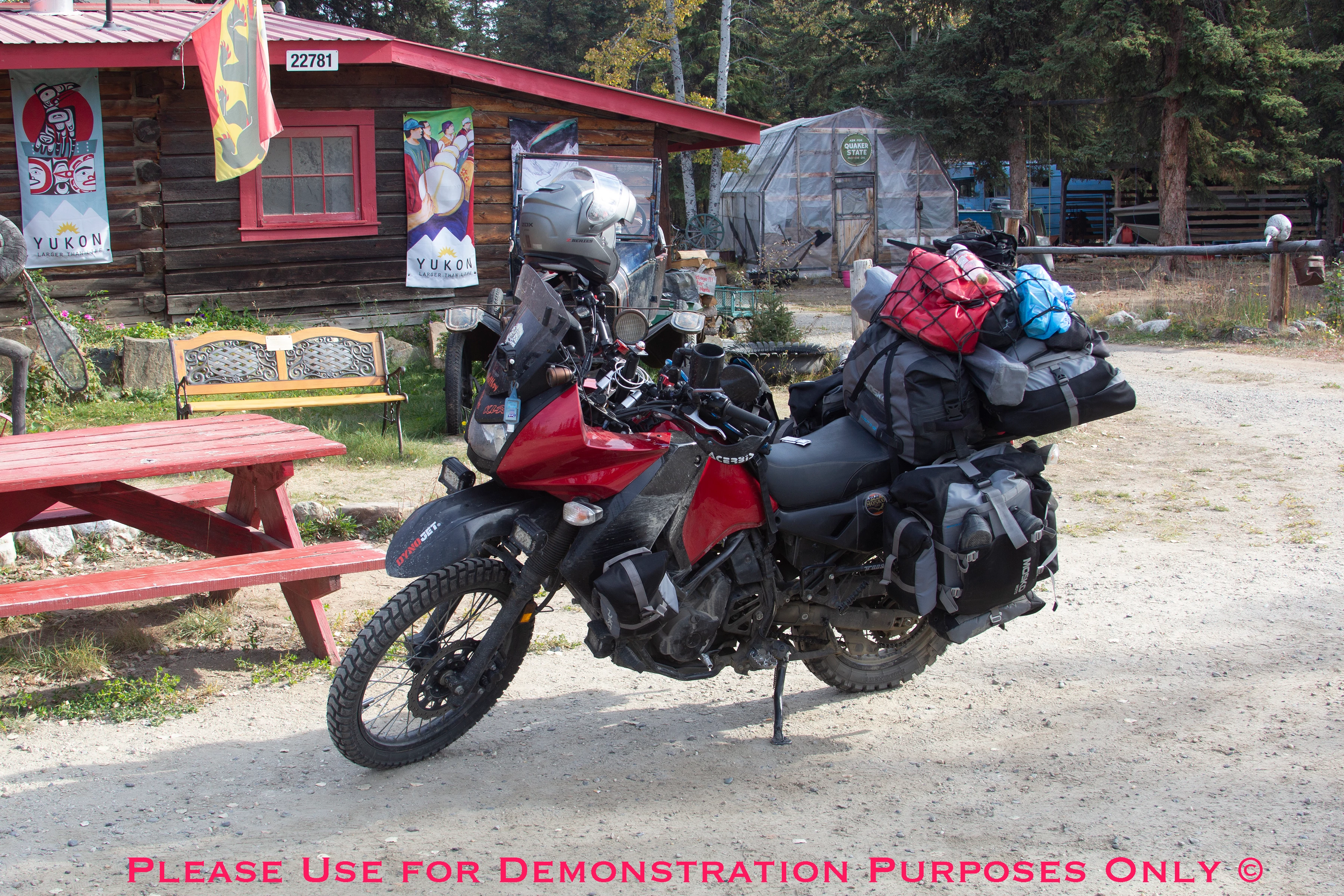
1. Suggesting a YouTube video or other sourse that shows how to mask a difficult image.
2. Show me my image with the motorcycle completely isolated and the image created
in 3-5 minutes,just like those "easy images used for demos"!!!
Thanks,
SB
 AdChoices