
Question
Select & Mask: Edge detection, global refinements controls not showing up
I'm using Photoshop CC 2018:
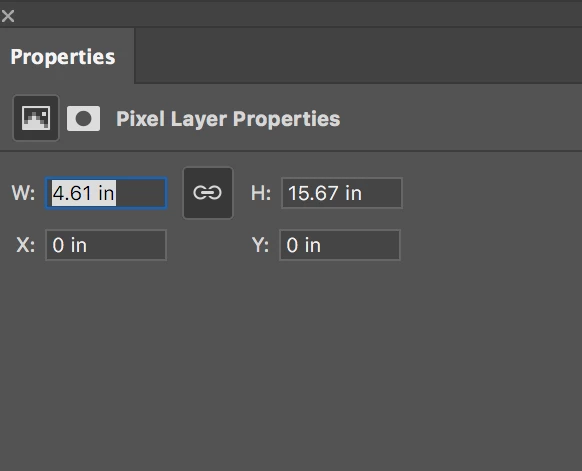
When I click "select and mask" in the options bar, the properties panel that pops up doesn't have edge detection or global refinements. Instead I get controls for "pixel layer properties" and nothing else. Any help in getting edge detection & global refinements to reappear appreciated, thanks.
 AdChoices