Question
Select & Mask Side Options Menu Not Showing Up Correctly
Hi there. I'm a complete and total Adobe PS newbie, so please excuse my ignorance in advance.
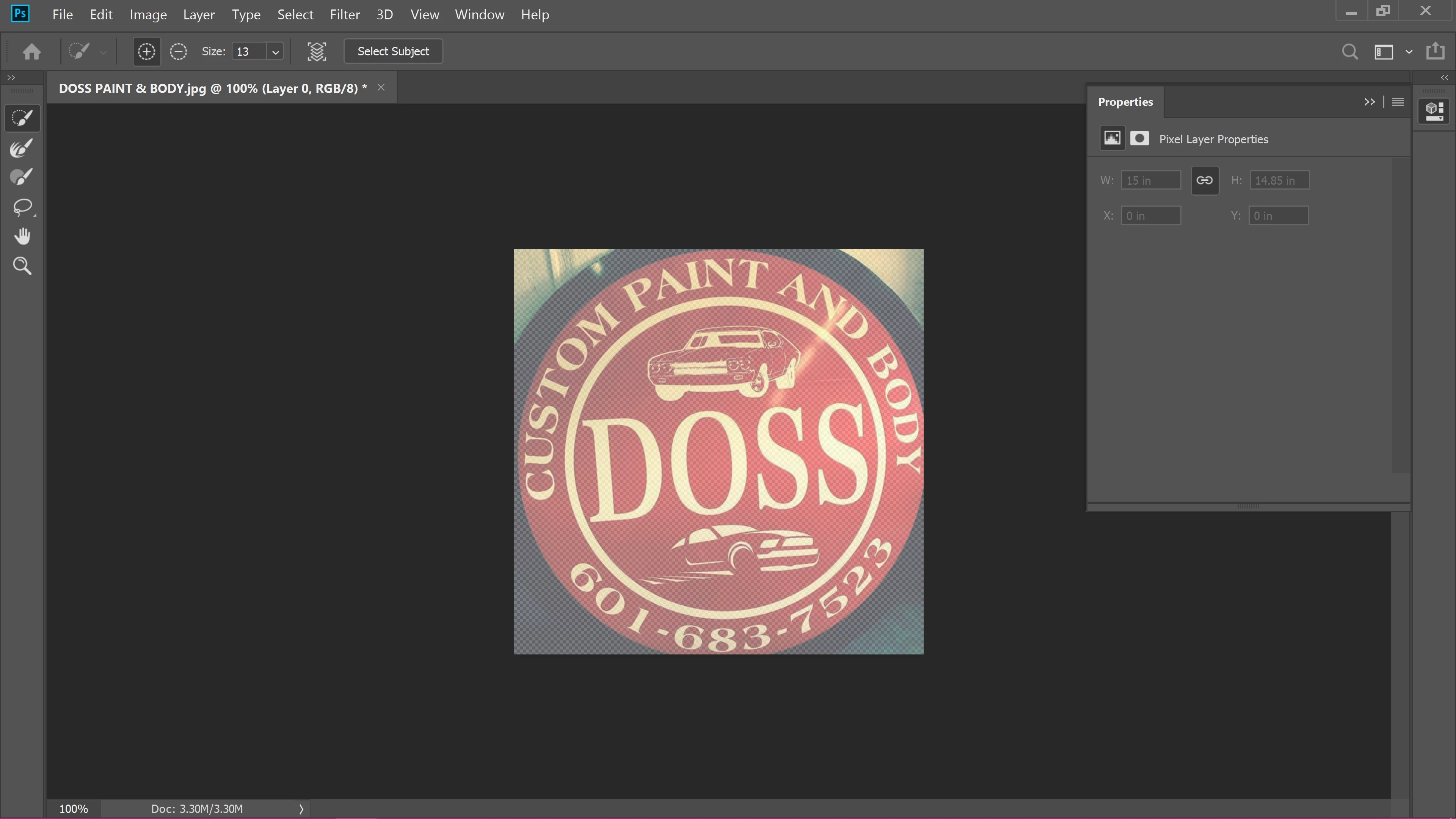
I'm trying to work on removing a background from an image. I've done so before using the Select & Mask tool. When I've done this before, I've had a new options area open up on the right side of the screen, but for some reason, I'm no longer getting that. Instead, I'm getting what is shown in the screenshot below. Can anyone tell me how to get the regular window back? I've tried searching for an answer for this, but nothing is working so far. Also, please keep in mind that I'm a total Adobe beginner and have very limited knowledge of how these programs operate. Thanks!
 AdChoices