Participant
November 22, 2023
Question

Select Subject selection does not extend to edge of canvas

  • November 22, 2023
  • 1 reply
  • 189 views

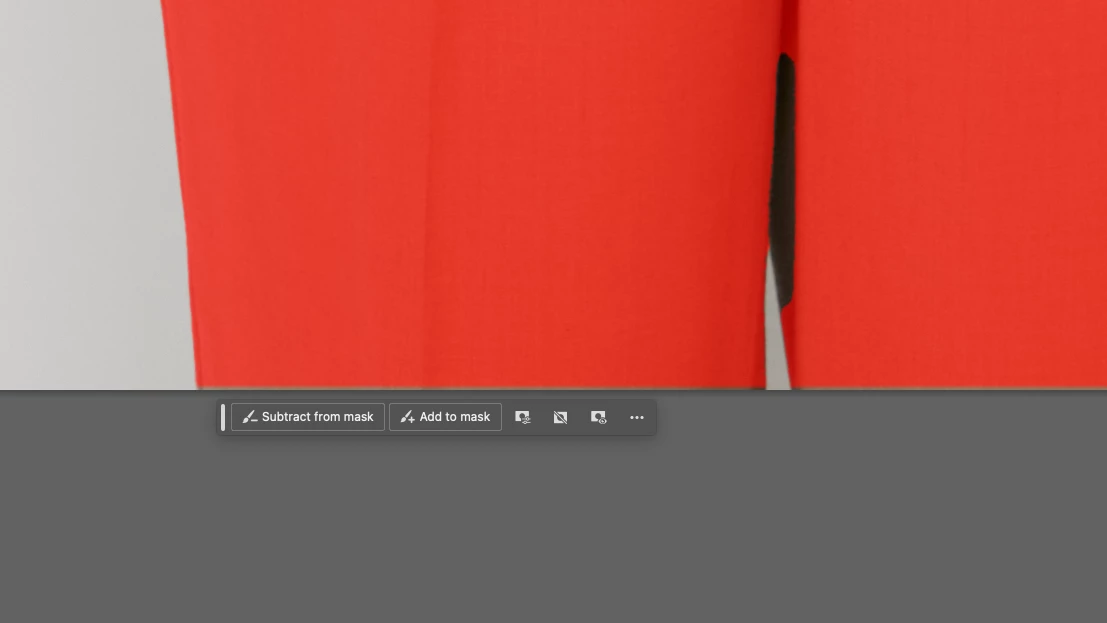
When I use the select subject function, the selection doesn't touch the bounds of the document. It falls a few pixels short on every image. 


This topic has been closed for replies.

1 reply

jane-e
Community Expert
Community Expert
November 22, 2023

@default55njmgxwjav3 


You didn't say which Adobe application you are using, but it sounds like Photoshop, so I've moved your post from Using the Community to Photoshop for you.


I don't see a selection marquee on your image, but there are a couple of things to do when Object Selection isn't perfect:

  • Use the Shift key to add to the selection and use the Object Selection tool to drag over the part that was missed  (Option/Alt subtracts)
  • Use a different selection tool, such as the polygonal marquee or any other. Again, Shift to add, Option to subtract.
  • Enter Quick Mask > paint in the missed area using pure black or white (type D first) > exit Quick Mask.


If I guessed wrong and you are not using Photoshop, we can move your post again.


Jane


Participant
November 23, 2023

Hello, I'm using Photoshop. 

I can easily add to the selection - I just wanted to report the bug. It seems odd to have the selection contracted only at the document bounds. It's something I often forget to fix when doing high volume work. I've included a new screenshot. Thank You for responding
