
Answered
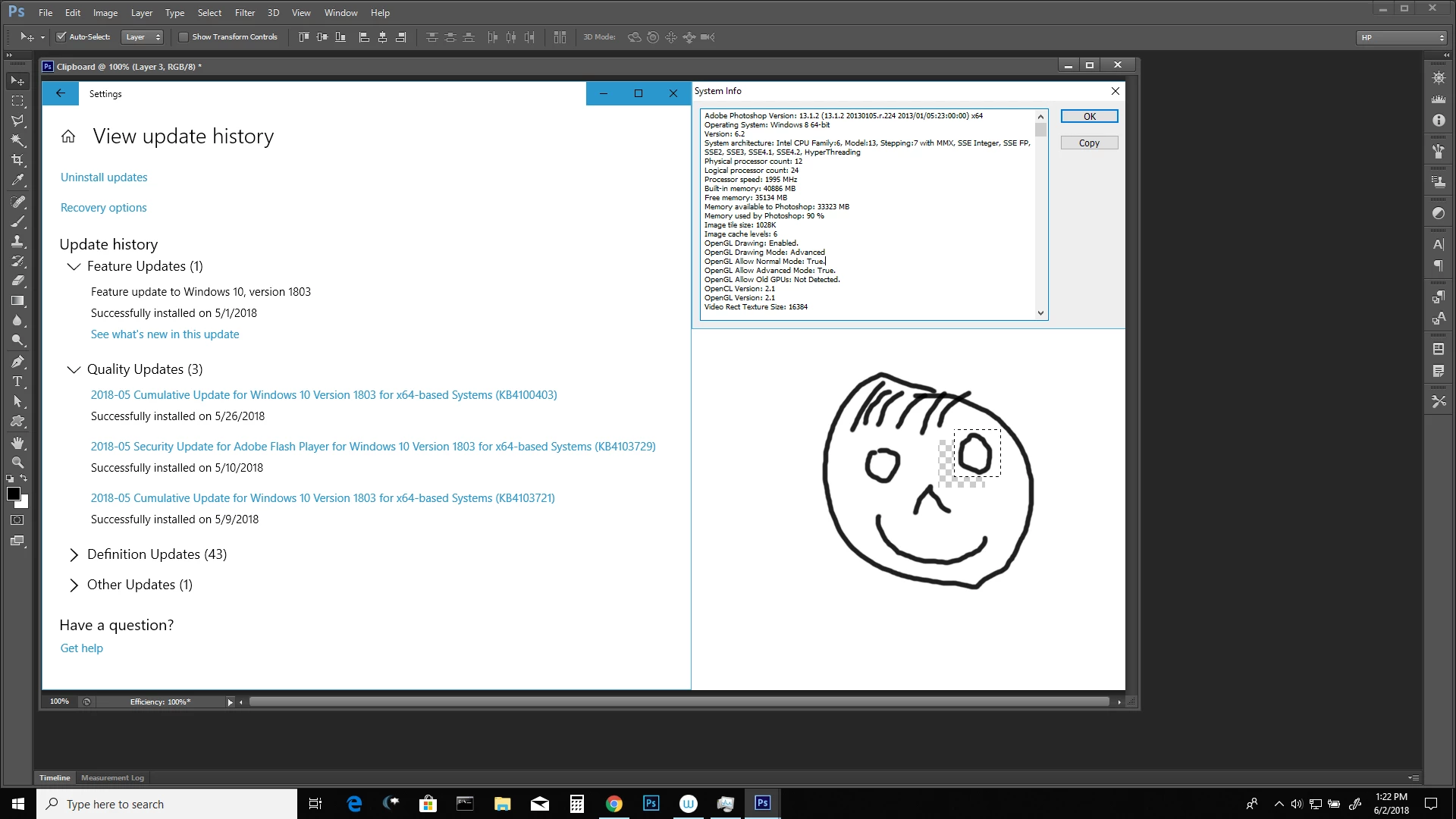
Selected area of image jumps off screen when moving it
Hello there,
Since the last Windows Update (installed May 30th) I've encountered a pretty annoying problem. Whenever I select part of a layer (i.e. the sketch of a head I drew) and want to move it slightly, the selection jumps off the canvas. It doesn't matter if I use my mouse to move the selection, or my tablet pen - it always jumps about 1/4 of my screen to the left of where my mouse cursor last was. I have no idea what I should do - everything else works, just this has been a big headache for the last few days.
Specs:
Adobe Photoshop CS6
XP-Pen 13.3 Artist Inch
Toshiba Satellite L-250 C
Any help would be immensely appreciated. Thank you in advance!
 AdChoices