Inspiring
August 7, 2020
Answered

Selecting dots with specific radius - Photoshop

  • August 7, 2020
  • 5 replies
  • 1904 views

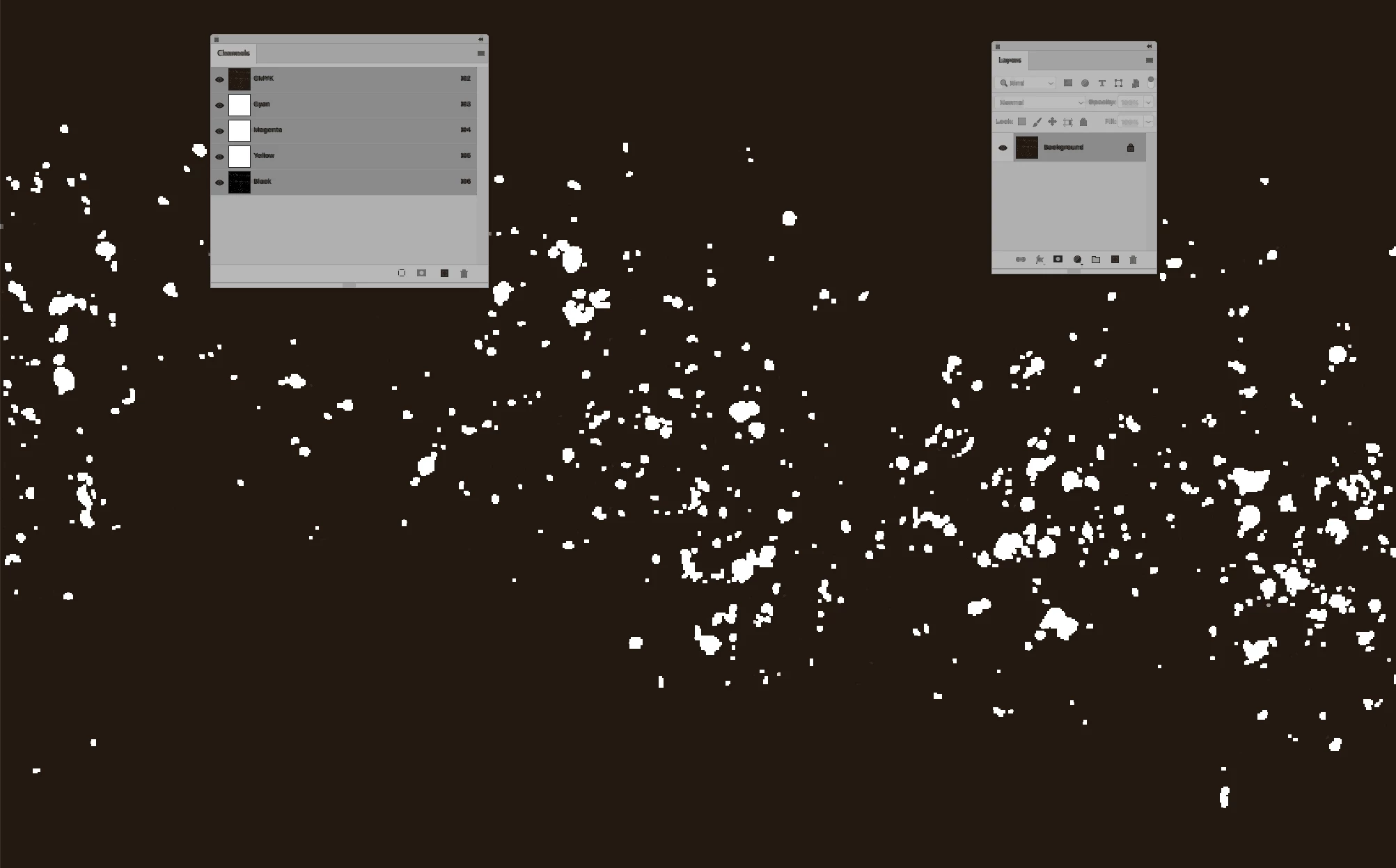
I have an black/white CMYK image. Is it possible (with a script or using some of PS options) to select only white dots which are eqal to or below  for example 2px and make them black? Thanks in advance


{Thread renamed by moderator}
This topic has been closed for replies.
Correct answer Stephen Marsh

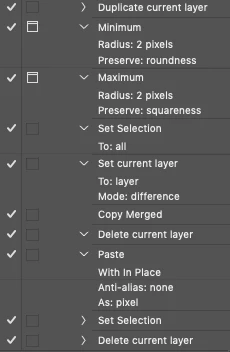
I quickly knocked together an action to help list the steps... I didn't make the action pretty or optimise the steps:


Min 2, Max 2, Select All, Set layer to Difference, Copy Merged, Paste, Set selection to RGB channel, Delete this temp layer... Then do something with the selection.


And here is the result to compare to your original image:


5 replies

milevicAuthor
Inspiring
August 9, 2020

I tried with dust filter earlier but i am not sure that is 100% percent precise, and yes, I dont want to affect on larger dots than 2px radius, is it possible?

Semaphoric
Community Expert
Community Expert
August 9, 2020

Filter > Other > Minimum might be a start, but it would make all the white two pixels smaller, so it'd have to be part of a larger process.

milevicAuthor
Inspiring
November 16, 2020

I have this problem that you mentioned, minimum filter breaks this part that is colored red and fill it. I dont know how to leave this unique part unchanged, can you help me?


milevicAuthor
Inspiring
October 13, 2021

@Stephen Marsh do you have solution for this issue, or I exaggerated? 😄 

Stephen Marsh
Community Expert
Community Expert
August 9, 2020

What are you looking to do?


Is selecting the smaller dots just a means to an end to remove them? If so, Michael Bullo's reply will do that, however, it will also affect the larger dots to some extent.


If you just wish to make a selection without affecting the larger dots, this is possible with some filtering and blending to manually create a pixel size threshold.

milevicAuthor
Inspiring
August 17, 2020

Okay, I'm interested in the second part of your answer, can you help me?

Stephen Marsh
Community Expert
Stephen MarshCommunity ExpertCorrect answer
Community Expert
August 17, 2020

I quickly knocked together an action to help list the steps... I didn't make the action pretty or optimise the steps:


Min 2, Max 2, Select All, Set layer to Difference, Copy Merged, Paste, Set selection to RGB channel, Delete this temp layer... Then do something with the selection.


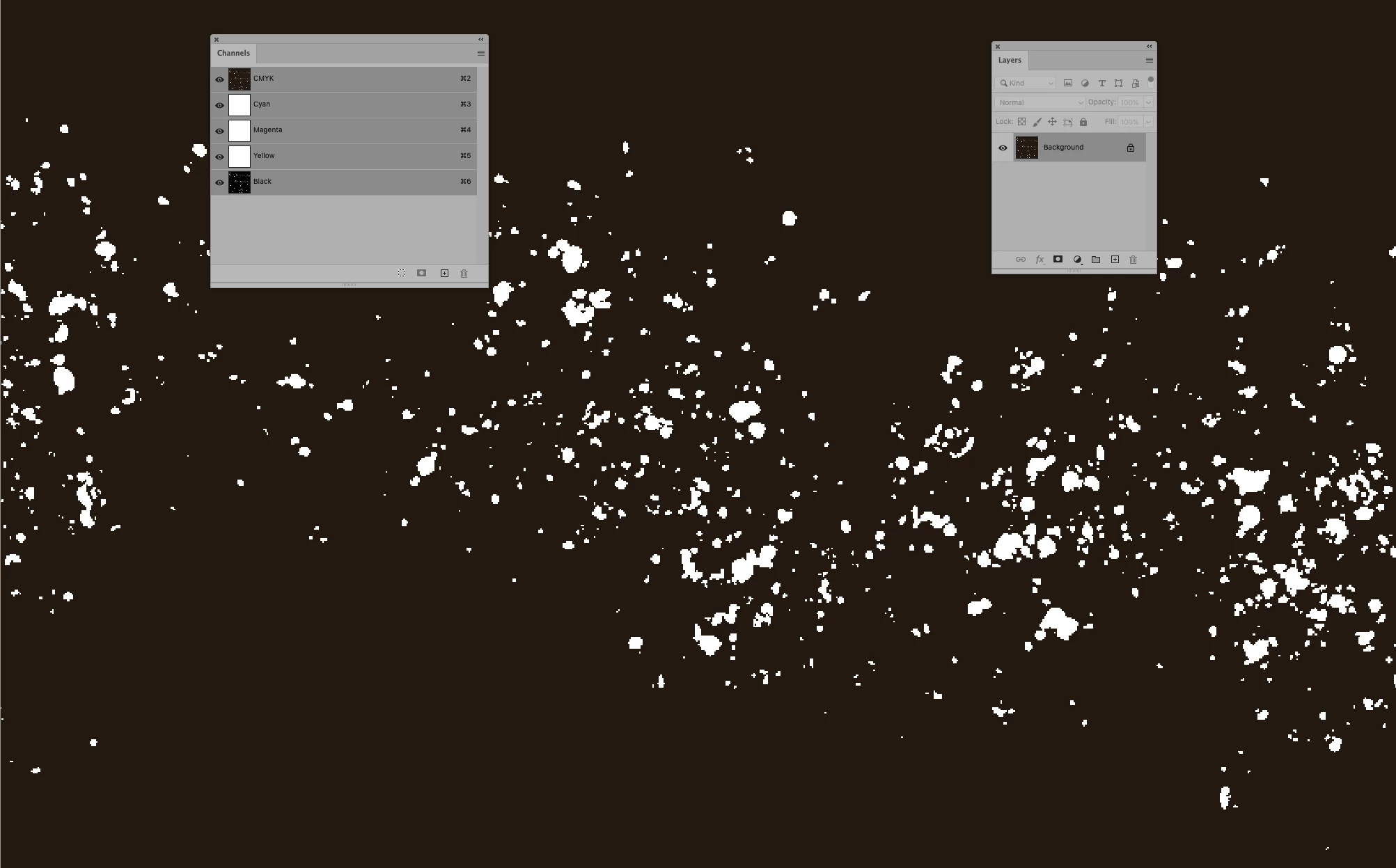
And here is the result to compare to your original image:


Michael Bullo
Community Expert
Community Expert
August 8, 2020

Filter > Noise > Dust & Scratches

Set the Radius to whatever value you like.

Sahil.Chawla
Adobe Employee
Adobe Employee
August 7, 2020

Hi there,

Could you please try using the color range feature in Photoshop and let us know if you're able to select the white part?
You can check this for more information: https://helpx.adobe.com/in/photoshop/using/selecting-color-range-image.html

Regards,
Sahil

milevicAuthor
Inspiring
August 8, 2020

Yes, with color range I successfully select white areas, but i can not defined selection on a dots which are 2px in radius, like I mentioned in question description.