Participant
February 2, 2017
Answered

Selecting Lines and Shading Regions

  • February 2, 2017
  • 1 reply
  • 917 views

I am essentially PS illiterate but have been searching forums and tutorials trying to find a solution to my query which I would think is simple - either its not or Im just not seeing the solution I need-

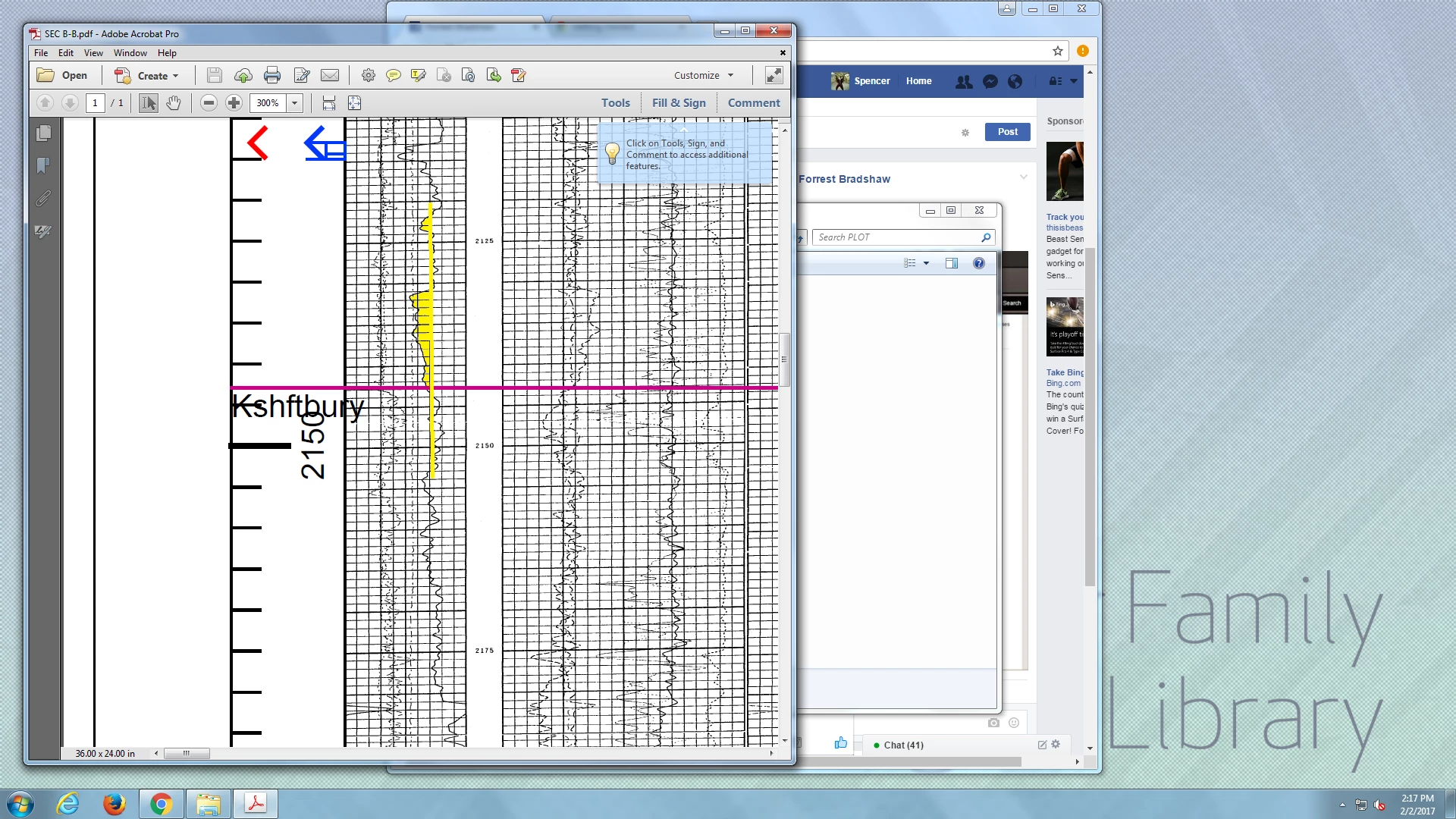
I need to draw a series of cut of lines on well log cross sections, these will change and need to show various cut offs in the same spot to ideally this is done on a separate layer i can turn on or off - the problem im having is that I cant seem to copy the original line work to a new layer. Someone suggested I just trace it with the pen tool but that is extremely laborious and not a practical solution. The big issue here is that the original file is a crappy black and white grid with a even worse squiggly line which crosses back and forth (see below).

To reiterate - The black and white is the original, I need to draw the yellow vertical line and shade the portion to the left. Over time this line will move and is repeated on  several neighboring logs so if i have to change one I would prefer not to redraw the entire thing.

Any thoughts for the FNG would be much appreciated as the example below was done in paint.
EDIT [moved to correct product forum – moderator]

[Here is a list of all Adobe Communities https://forums.adobe.com/welcome]
    This topic has been closed for replies.
    Correct answer davescm

    spencerp89265527 wrote:

    Unfortunately no. Its all old paper logs from the 70's-80's which the government did a horrible job scanning and compiling a database of raster .tiff files.

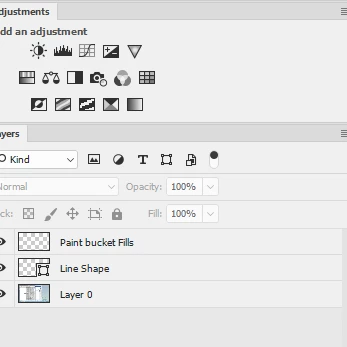
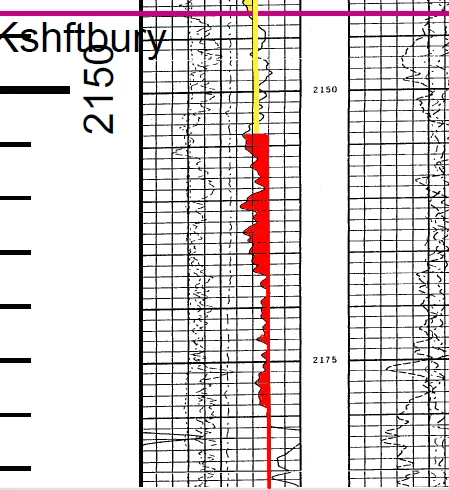
    In that case I think the best you are going to do is with the shape tool to paint a line and the paint bucket tool to fill each square (or part of square) you can do both of these on new layers. It does not take long. N.B: I have deliberately move the line one square to the right for this demo.

    Dave

    1 reply

    c.pfaffenbichler
    Community Expert
    Community Expert
    February 3, 2017

    Just to make sure: Is the data present as vector data or numeric tables at any time?

    Participant
    February 3, 2017

    Unfortunately no. Its all old paper logs from the 70's-80's which the government did a horrible job scanning and compiling a database of raster .tiff files.

    davescm
    Community Expert
    davescmCommunity ExpertCorrect answer
    Community Expert
    February 4, 2017

    spencerp89265527 wrote:

    Unfortunately no. Its all old paper logs from the 70's-80's which the government did a horrible job scanning and compiling a database of raster .tiff files.

    In that case I think the best you are going to do is with the shape tool to paint a line and the paint bucket tool to fill each square (or part of square) you can do both of these on new layers. It does not take long. N.B: I have deliberately move the line one square to the right for this demo.

    Dave