
Participant
January 6, 2024
Question

Selection issue/question

  • January 6, 2024
  • 1 reply
  • 105 views

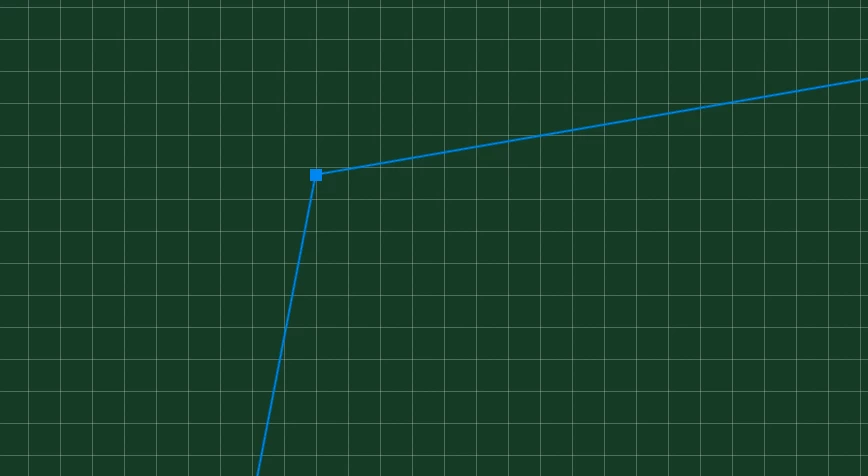
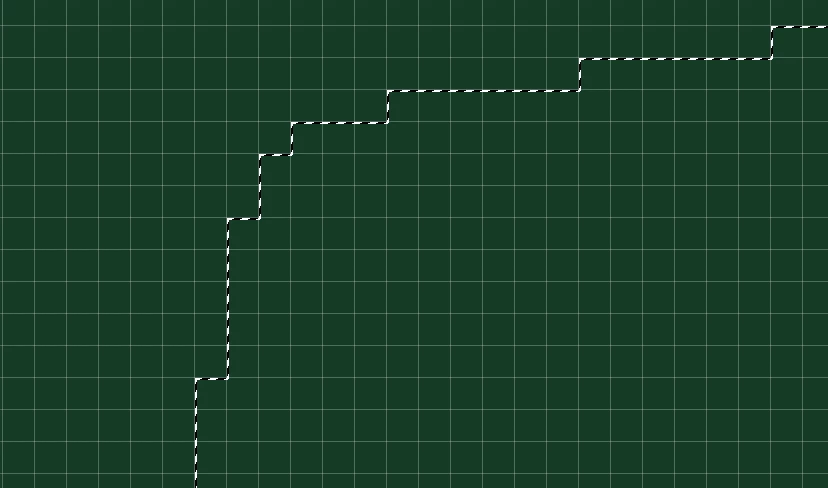
Hey everyone, I'm having an issue with selections not coming out smooth even with anti aliasing on. Is this just how photoshop works because its pixel based or is there a way I can get the selection to not be wavy and snap to the pixels?
This topic has been closed for replies.

1 reply

D Fosse
Community Expert
Community Expert
January 6, 2024

In raster image editing, the pixel is the atom. A pixel can't be divided.


However, an individual pixel can be partially selected. A selection is a continuous scale from not selected to fully selected. The selection edge you see, the marching ants, just marks the 50% line. To one side they're more than 50% selected; to the other less than 50% selected.


Press Q to enter Quick Mask mode, and you'll see that.

Participant
January 6, 2024

Thank you, I figured as much but wasn't entirely sure. I've just been getting frustrated with trying to make a selection and get a layer styles stroke to show up without having jagged edges and I saw the selection was being modified to snap to the pixels.