
Participant
February 8, 2024
Question

Selection tools became so unbelieviably stubid

  • February 8, 2024
  • 3 replies
  • 223 views

Hello, am I the only one where the selection tools (Object selction, quick selection tool) very often became just veeeeery unusable. I mean, on the screenshot there is a WHITE object on a BLACK background. The same with quick selection and also Select and Mask in general. (see screenshot)
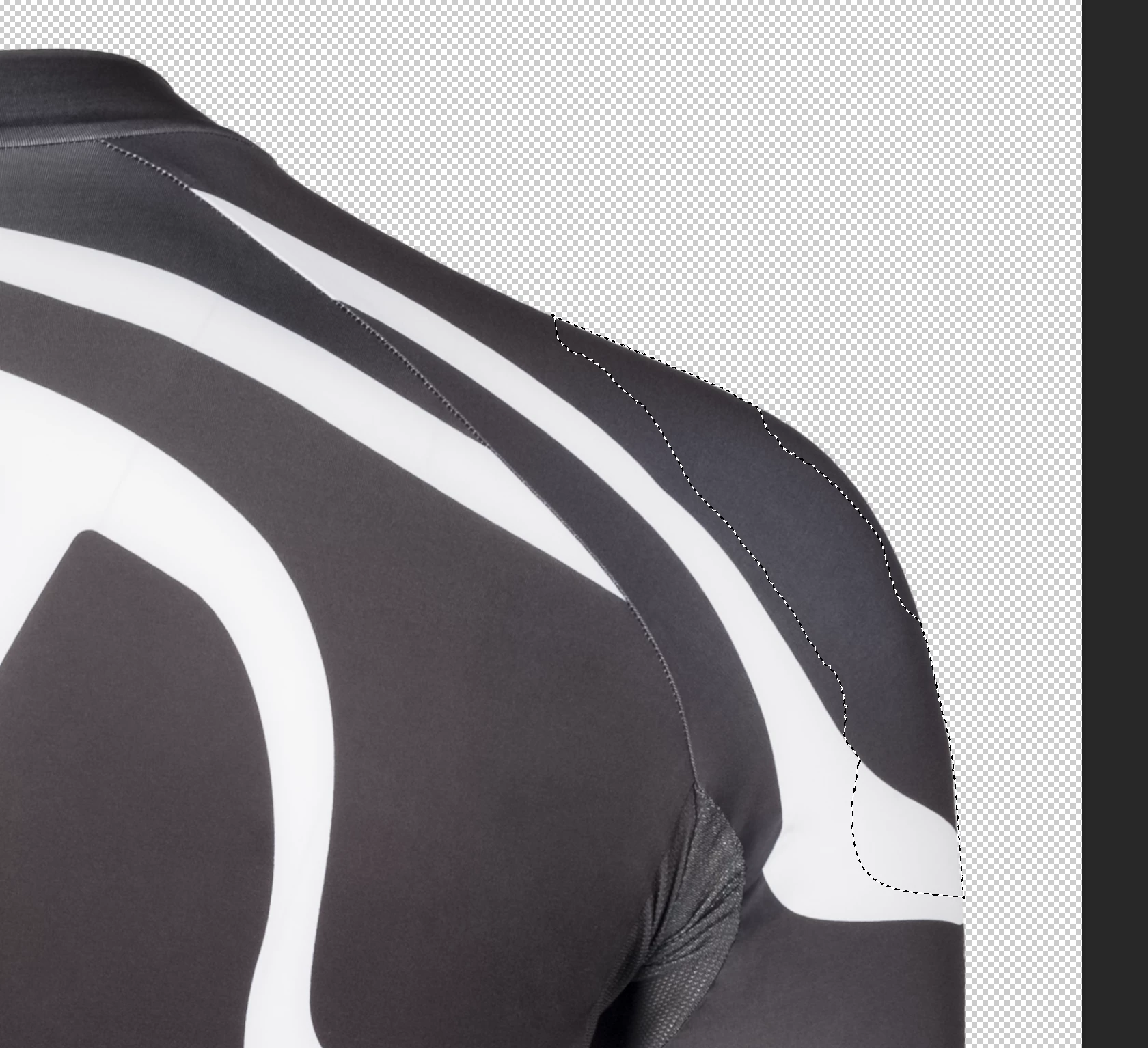


With the quick selection, the selection jumps very quickly into the black parts, for example. Also, by subtracting black parts again, there are always thin remaining parts of the selection, which have to be removed by hand painly. 


This topic has been closed for replies.

3 replies

Participant
February 15, 2024

here we go again:

Participant
February 9, 2024

Thank you for your answer. Actually I know the OP and have the same problems. But all your suggestions are already considered. 

Kevin Stohlmeyer
Community Expert
Community Expert
February 8, 2024

Without seeing your entire workspace I'm going to give some suggestions as this appears to be selecting based on a different layer/mask.

1. Double check the layer or mask you have selected is the correct one.

2. Confirm you have "Sample all Layers" and "ehance edge" chosen in the options above.

3. If you see an edge on the selection, use Select Menu>Modify>Expand by 1 px to eliminate the fringing. No need to manually remove:

Before:


After: