Lavitas Macutis
Inspiring
July 11, 2022
Question

separate into four spot colours maintaining appearance

  • July 11, 2022
  • 2 replies
  • 493 views

Dear community, 


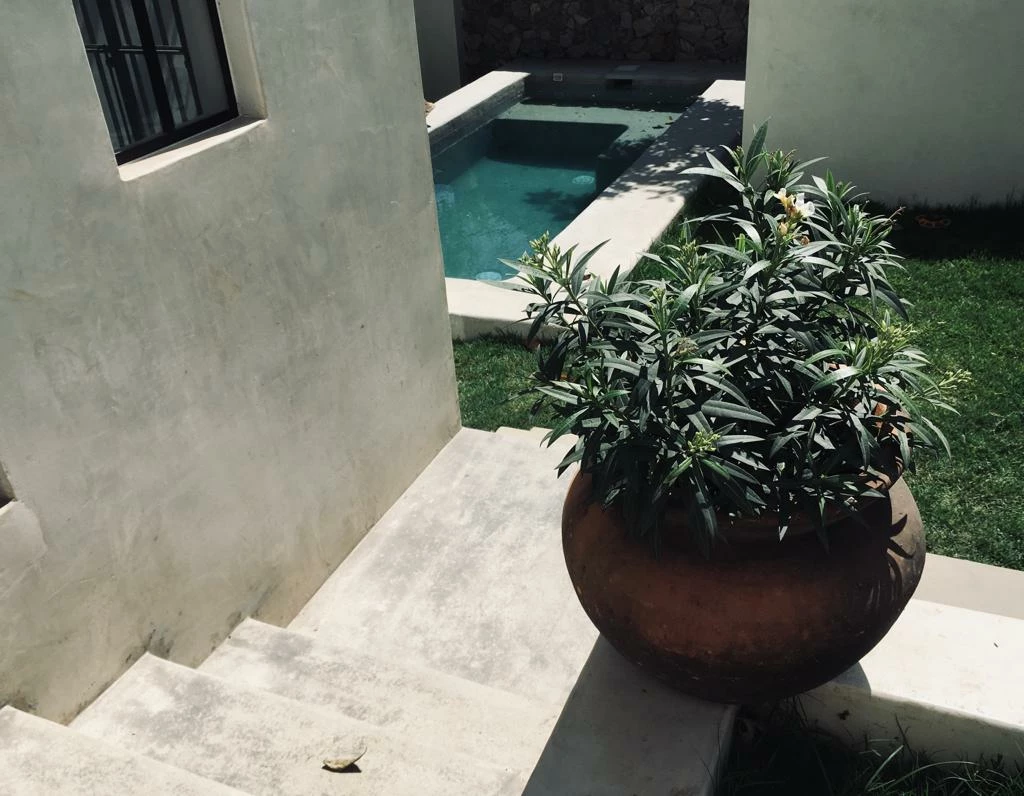
I have a photograph consisting of colours from beige to copper with hints of blue. I would love to separate it into four spot colours (like Pantone P 31-1, 51-16, 100-5, and Black, or so—certainly the software would know to choose better) approximately maintaining the appearance. Is there any way to do that?


Thanks so much

This topic has been closed for replies.

2 replies

davescm
Community Expert
Community Expert
July 11, 2022

Do you mean like this using a gradient map adjustment layer?

You could go on to create channels from a selection based on each colour to create genuine spot colour channels


Dave


Lavitas Macutis
Inspiring
July 11, 2022

No. I mean that this image could be composed by a halftone not of C, M, Y and K, but of Pantone P 31-1, 51-16, 100-5, and K instead (or something like that). While the gradient map you describe distributes those colours according to lighness section, an actual separation (the kind that happens when converting an RGB image, or an L*A*B image, into CMYK) would ideally look almost like the RGB I posted. Photoshop (or another engine) would separate, but not into C, M, Y, K, but into P 31-1, 51-16, 100-5, K. That image would have a great amount of P 31-1, a smaller amount of P 100-5, a still smaller amount of K, and tiny hints of P 51-16 (the blueish). 

davescm
Community Expert
Community Expert
July 11, 2022

I'm not aware of a way.

You can use multichannel to create the spot channels but I don't think you will find an automated way to separate the image and maintain the colours (if the image colours can even be maintained within the gamut of those inks)


Dave

davescm
Community Expert
Community Expert
July 11, 2022

Can you show a section of the image

Dave

Lavitas Macutis
Inspiring
July 11, 2022

Sure. Here you go. Does it matter how the image looks?