Participant
August 19, 2019
Question

Server saving problem (overwrite)

  • August 19, 2019
  • 3 replies
  • 1186 views

Hello,

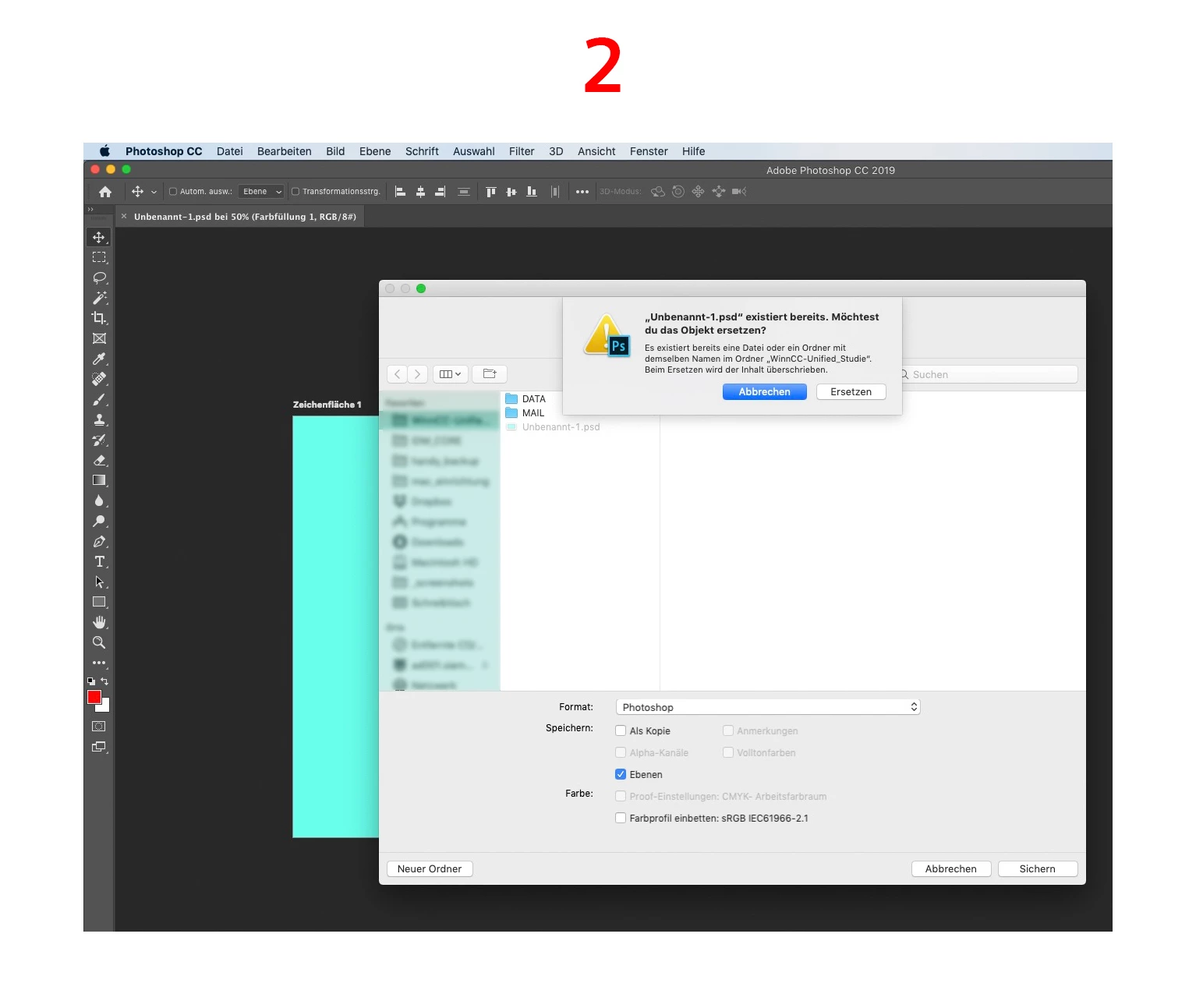
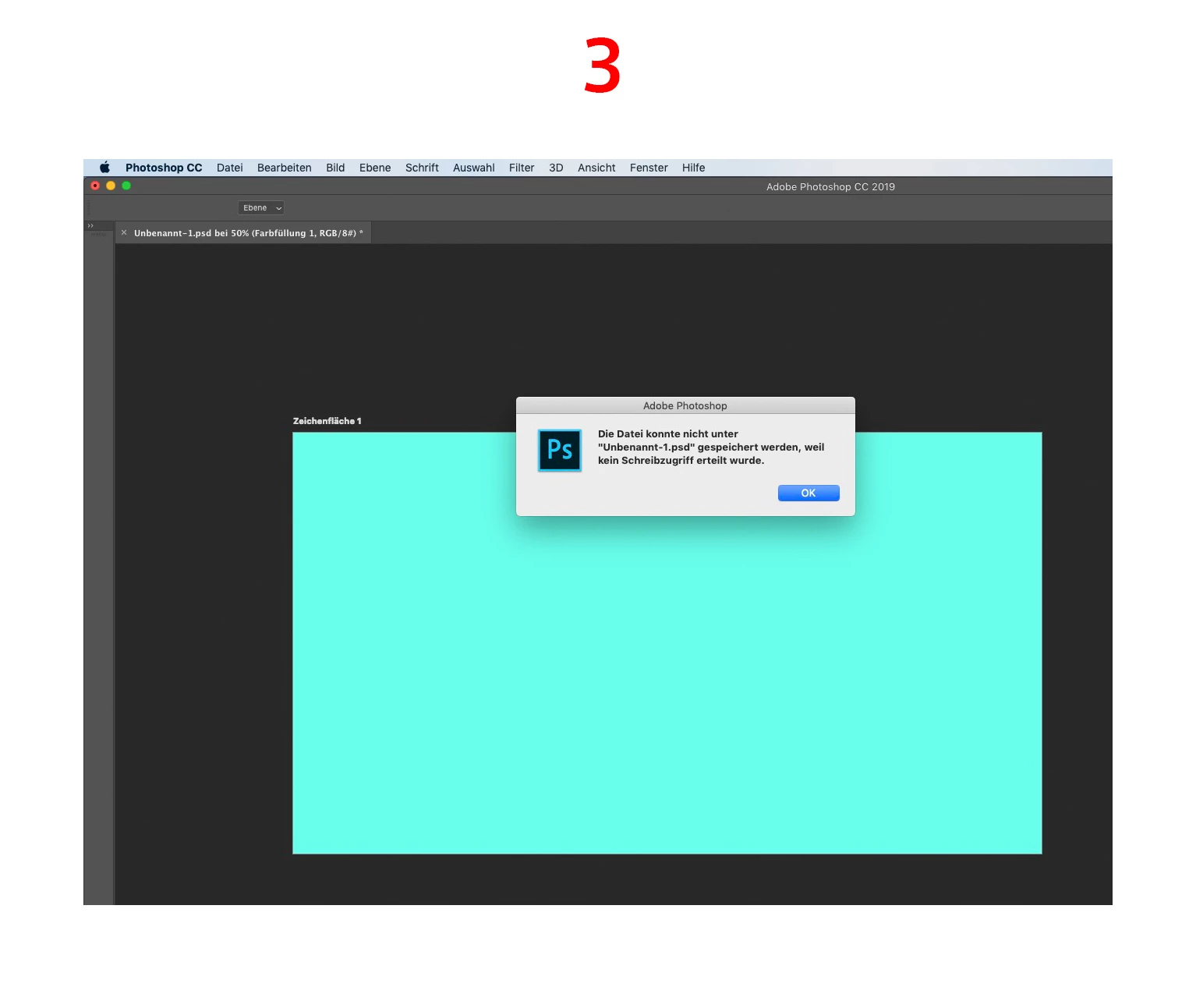
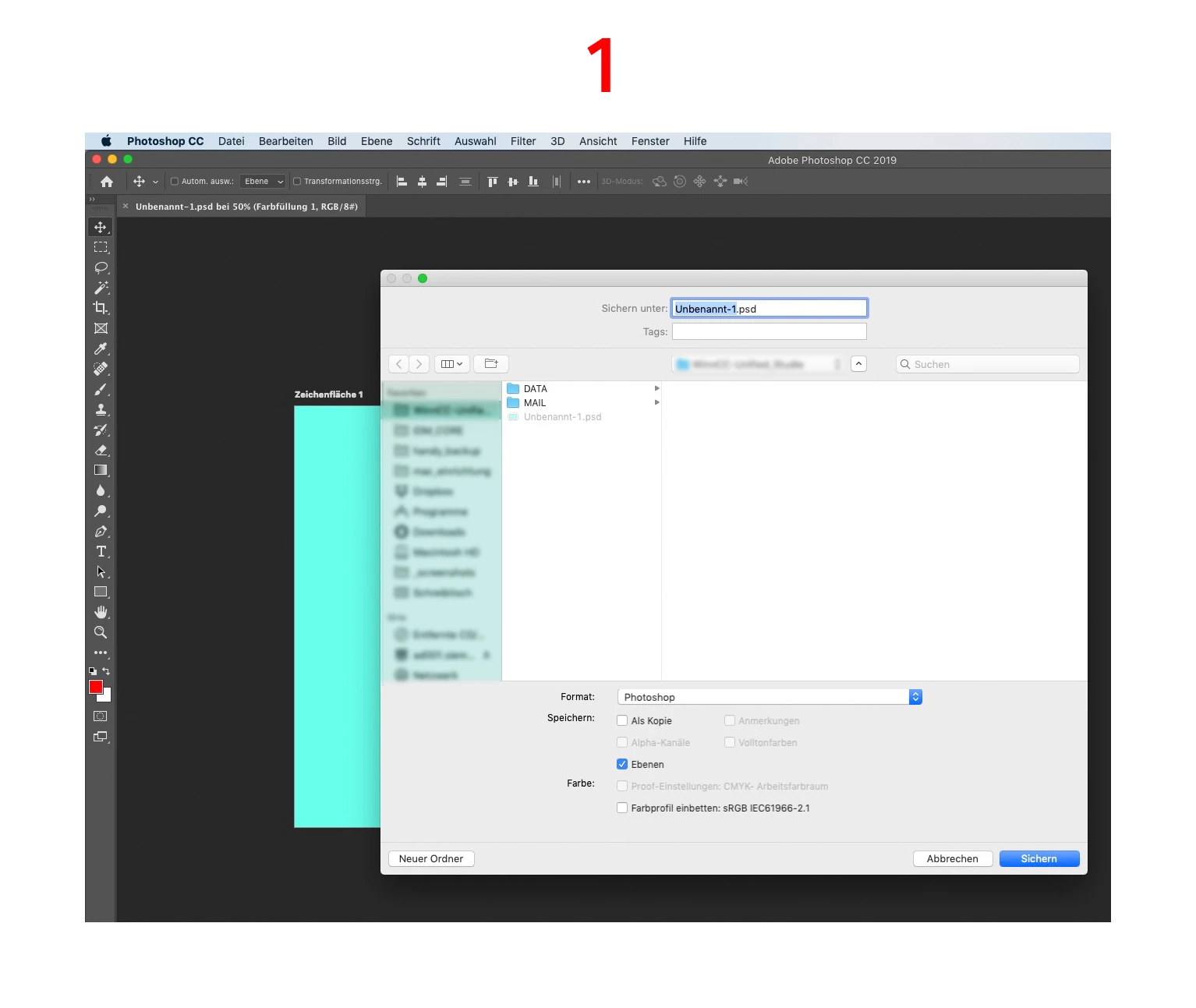
we encountered a server saving problem while using Adobe Photoshop:

You can save a file on the server, but you are not allowed to overwrite the file.

We in our team have all that same problem. It appears only in Photoshop, not in InDesign or Illustrator.

Does anybody know help or had a similar problem so far?

For more details, please have a look at the attached screenshots.

PLEASE NOTE: It is NOT that known issue, that the file is currently marked by the mouse and you cannot overwrite because the file is "currently in use". That is not the problem here!!

Thanks for your help!
This topic has been closed for replies.

3 replies

D Fosse
Community Expert
Community Expert
August 19, 2019

I know it's not what you want to hear, but working directly over a server is just bad practice on every possible level. Work locally, then copy over. Working over a server is not supported by Adobe, it never has been, and it is explicitly and officially warned against.

Network configurations are all over the map and there's no way for Adobe to have any control over that.

August 19, 2019

I agree, when we are coding in company where I work we always work on desktop then upload. Same with grahpic designers

Bob_Hallam
Legend
August 19, 2019

I have to make some assumptions here.  Assuming PS CC 2019 on a Mac.  PC server.

This has checked out as a server issue.  If your connecting to a PC server and are using a Mac Computer.  The reason it's not showing up in other file types is because it's the software running on the server to make the Mac saves compatible.  Try a smb connection to the server.  Also try a restart of the Mac. 

ICC programmer and developer, Photographer, artist and color management expert, Print standards and process expert.
Participant
August 19, 2019

Hello Bob_Hallam,

thanks for your reply!

restart doesn't help. And we are already working with an smb connection. :-(

davescm
Community Expert
Community Expert
August 19, 2019

Hi

Unfortunately Adobe only supports Photoshop on local disks. See attached, for some troubleshooting steps but i'm not sure they will address your issue:

Troubleshoot issues with networks, removable media in Photoshop

Dave

Participant
August 19, 2019

Hello davescm,

thank you for your reply!

Unfortunately these troubleshooting steps are not helping...

The recommendation on this page: "...Technical Support strongly recommends working in Photoshop directly on the local hard disk..." is really no option and not contemporary. We totally need to work on the server...

I hope somebody can help to fix that issue.

Thank you all very much!

davescm
Community Expert
Community Expert
August 19, 2019

Adobe's official advice may be 'no option or not contemporary' but it is written by the people who developed the application on the basis that it works. You can choose to ignore it but we do see many cases on the forum of file permission issues and, worse, file corruption when it is ignored.

Good luck.

Dave