Inspiring
January 23, 2017
Question

Set background image to black

  • January 23, 2017
  • 2 replies
  • 784 views

I need a tutorial on how to set the background from this image:
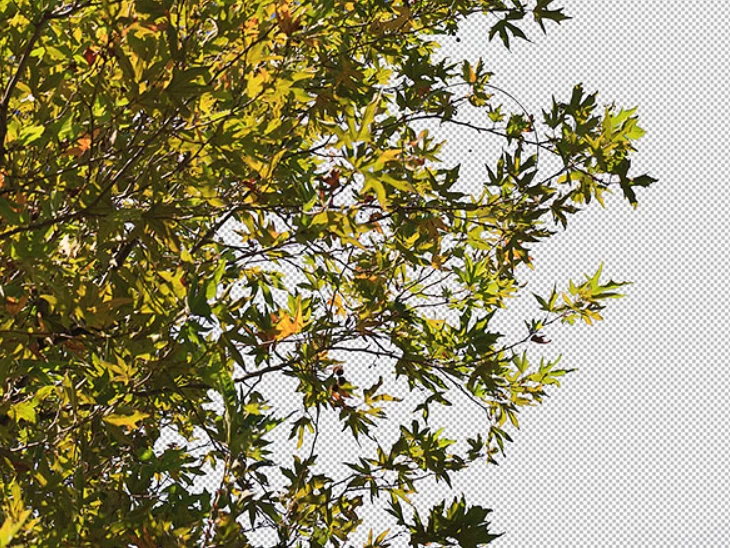
to this:
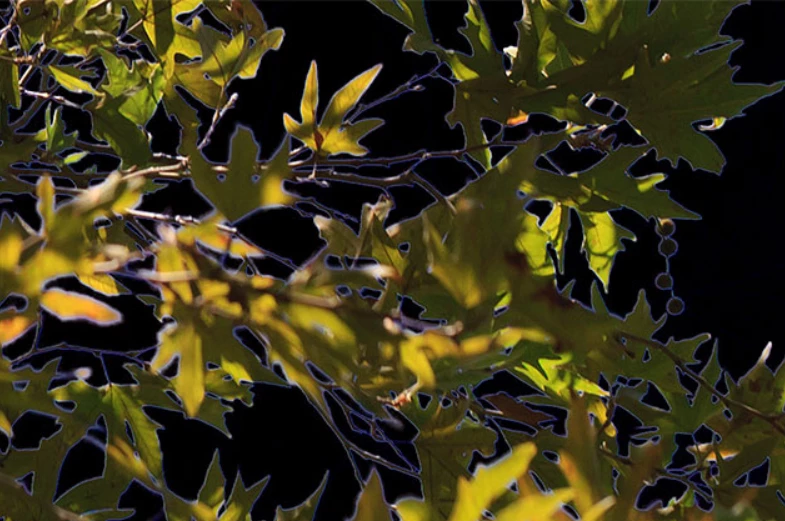
Thanks for looking, Lucie.

This topic has been closed for replies.

2 replies

Inspiring
January 30, 2017

I guess masking is needed for this task. You just need to select the image well and then need to change the background.

davescm
Community Expert
Community Expert
January 23, 2017

Lucie

You have not shown your layers panel but it looks as if you already have the layer with transparency (or with a mask) so we can see the transparency chequered grid.

That being the case, all you need to is go to Layer - New Fill Layer - Solid Colour - then choose black.

If you drag it in the layers panel so that it is underneath your image with transparency - you will get what you want.

Note if the layer with transparency has a lock symbol on it, you will not be able to change its position in the panel. Just click on the lock to remove it.

Dave

Inspiring
January 24, 2017

Hi Dave, I am just learning on how to record my actions. At this point, I clicked on Stop recording:

I opened up new image and highlighted Play in the Actions panel:

The History panel stops at New Color Fill? Feeling dumber by the minute.

Barb Binder
Community Expert
Community Expert
January 24, 2017

We can't see your screen shots, Lucienp. Use the button outlined in orange to add them.

~Barb at Rocky Mountain Training