

Question
Set default field to HEX code in the colour panel
Good afternoon,
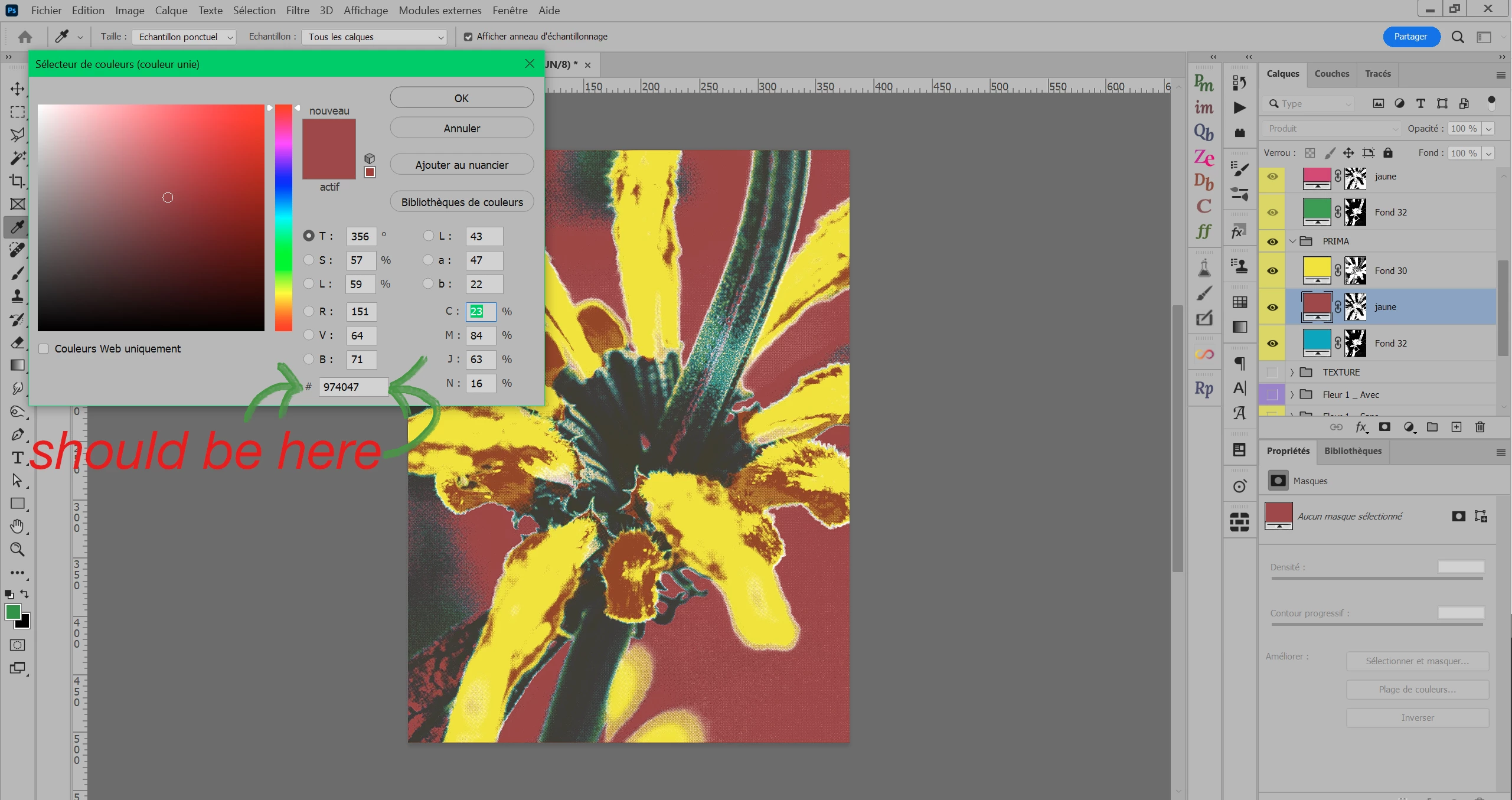
When I open the colour panel of a layer it sets it up by default to the Cyan field.
Who in the world wants to copy the cyan percentage by default?
I'm pretty sure the original setting is the HEX code by default (which is by far the most useful option, allowing to copy/paste colours without tons of clicks as I have to do now).
Do you know how to set it back to HEX by default?
I tried to restart the software, to set it to hex and close the panel, to use tab and close the panel, etc. I don't know how to make it the default field. Thanks.
 AdChoices