Answered
Setting the layer style to color
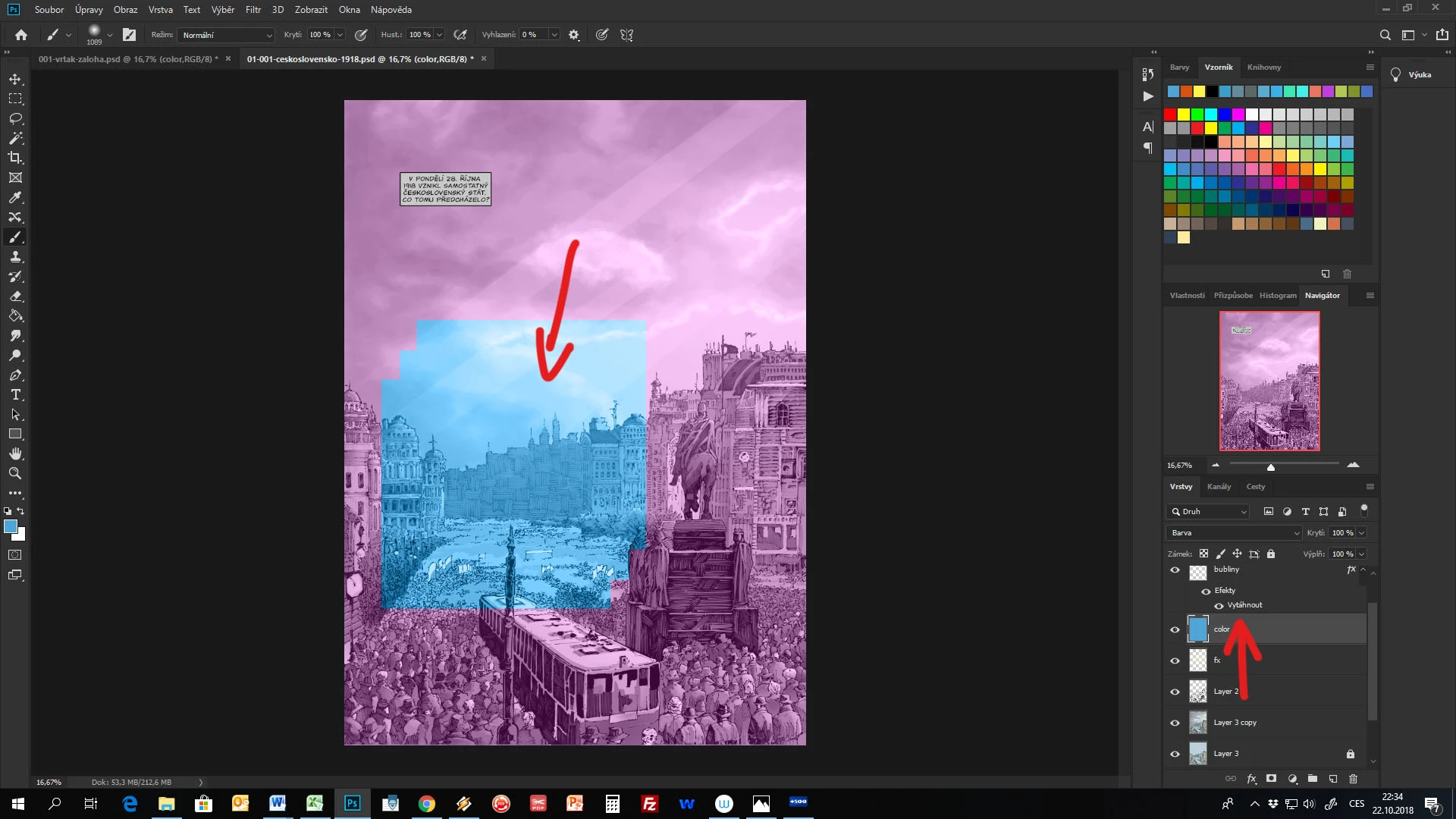
Hello,
can someone please help me? I tried to set a new layer set to color style to get an image a little moody. But if I fill this color layer with a blue (as set in a picture). Photoshop gets another color to fill it (purple in this case). In the red markers you can see my chosen color. And that purple like color is the one photoshop sets it (that blue part on the picture is made by me trying to use a brush on the layer with a color I wanted it to cover it). Could you please help me how to set it to use a color I really want?
Thank you.
 AdChoices