
April 12, 2017
Question

shape dynamics

  • April 12, 2017
  • 3 replies
  • 507 views

i'm trying to attempt this tutorial here: How to Setup a Hair Brush in Photoshop however i notice my brush is still the same after clicking shape dynamics and turning on the pen pressure control

i'm using cs6 + wacom intuos pro
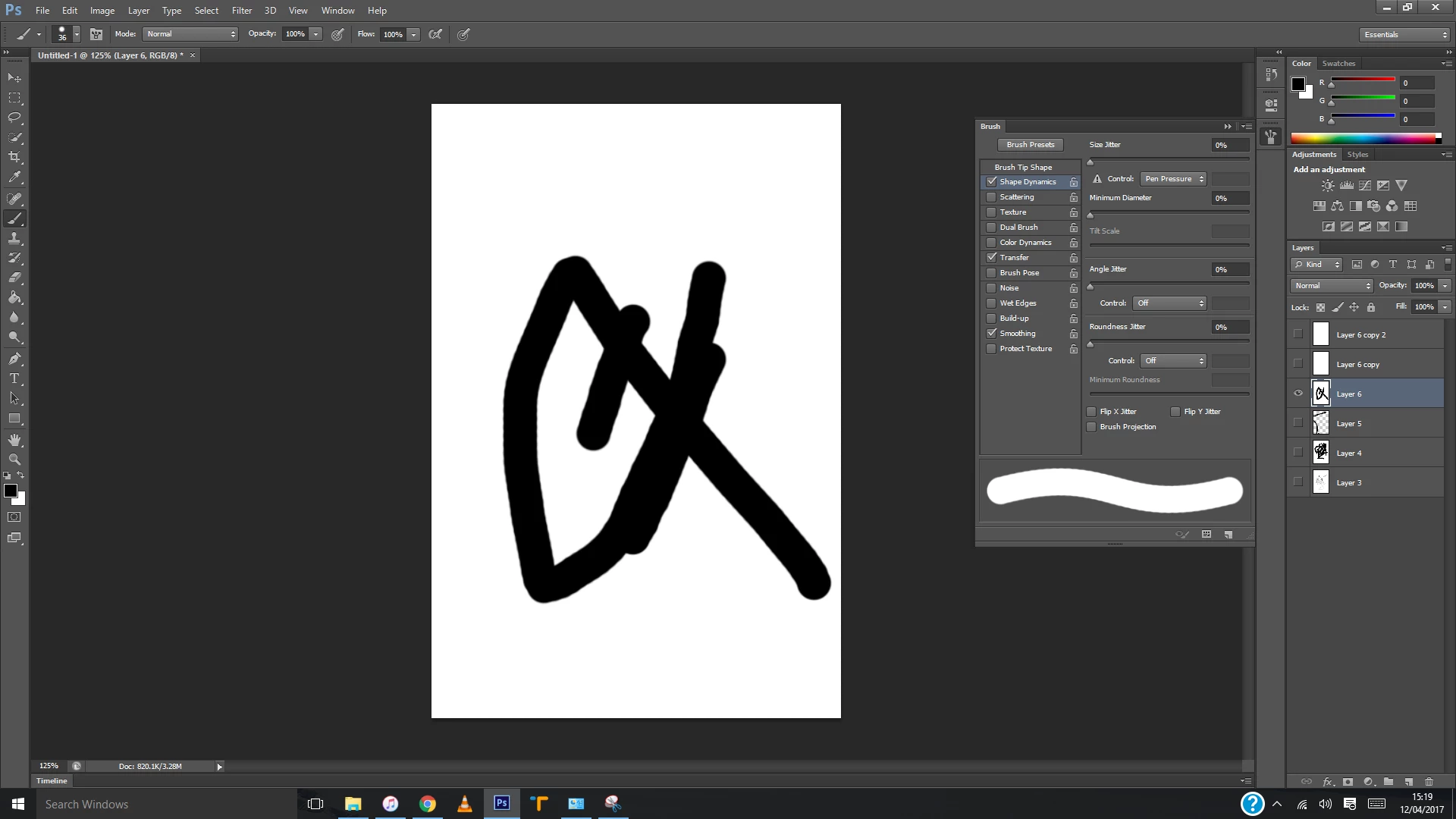
ps sorry if this is something really simple, easy to fix but i have no clue why it isn't working for me

thanks if anyone can help me out!

    This topic has been closed for replies.

    3 replies

    April 12, 2017

    I'm not entirely sure what i did but pressing a few buttons, i managed to get it working thanks again for your help!

    War Unicorn
    Community Expert
    Community Expert
    April 12, 2017

    Windows can be finicky when it comes to graphics tablets. I usually launch Photoshop with my graphics tablet to get pressure sensitivity but sometimes that doesn't work. Sometimes it activates when I switch between Off and Pen Pressure when I have a document active and ready to paint with. Try the former first; it almost always works.

    Akash Sharma
    Legend
    April 12, 2017

    Hi jennifera,

    Please take a look at this discussion Shape dynamics no longer works - where is my tapered brush? and let us know if that helps.

    Regards,

    Akash

    April 12, 2017

    i have tried uninstalling and reinstalling the driver still not working, is there anything else i should be doing?