August 6, 2021
Question

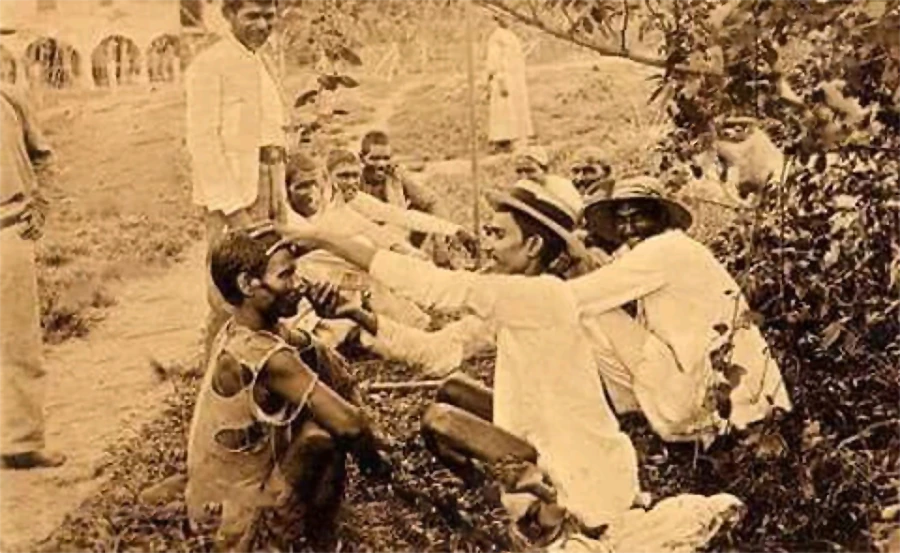
Sharpen Image

  • August 6, 2021
  • 3 replies
  • 300 views


This topic has been closed for replies.

3 replies

didiermazier
Community Expert
Community Expert
August 6, 2021

I would first convert to a smart object and use Neural filter to get rid of JPEG artefacts.

Then I would use smart sharpening.

But such an image will never get much sharper since it is too fuzzy…

You could also check the Photoshop Beta wich comes with Photo Restoration Neural filter

 here are infos about betas… https://helpx.adobe.com/x-productkb/global/creative-cloud-public-beta.html

Jumpenjax
Community Expert
Community Expert
August 6, 2021

First off make a duplicate layer so you have a copy just in case you make a mistake that you can not undo. You can use the sharpen image tool under filters. Also try using the the brighten/contrast tool, which can help to darken the black and highlight the whites. You just need to play around with the tools.
Lee- Graphic Designer, Print Specialist, Photographer
Jumpenjax
Community Expert
Community Expert
August 6, 2021

I found this on YouTube that may help, since there are so many way to sharpen a photo. 😊

https://youtu.be/_tQu4OMlYso

Lee- Graphic Designer, Print Specialist, Photographer
August 6, 2021

How can I improve the quality of this image?