Sharpened preview problem
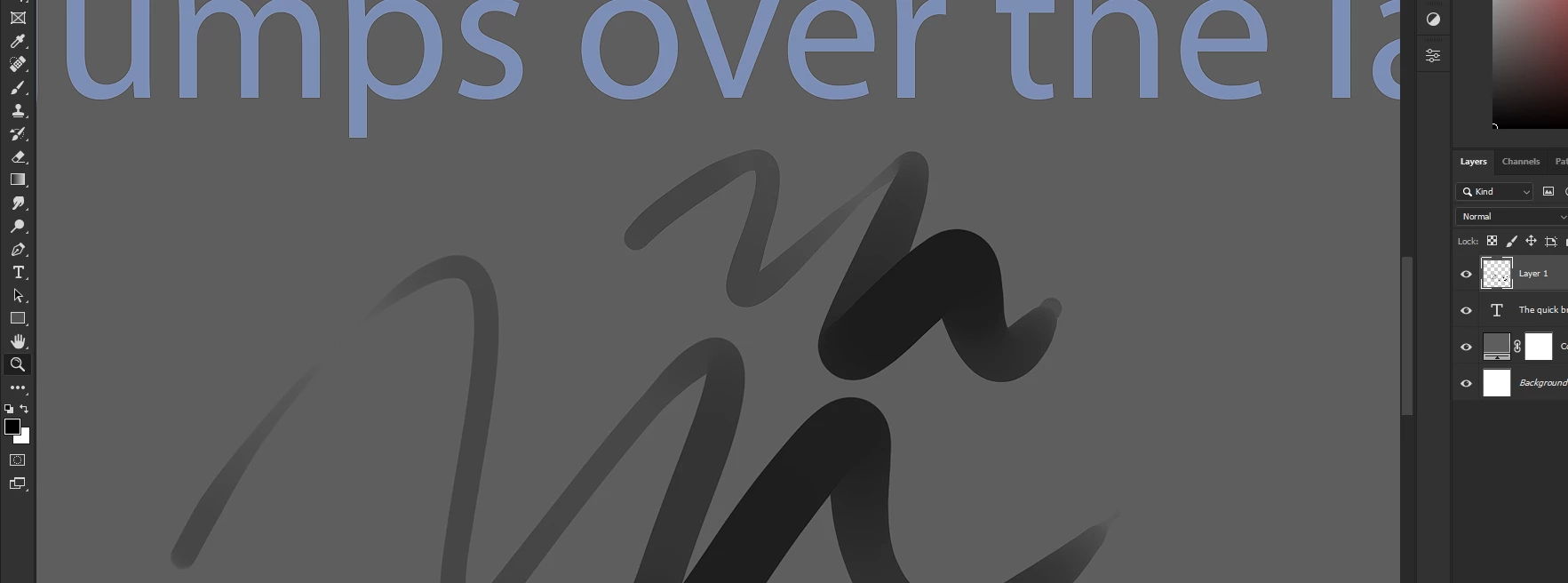
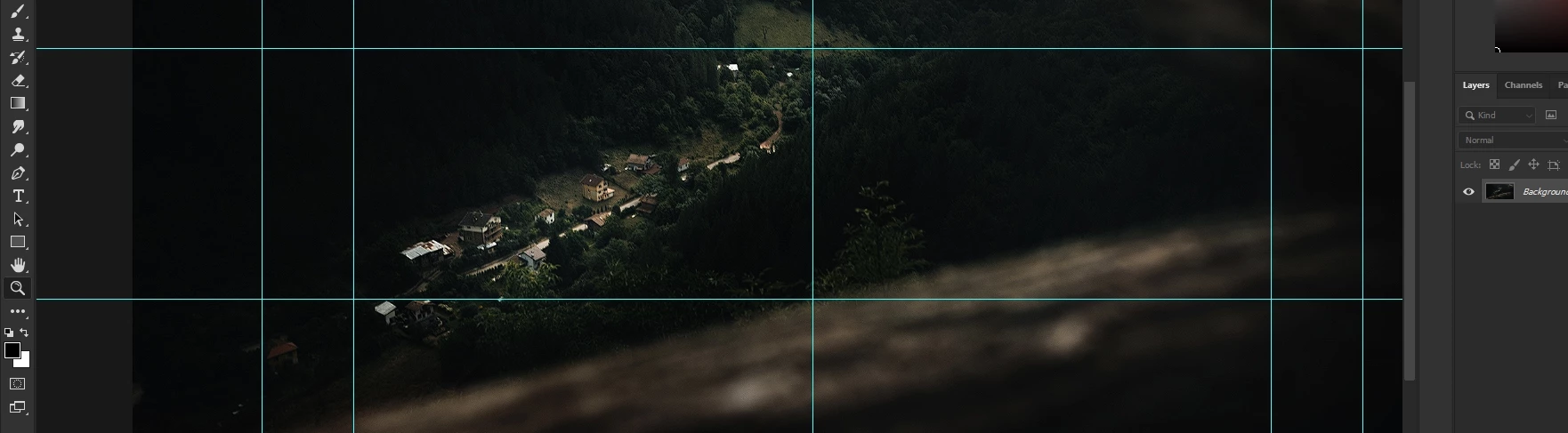
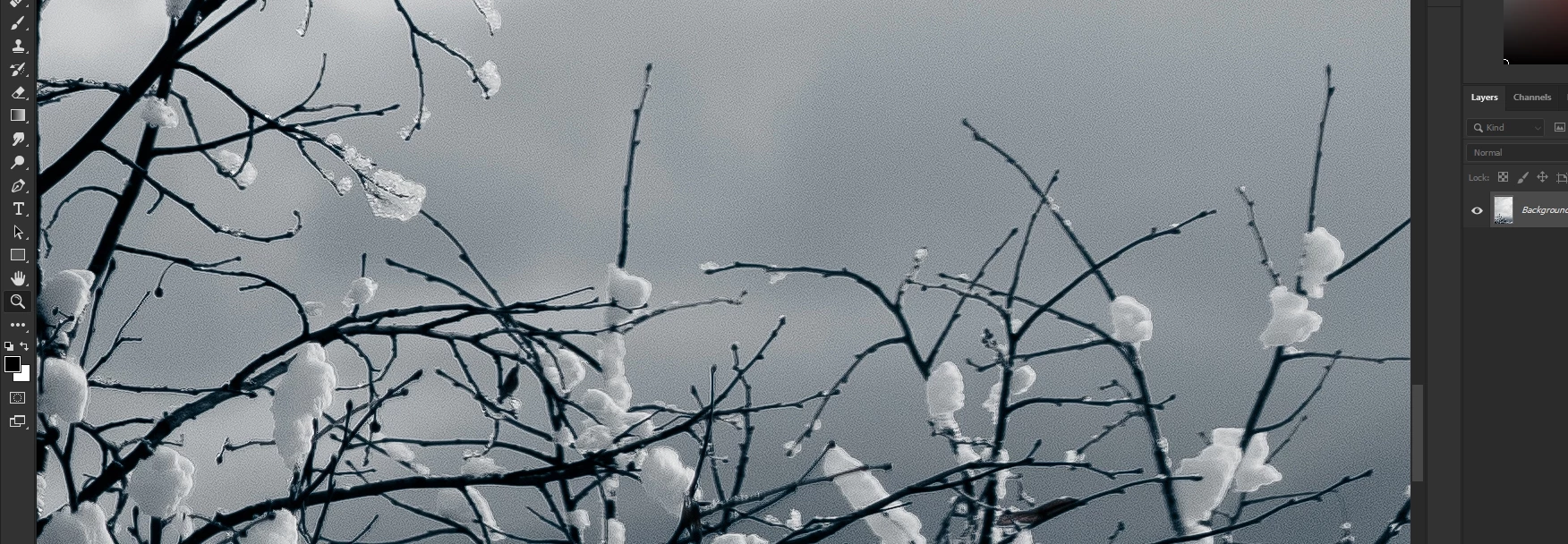
Hello. I've just updated to the new 23.5 ver. and the first thing I've noticed is the big problem in the preview. No matter what is on the canvas (text, brush, photo...) the preview is extra sharpened. That's the best way I can describe it. I hope you can see in the screenshots what I mean.
However, when I export the file into a PNG for example - everything is just fine and it's not extra sharpened or whatever. I didn't touch any setting and I couldn't find a solution on Preferences, but the issue might be there.
(I'm on Windows 11, using RX 5600 XT 6GB, Ryzen 5 3600X 3.8Ghz)
The issue also happens when I open RAW photos into Camera Raw. They are dramatically sharped, even if the sliders of sharpness are set to zero.
This is a big problem for me and I'll be thankful if someone knows why is this issue and how to fix it. I can't find any solution to this.
 AdChoices