Participant
December 21, 2020
Question

Short cut for action-F2 button

  • December 21, 2020
  • 2 replies
  • 1442 views

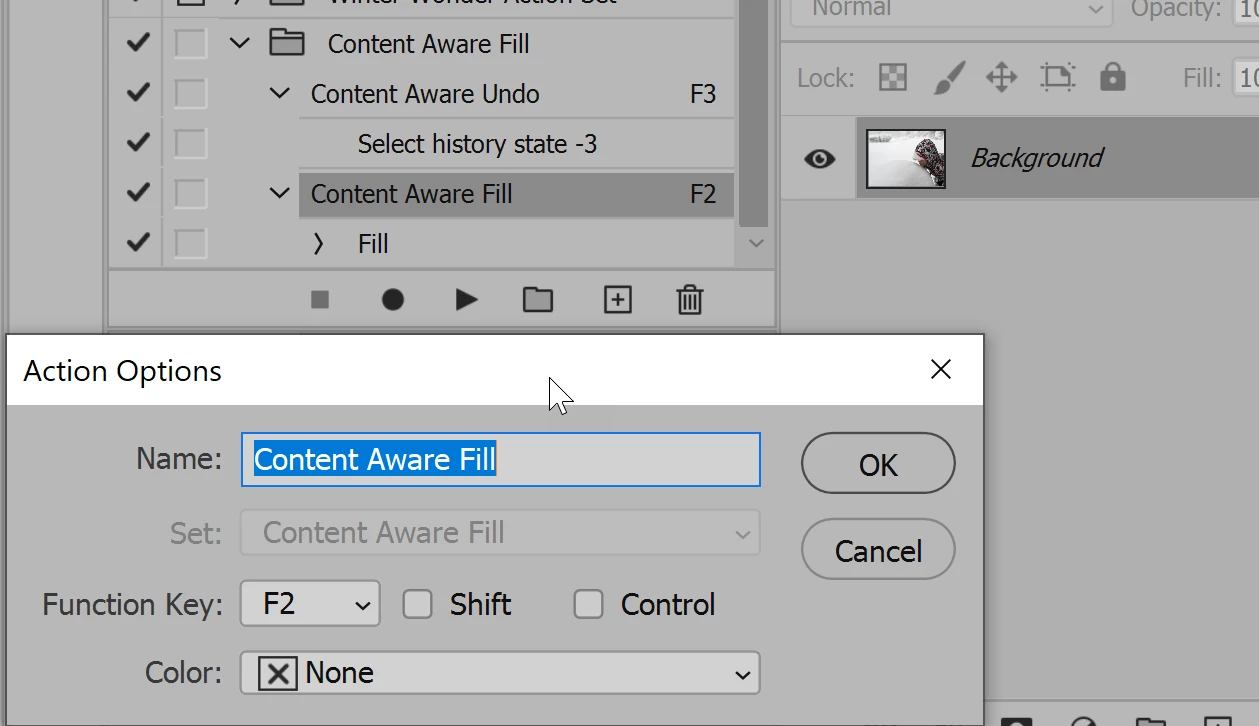
Hello, I would like to be able to run an action by pressing ONLY the F2 button. I currently have to press Fn+F2. Currently if I press the F2 button it decreases system volume. I am a Windows user running PS 2021. Any advise would be appreciated.

.
 

This topic has been closed for replies.

2 replies

War Unicorn
Community Expert
Community Expert
December 21, 2020

Adding to what Jane said, if you're using a Logitech keyboard, I believe their SetPoint software allows you to do what you want:


https://www.logitech.com/en-us/articles/11650

(Link for SetPoint is at bottom.)

jane-e
Community Expert
Community Expert
December 21, 2020


Hi @jen15A8 ,


You need to change this behavior in your Windows operating system, not in Photoshop. You need to toggle the default function for the keys to be standard function keys and to use the fn key for brightness, volume, etc. This is one of the first things I do on a new Mac, but I'm finding conflicting information as to how to do this on Windows. Here are a couple of sites, or you can Google [ toggle function keys windows ].


~ Jane

jen15A8Author
Participant
December 22, 2020

Thank you Jane! The second link solved my issue. I activated the Fn lock by hitting the Fn+Esc/FNlock buttons!

jane-e
Community Expert
Community Expert
December 22, 2020

You're welcome, Jen, and I'm glad it's working for you now! 😊

~ Jane