Participant
June 27, 2017
Answered

Shortcuts disappeared so Photoshop told me to reinstall.

  • June 27, 2017
  • 1 reply
  • 384 views

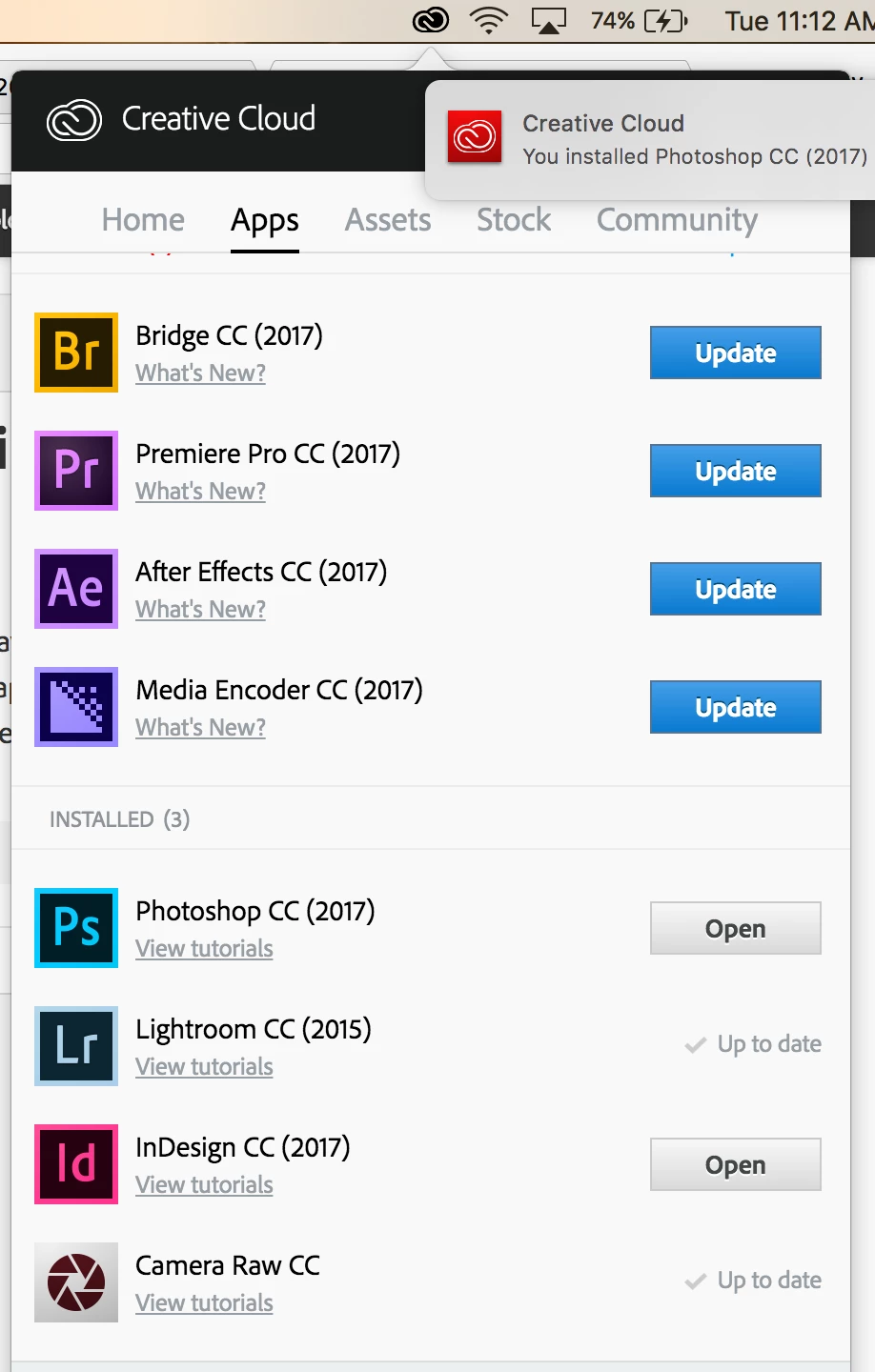
Hello, so I was editing on photoshop the other day and my editing shortcuts DISAPPEARED! Photoshop gave me a not that said to reinstall so I tried it this morning. My computer tells me it downloaded but not showing up in my applications and in the Creative Cloud Dropdown, seconds later it shows that it still needs to be installed (images attached). What is going on and can someone help?
    This topic has been closed for replies.
    Correct answer Mohit Goyal

    Hi grace.lynn,

    If you click on the Open option right next to the Adobe Photoshop CC, what does it do for you?

    Sign-out and sign-in from the Creative Cloud desktop app and check if that helps.

    Regards,

    Mohit

    1 reply

    Mohit Goyal
    Community Manager
    Mohit GoyalCommunity ManagerCorrect answer
    Community Manager
    July 5, 2017

    Hi grace.lynn,

    If you click on the Open option right next to the Adobe Photoshop CC, what does it do for you?

    Sign-out and sign-in from the Creative Cloud desktop app and check if that helps.

    Regards,

    Mohit