Simulate rendering on colored paper without using soft proofing
Hi,
I consider printing an image on a dark colored paper (actually the final goal is to make a transfer on dark T-shirt, which is nearly the same). I don't have the ICC color profile of the paper, and I don't have software such as InDesign.
I would like to simulate what my image would look like. In particular, I'd like to see how the light colors will be affected. Obviously, my printer does not have white ink.
I have read somewhere that one just needs to add a colored background behind the layer, and use the "multiply" blend mode on the layer; this is not correct.
I found a method, but it is very complex, so maybe an advanced photoshop user can help me there. Here it is:
1) Create a black-and-white mask showing the colors that are not CYMK
- copy-paste each color channel (C, Y, M, K) into a new separate layer
- blend the 4 new layers using the multiply option
- merge these 4 layers
- invert the merged layer after converting the image to greyscale (otherwise black does not become white, and vice-versa; does someone know how to do this otherwise?)
- copy the merged layer: it is now a mask of the colors that are not CYMK (black = white in this mask)
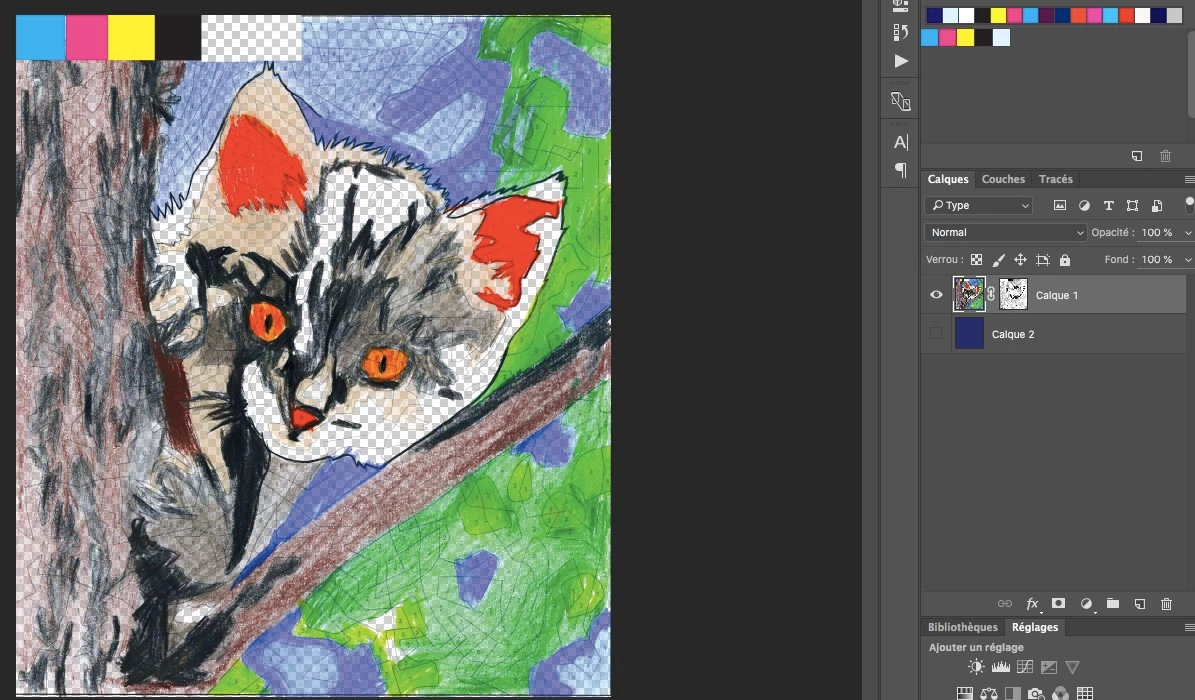
2) Create a transparency mask
- Open the original image
- Select Layer->Layer mask->Transparency
- In the layers tab, click on the linked mask (it should be a white rectangle right next to the previe rectangle of the layer)
- Go to the channels tab
- A new channel has appeared: select it, and paste the black-and-white mask here
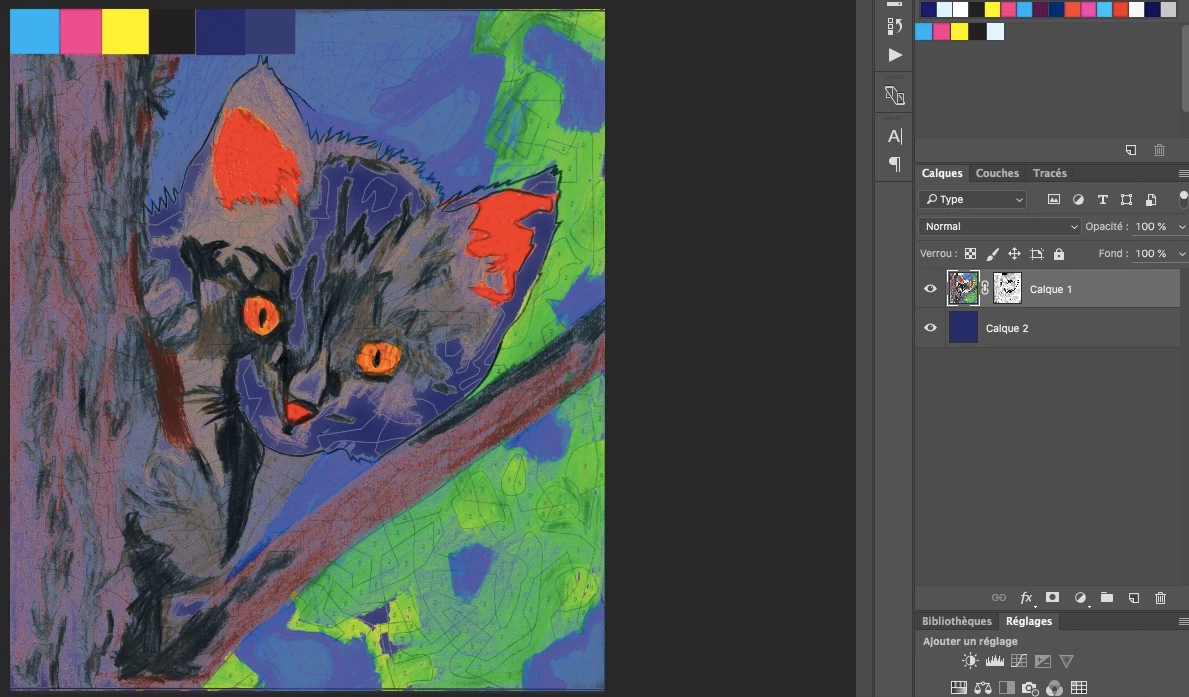
3) Create the background
- Add a background (or a layer behind the main layer)
- Paint it with the color of the paper (blue, for instance)
- Voila !
Is there a simpler way to do this?
Tx!!!
Of course, the simulation does not simulate ink transparency (it assumes that Yellow is 100% opaque), so the printed image may be even darker.
 AdChoices