Answered
Single Row/Column Marquee issue
When I select the row or column tools the option to change selection width or heigth is grayed out, meaning I can't select anyhting wider or taller than 1 px. 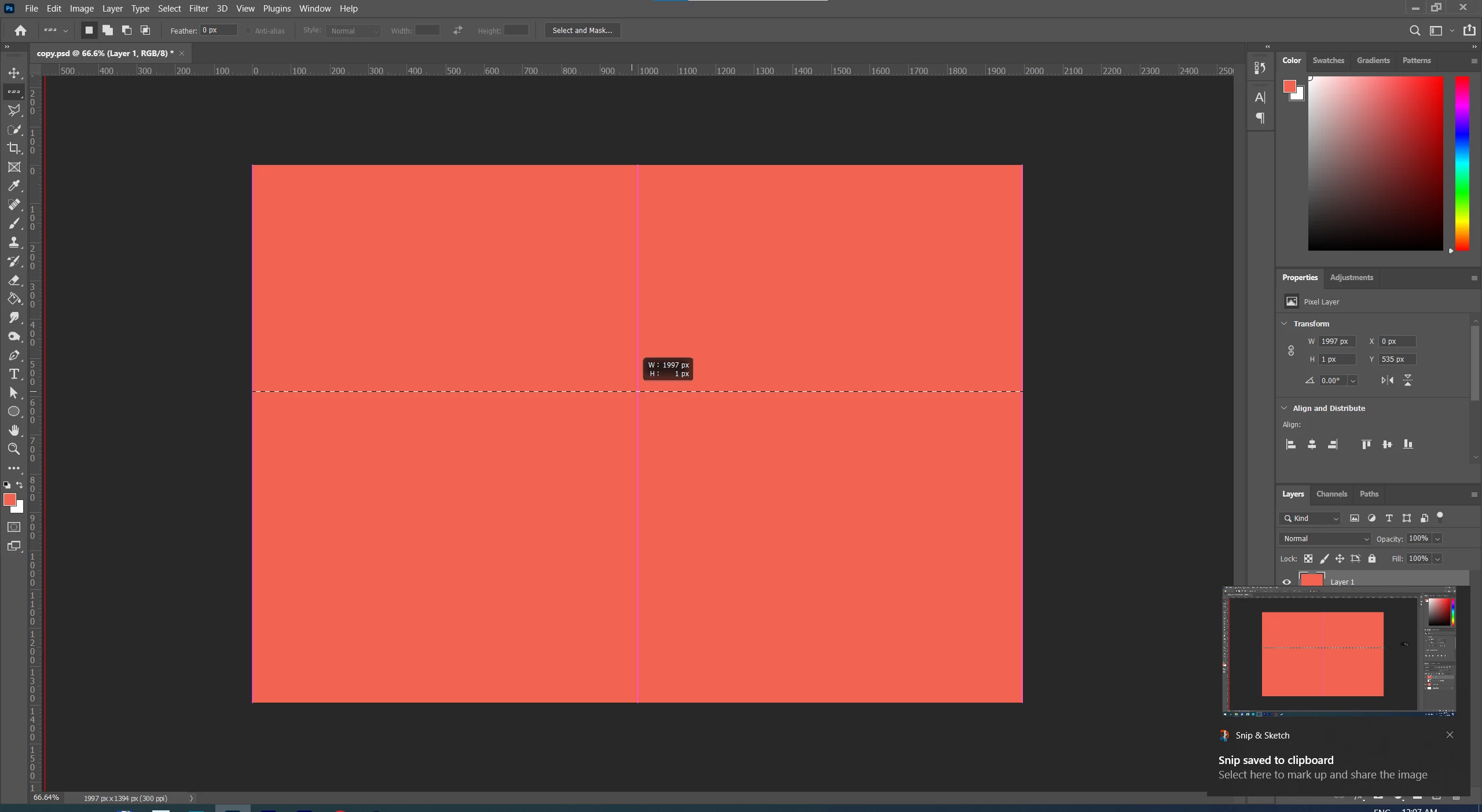
When I select the row or column tools the option to change selection width or heigth is grayed out, meaning I can't select anyhting wider or taller than 1 px.
Yes that's as intended, not a bug, since Single Row means just a single row of pixels.
(you can change the width or height after drawing out the single row by going to Select>Transform Selection)
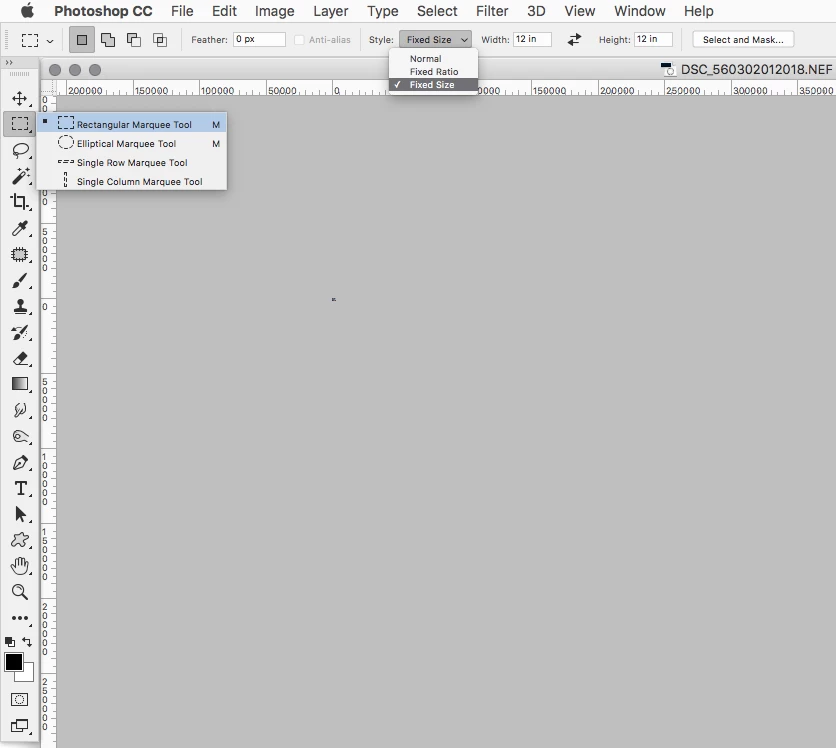
Using the Rectangular Marquee Tool gives one the option to change size.
(the Rectangular Marquee Tool is in the same tool slot as the Single Row Marquee Tool.
Just click and hold on the Single Row icon in the Toolbox to see the other options)
https://helpx.adobe.com/photoshop/using/selecting-marquee-tools.html
Already have an account? Login
Enter your E-mail address. We'll send you an e-mail with instructions to reset your password.
 AdChoices