Gareth_Williams
Inspiring
December 19, 2016
Answered

Size Layer or Selection to Document Boundaries?

  • December 19, 2016
  • 1 reply
  • 1067 views

Hi everyone, I have googled this but not found any answer. I am making a favicon in a 250x250 px document (later it will be resized to 16px) I want the logo to fit the whole document. At the moment the only way I can do it is to place the logo in the middle (align horizontal and align vertical) and then scale it manually with edit/transform/scale. I have to do it by eye and get it near the edges but it’s not exact.

Can you select the layer (content of a layer) and make it scale to fit within the document automatically? or fit within a selection? Either would be helpful. Thanks for your help.
    This topic has been closed for replies.
    Correct answer davescm

    Thanks Dave,

    Snap to document boundaries is checked but it doesn’t seem to do anything. Well, it doesn’t seem to do anything when scaling something anyway. Convert to shape has made it look rubbish (as you alluded to in your post) and given it a crap looking grey stroke, it’s even worse in my case because my effect (in the styles pallet) had a nice bright stroke and drop shadow which is completely ruined when converting to shape.


    Hi Gareth

    You may want to look at your settings. Convert to shape shouldn't stroke it gray - the difference is small.

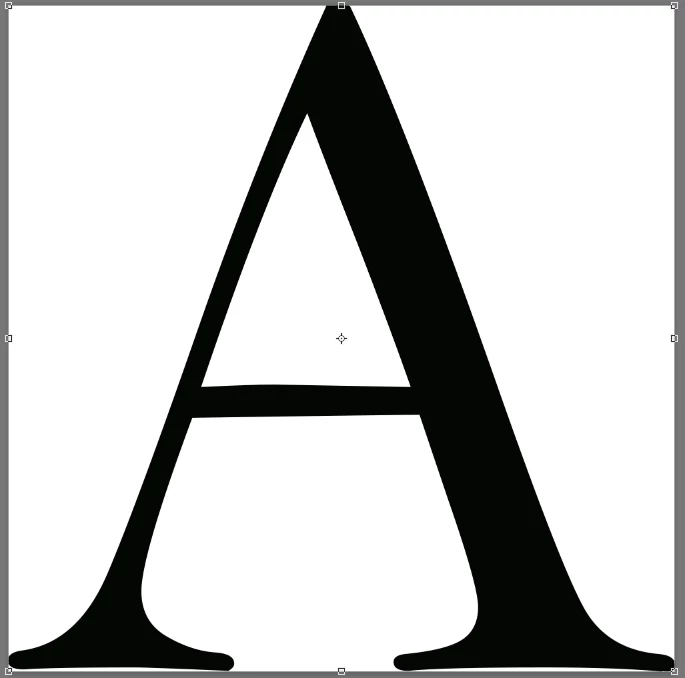
    Letter A

    Type layer scaled

    Convert to shape and scaled

    You can apply layer styles to the shape layer if you want to

    Dave

    1 reply

    gener7
    Community Expert
    Community Expert
    December 19, 2016

    In the Free Transform Option at the top, you can define the X and Y dimensions of your logo in any unit.

    There is a link between X and Y to maintain perspective, but you can uncheck that.

    So if you know the Canvas size, just set X and Y to match it. Default is in percent, but you can specify 3 in or 300 px.

    Gene

    Gareth_Williams
    Inspiring
    December 20, 2016

    Thanks Gene, that works. I can put the dimension of the document in px as the longest dimension of the thing I'm scaling and check maintain perspective and it fits to the edge of the document without distorting the shape. Job done!