
Answered
Sky replacement
Hi,
I tried the new sky replacement feature, but when I use the tool: move the sky...It moves the mask too like the screenshot. Did I miss something?
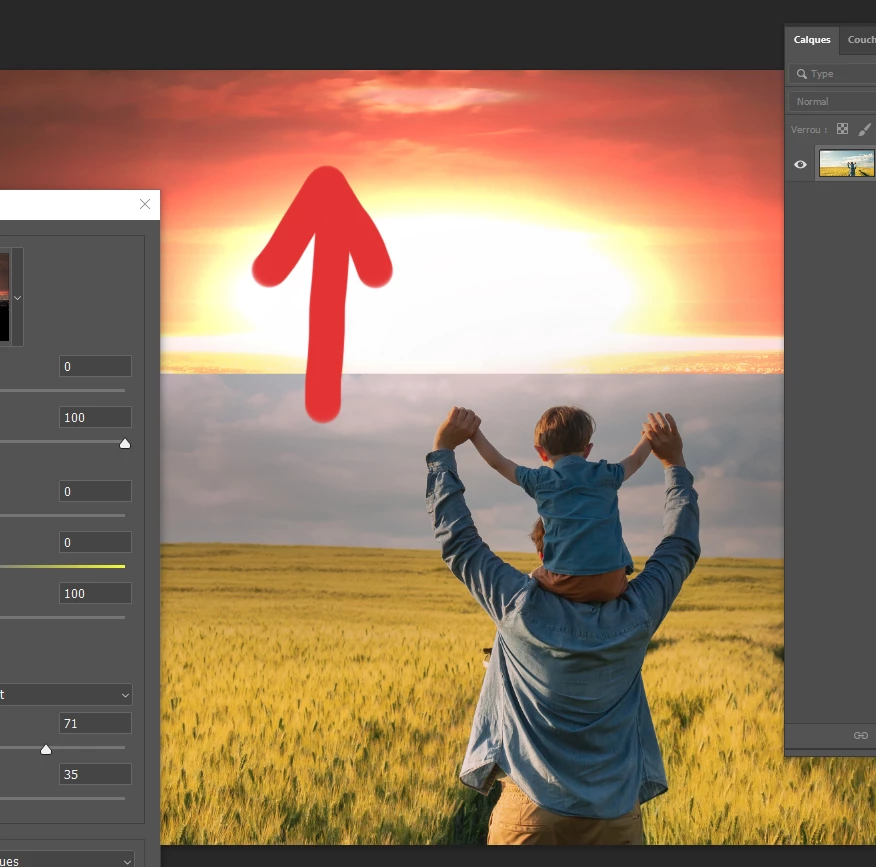
Hi,
I tried the new sky replacement feature, but when I use the tool: move the sky...It moves the mask too like the screenshot. Did I miss something?
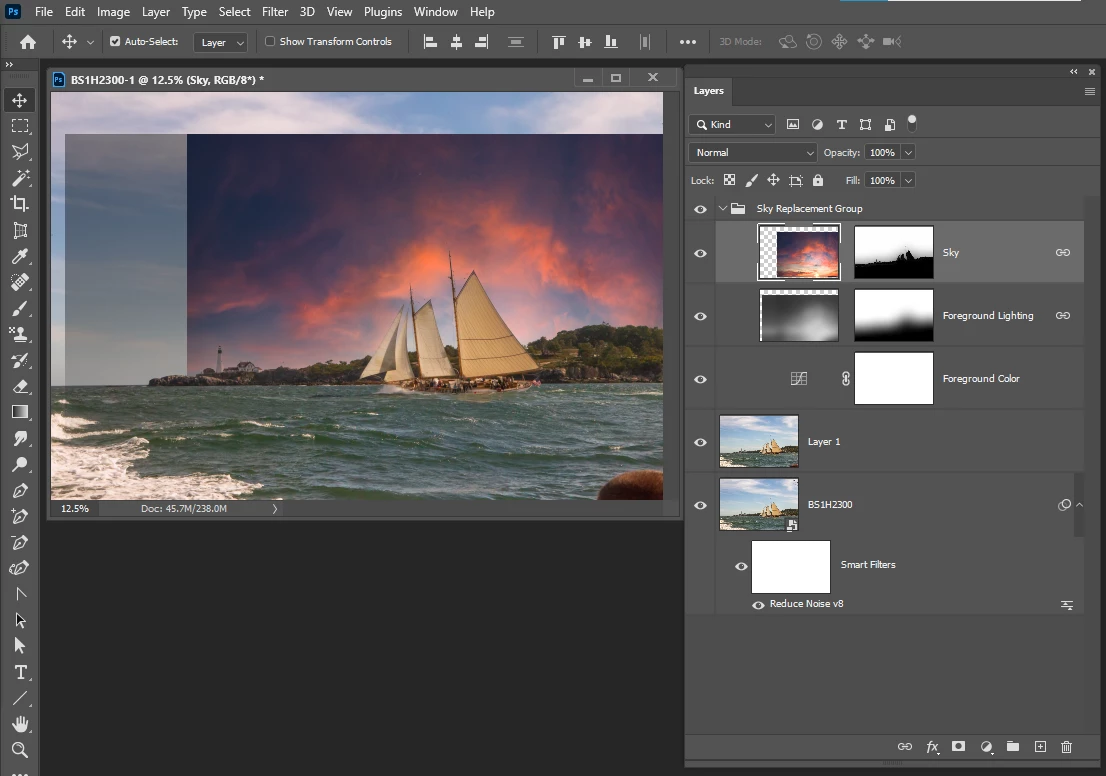
You can move the sky layer content by targeting in in the layers palett and move the sky with the move tool after yo ucommit the sky replacement. You can not movet it while activlet changing the sky with the replace sky tool. Ther eyou can only flip the sky.
Already have an account? Login
Enter your E-mail address. We'll send you an e-mail with instructions to reset your password.
 AdChoices