
Question
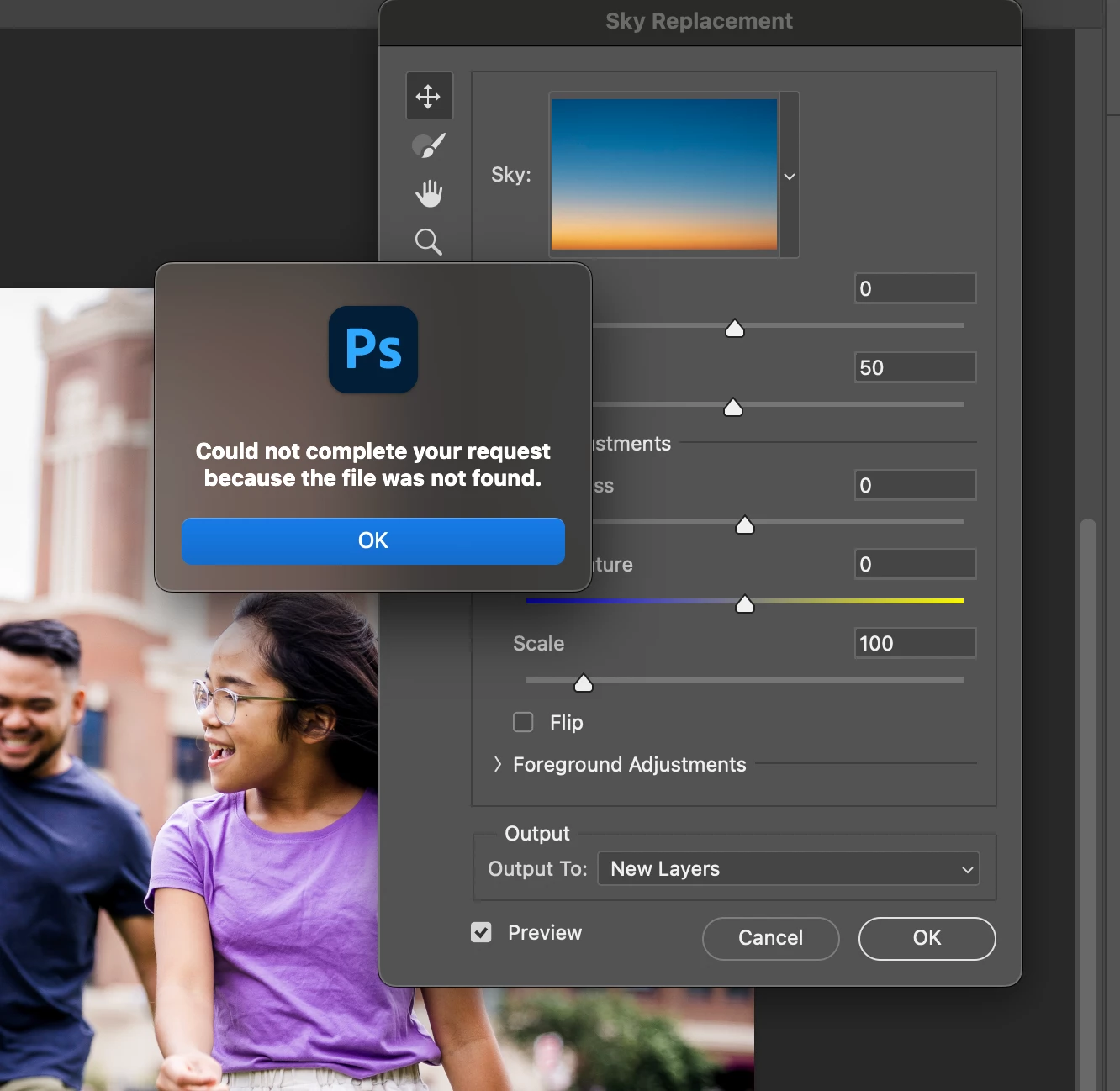
Sky Replacement - "Could not complete your request because the file was not found."
I'm running Photoshop 25.5.1 on a Macbook pro max m3. I'm getting this dialog every time I open the the Sky replacement tool "Could not complete your request because the file was not found." I've tried all the following of which I've seen in other forums. Nothing seems to work.
- I've uninstalled and reinstalled photoshop
- Reset preferences in settings
- Tried deleting all the default skies in the cog of the sky image dropdown
 AdChoices