
June 6, 2017
Question

Smart filter not transposing across smart objects

  • June 6, 2017
  • 1 reply
  • 524 views

Hello,

I work with three files to compose a template:

  1. A JPG picture file (which gets changed)
  2. One PSD where I apply basic transformations to the JPG (1) as a smart object, such as masking and smart filters.
  3. One final PSD template where I include the first PSD as a linked object (2.)

The problem is that the final document (3.) does not reflect the smart filter applied in the “intermediate” PSD (2.) although it takes into account the masking.

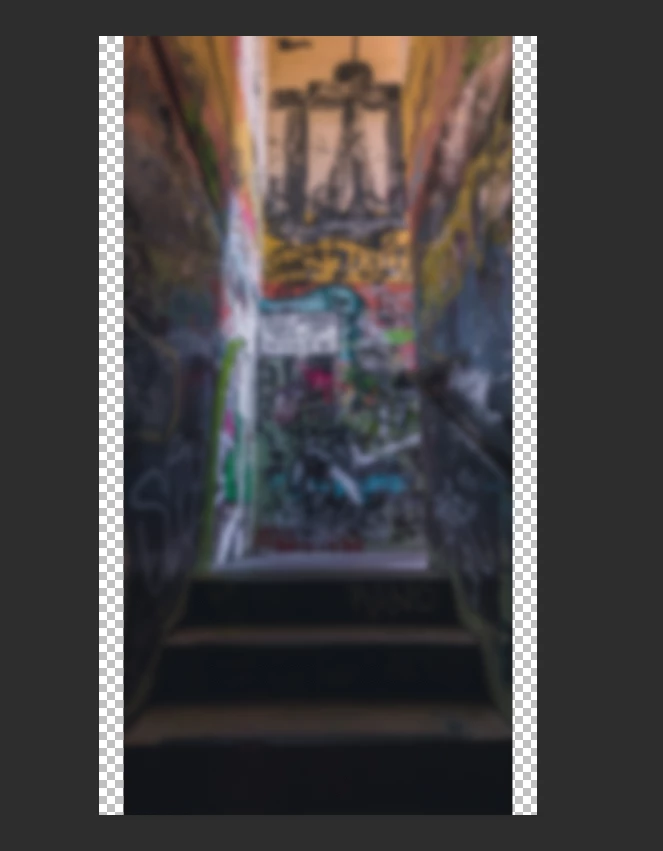
First PSD (2.) :
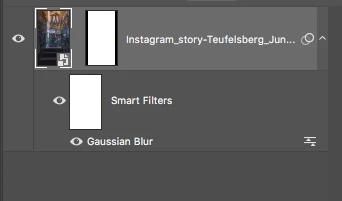
The Blur is present as well as the masking:
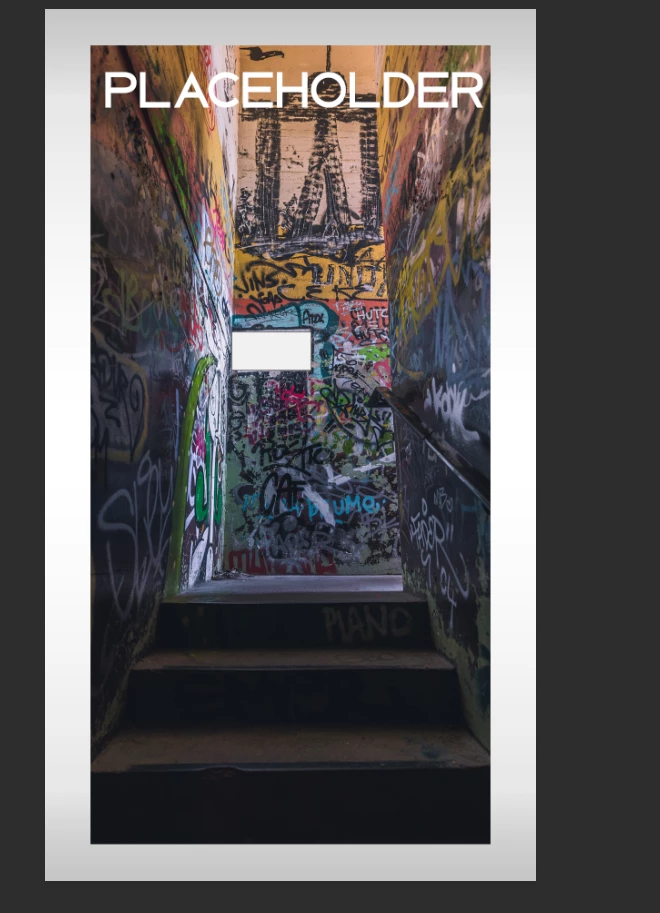
Final PSD:
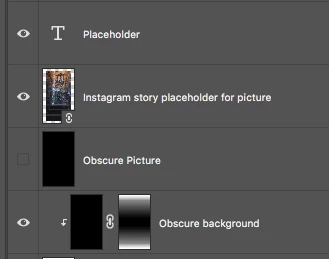
The masking from the smart object is present but not the gaussian blur smart filter:
Thanks for the help!

This topic has been closed for replies.

1 reply

June 6, 2017

PS: the reason I want to apply to gaussian blur through a smart object is to get sharp edges in the final document

PSS: I tried to rasterize the layer in 2. and it works, but I want to use a smart object because the original JPEG (1.) will be changed on a regular basis.

JJMack
Community Expert
Community Expert
June 7, 2017

Is the smart object layer your first PSD the Placed Jpeg file  and you open that PSD 1 an replace the smart object layer content with some other jpeg the same size and resolution.  Is the something in place that will  to open the second PSD 2  when PSD 1 is saved with the replaced object for Photoshop to see that the documents link smart object PSD 1  has change to have Photoshop update the smart object layer. If Photoshop update the smart object object  PSD 1 how can the layer not be like PSD 1 that has the replaced jpeg and the smart blur.  How can the layer have the replaced image and not the blur.  The only way I can think of is some how when you replace the image in PSD 1 you turned off the visibility of the smart blur filter.  Check PSD1 see if it is currently blured or not.

JJMack
June 7, 2017

Thanks.

I can do anything else on the first picture it gets transposed to the final file, except smart filters. I found a workaround by duplicating the smart object in the first document and rasterizing it, but it drives me crazy that the smart filter won't transpose!