

Question
Smart Filter on video (smart object) keeps untoggling itself
I don't know why this is happening because it normally works fine.
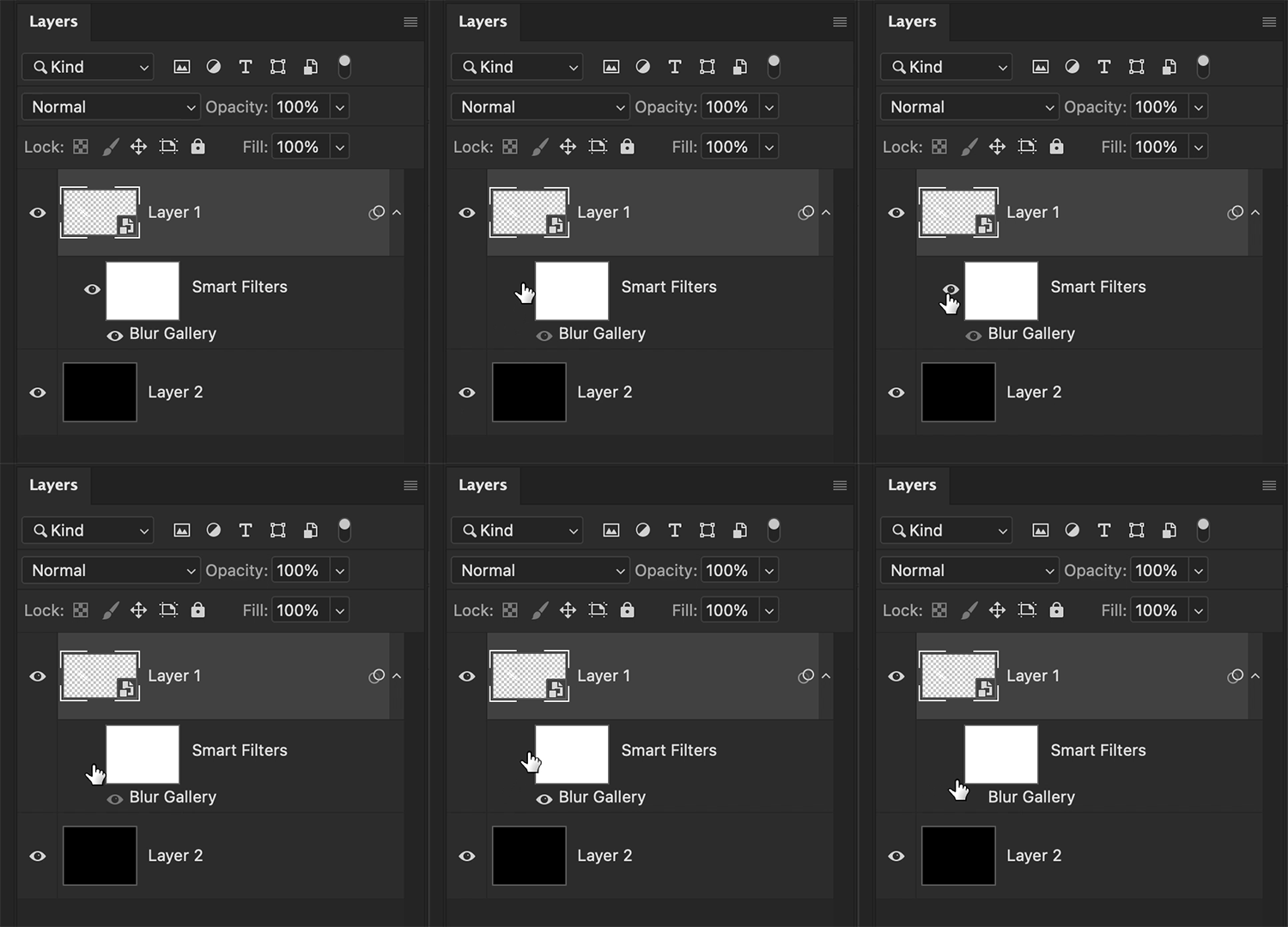
I have a smart object that's a short video clip and wanted to add a smart blur. I noticed when i rendered the video that the blur wasn't applied - and then I skipped through the timeline and saw that the smart filter keeps untoggling itself with each new frame. It looks like a glitch.
I can't even manually turn it on, the eye button just does what it wants when I click, and the preview isn't in line with the visibility setting either.
Not sure if the gif makes it clear though...I don't really know where the problem lies.
 AdChoices