
Known Participant
May 12, 2022
Question

smart object, color correction, inexplicable behavior!

  • May 12, 2022
  • 3 replies
  • 607 views

Hi there,

I am trying to figuring out what is happening with photos that we gave in outsource:
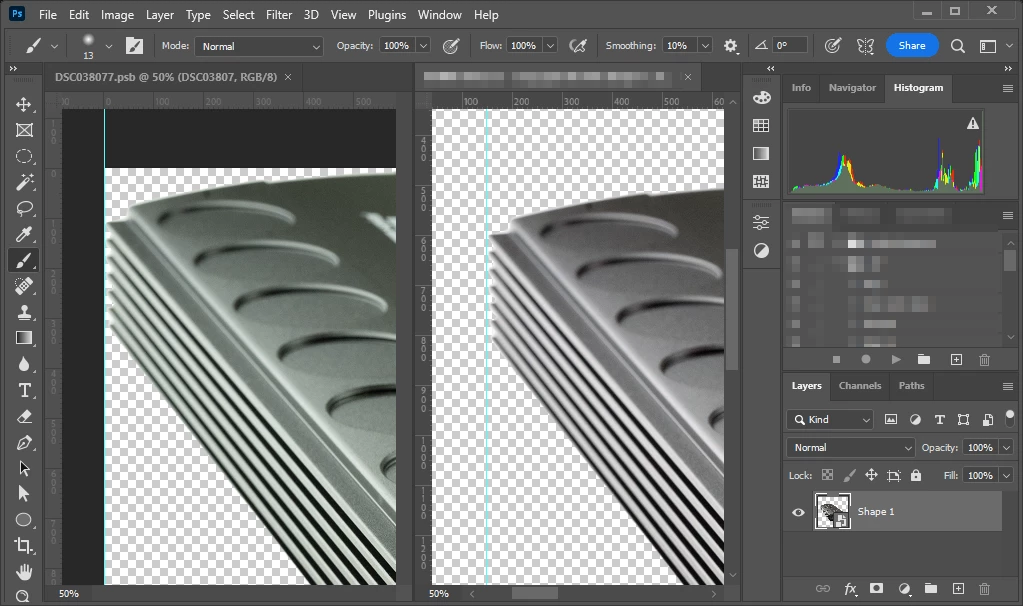


On left there is the original embed picture, to the right the smart object which apparently doesn't have any filter in act.
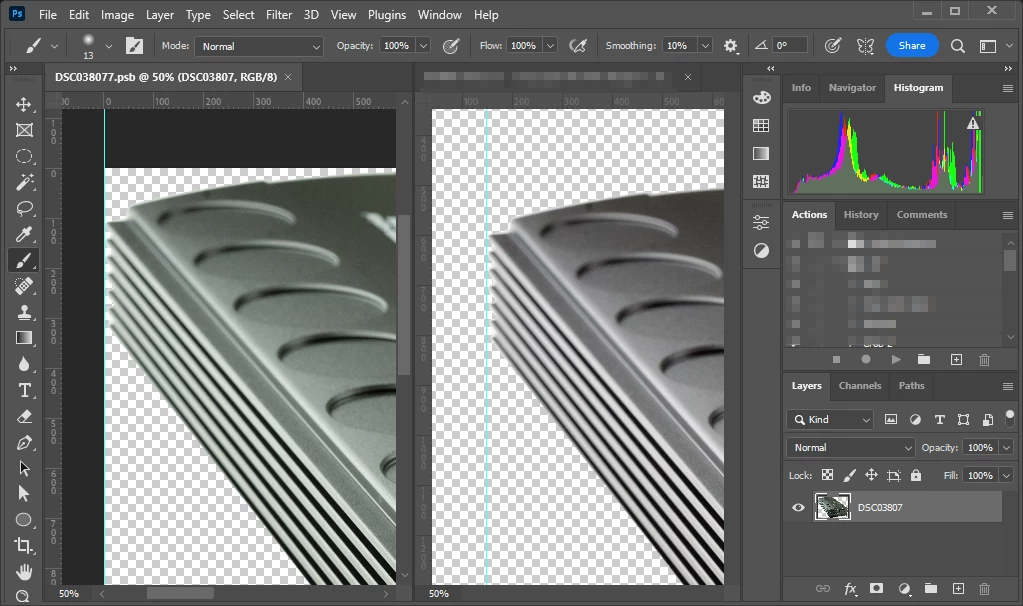
 

Even in the embed picture (left) there is anything unusal, looks just a normal picture but...
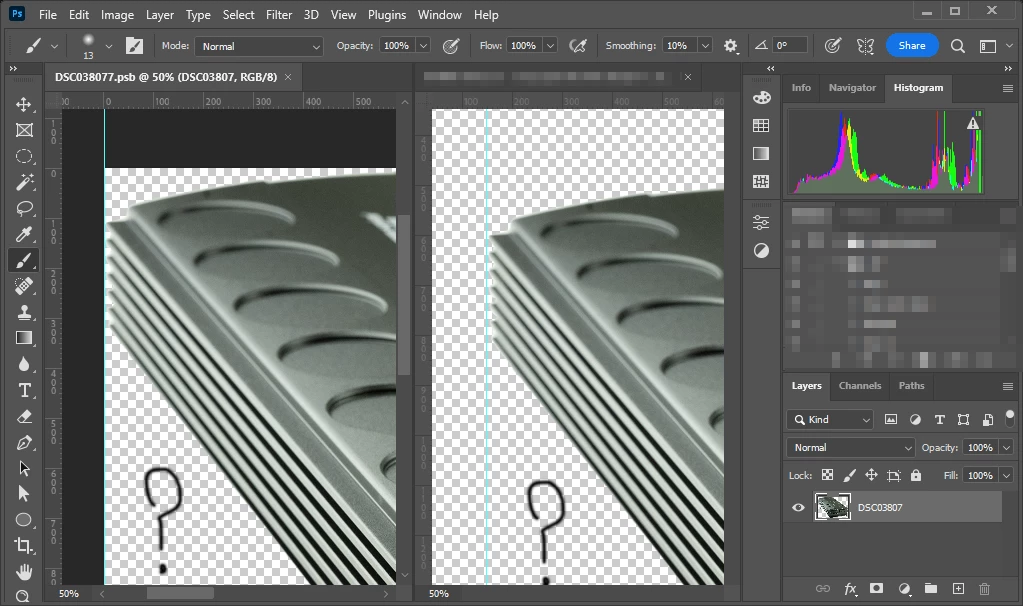
 

Whatever stupid change I did, after saving the embed file the smart object loses its color correction...

What is happening in here? This is driving me crazy, I am just curious...


Thanks!

This topic has been closed for replies.

3 replies

c.pfaffenbichler
Community Expert
Community Expert
May 13, 2022

Could you please post screenshots taken at View > 100% with the pertinent Panels (Toolbar, Layers, Channels, Options Bar, …) visible? 

Known Participant
May 13, 2022

No I won't there is not anything in properties, options, channels etc...

Looks like PS has some hidden option to apply "modification" but to remove the editability... Unless does exist third party plugings that actually did such kind of stuff...

c.pfaffenbichler
Community Expert
Community Expert
May 13, 2022

edit: I apologize, I had overlooked that no Adjustment Layers were in the Smart Object. 

D Fosse
Community Expert
Community Expert
May 13, 2022

Any color profile should be correctly handled, whatever it is. If different profiles produce different appearances, then something is not working as it should.


A missing profile could cause a color change - but then the histograms would be identical. They aren't here, they are distinctly different (and consistent with the color difference).


A master smart object file won't update until the embedded ("child") object is saved and closed. But here they are both open and visible? So what happened before screenshot #1?

Known Participant
May 13, 2022

Do not know, pictures were been corrected since are green-y. Where this correction was made is the mistery since I don't see any "knobs"... Might be the picture edited before in Lightroom and later worked in Photoshop?

Chuck Uebele
Community Expert
Community Expert
May 12, 2022

Maybe check both images to see if the color profiles match.

Known Participant
May 13, 2022

Both images use AdobeRGB.