From the engineers, this is not a bug, but expected behavior.
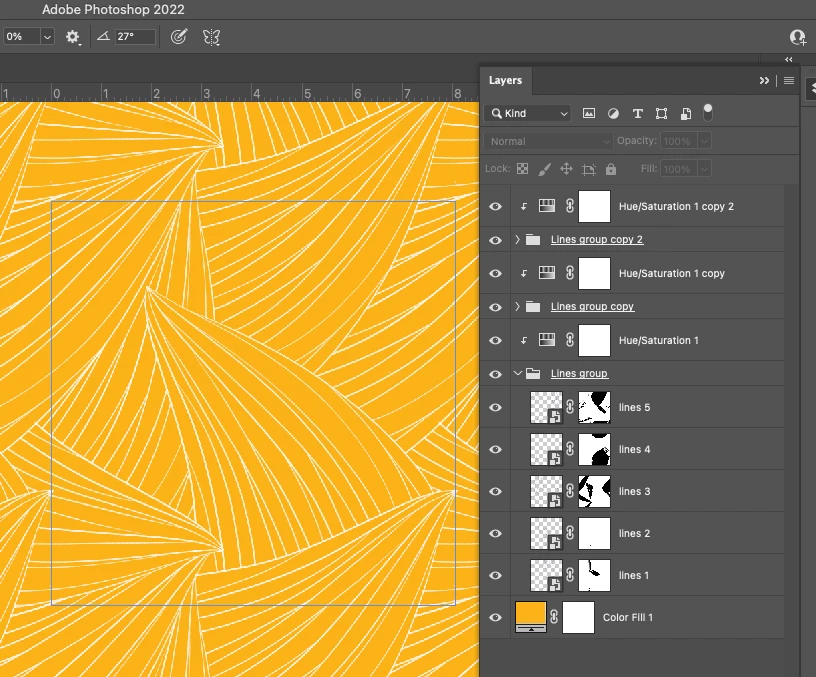
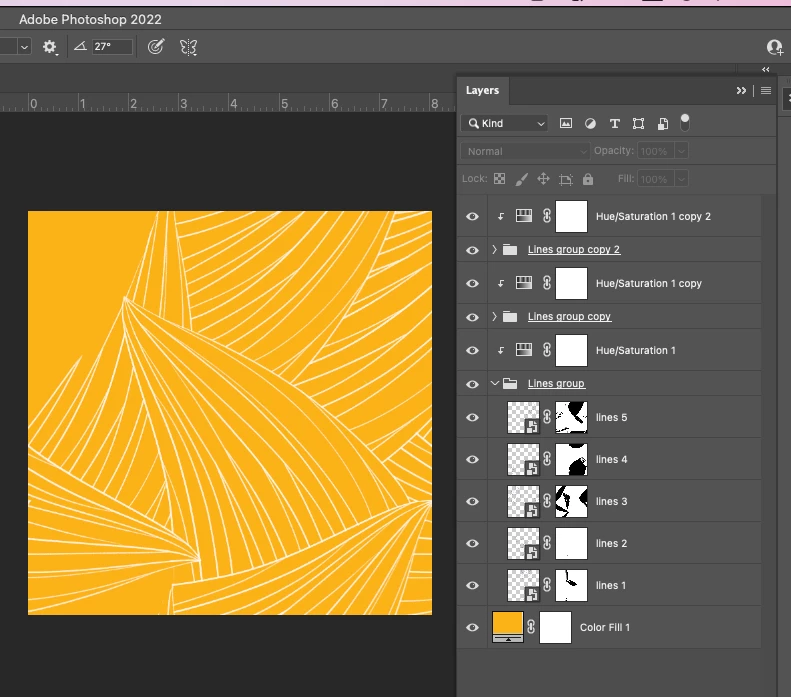
"A smart object that is crossing the doc bounds with pattern preview on will repeat and wrap to the other side, when it's off, the repeated drawing will not show - there is only one smart object, not two. If you open the file, select the Move tool with Show Transform Controls enabled, and select each layer, you'll see the one that doesn't repeat with PP off is in one corner. All the other layers expand beyond the canvas bounds"
"There is only one smart object graphic, but in Pattern Preview mode it may need to be “stamped” 1 or 3 additional times, when the graphic straddles the image bounds, in order to produce the needed wrap-around effect. When Pattern Preview mode is then turned off again, those additional stamps disappear because they are no longer needed (and, in fact, keeping them around would no longer make sense and be incorrect). It might be easier to see if the “lines 5" graphics are isolated (hide the lines 1 - 4 graphics)."
 AdChoices