Participating Frequently
April 10, 2020
Answered

Smart Objects + Masks now delete information- but I don't want it to.

  • April 10, 2020
  • 2 replies
  • 536 views

Hello,

It seems that the functionality on smart objects have changed.

If I take an image:
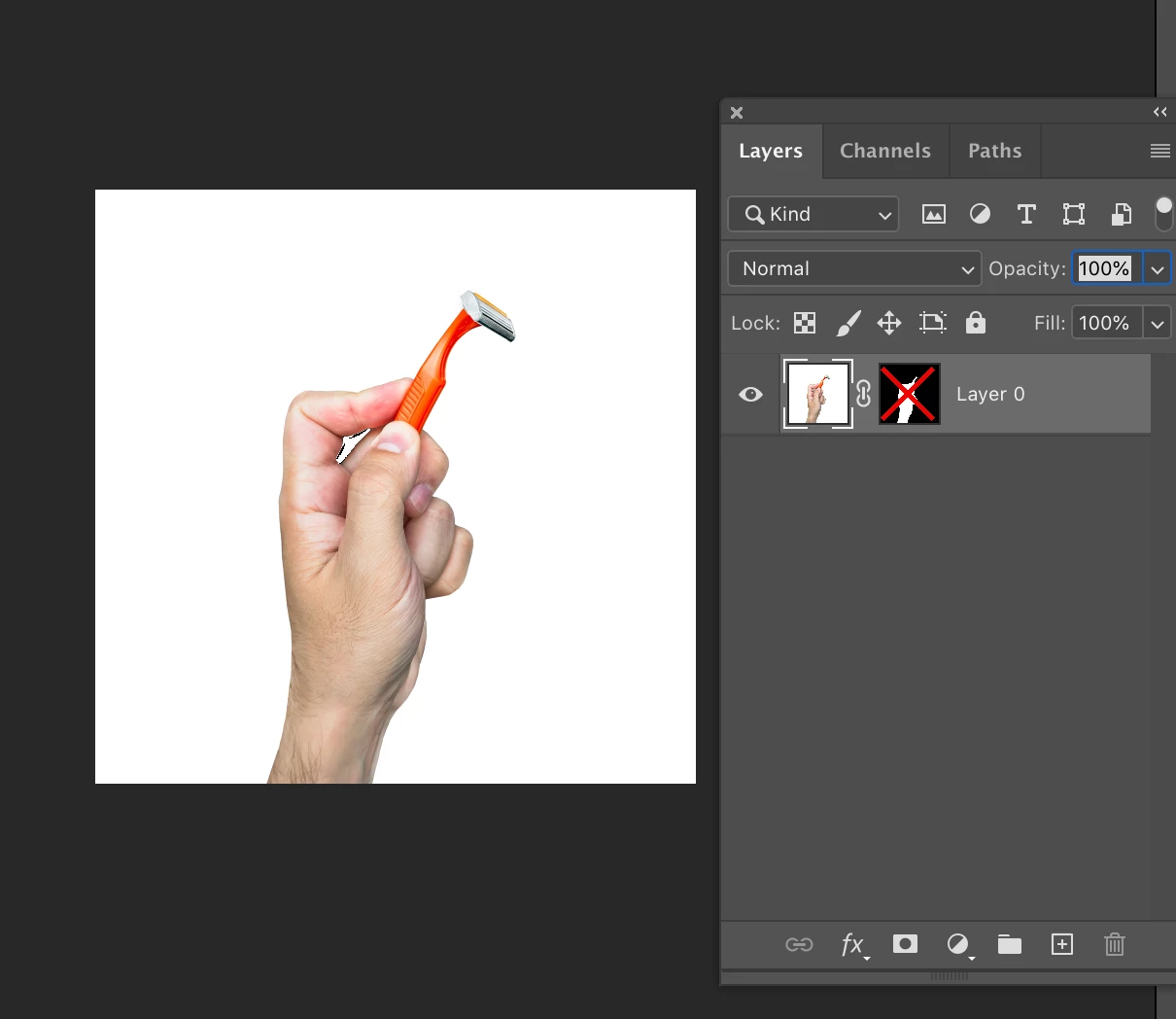
Then create a mask:
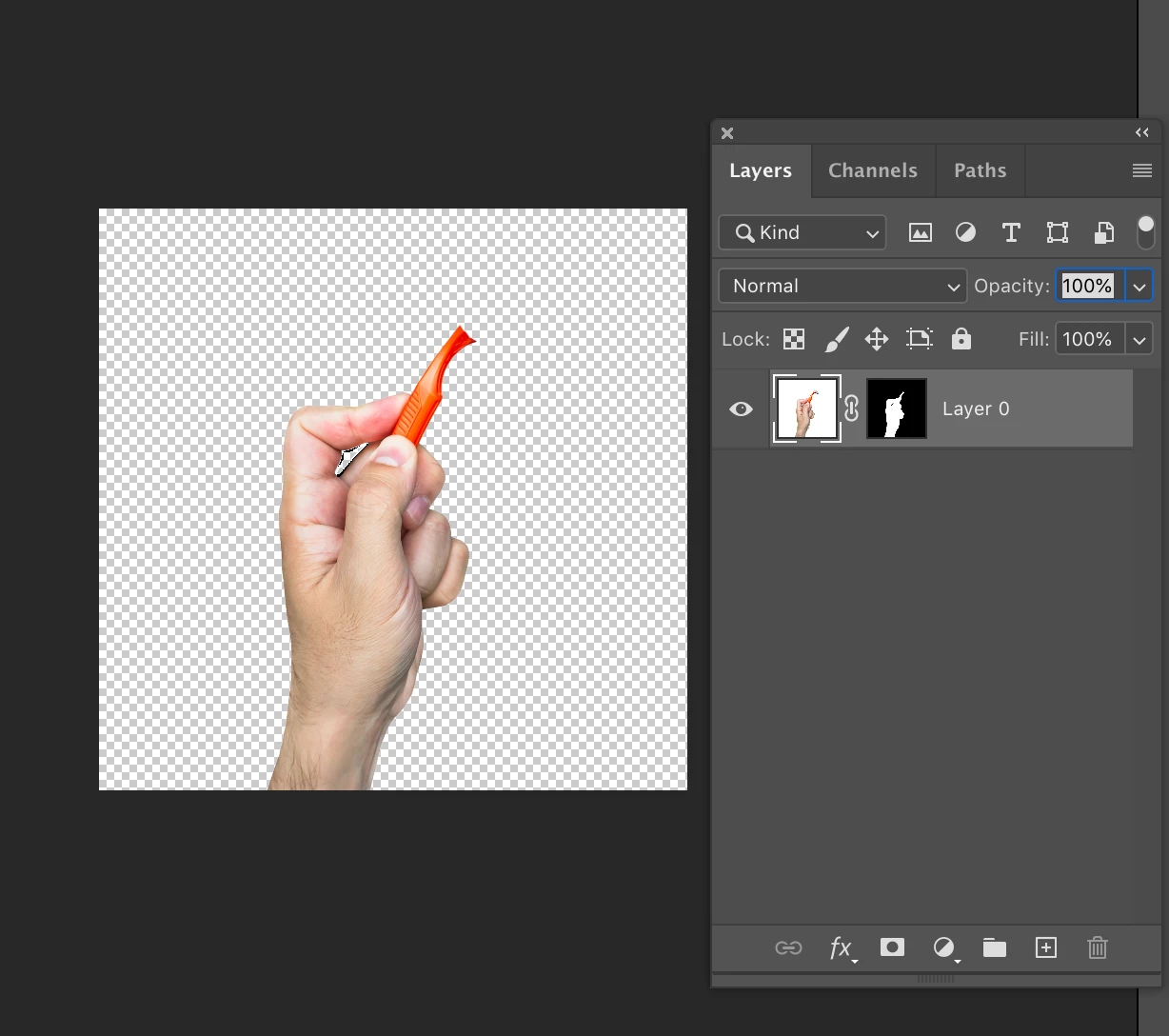
Then convert it  to a smart object
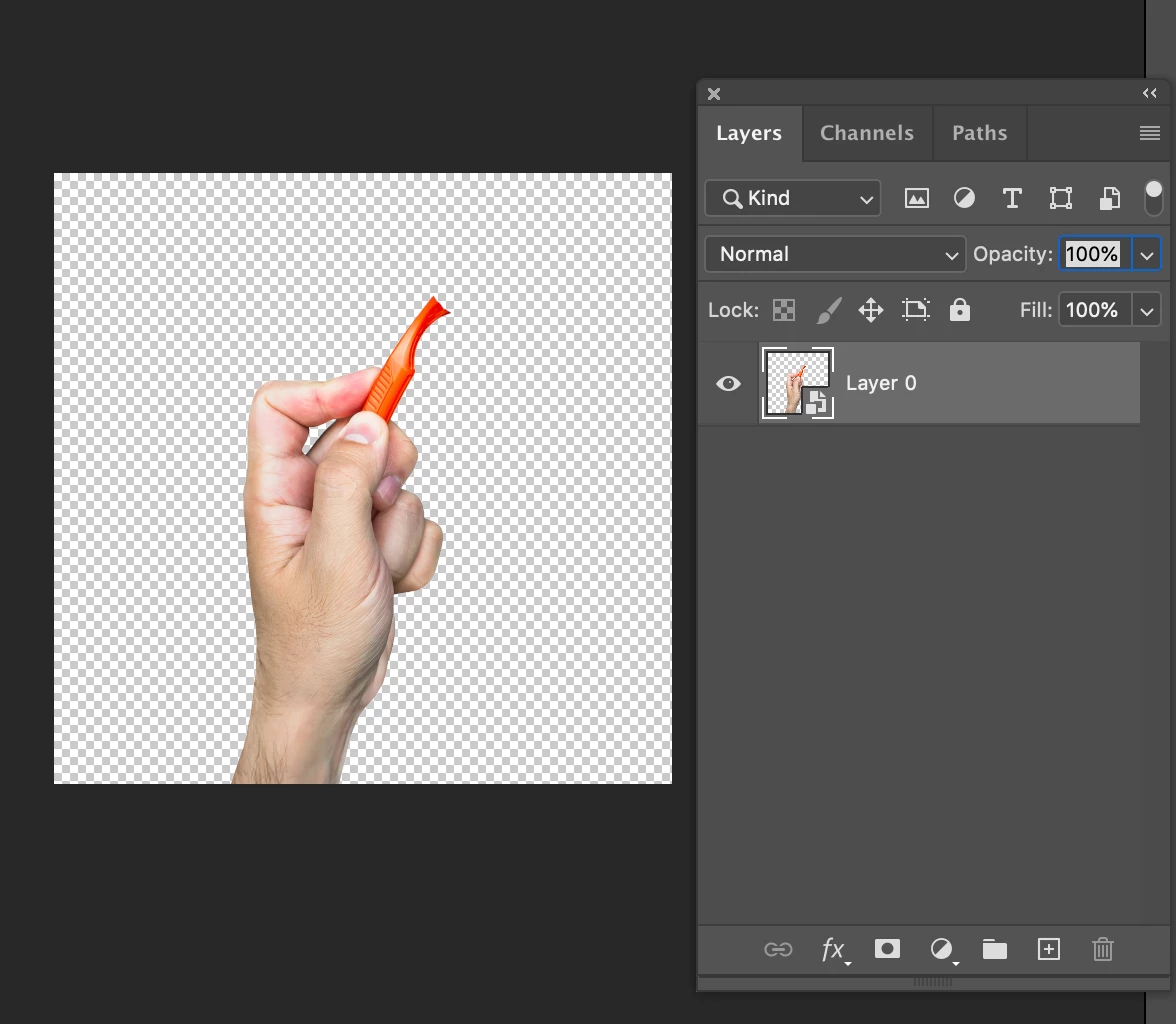
 When I open the smart object back up, the part photo that I didn't mask is deleted.
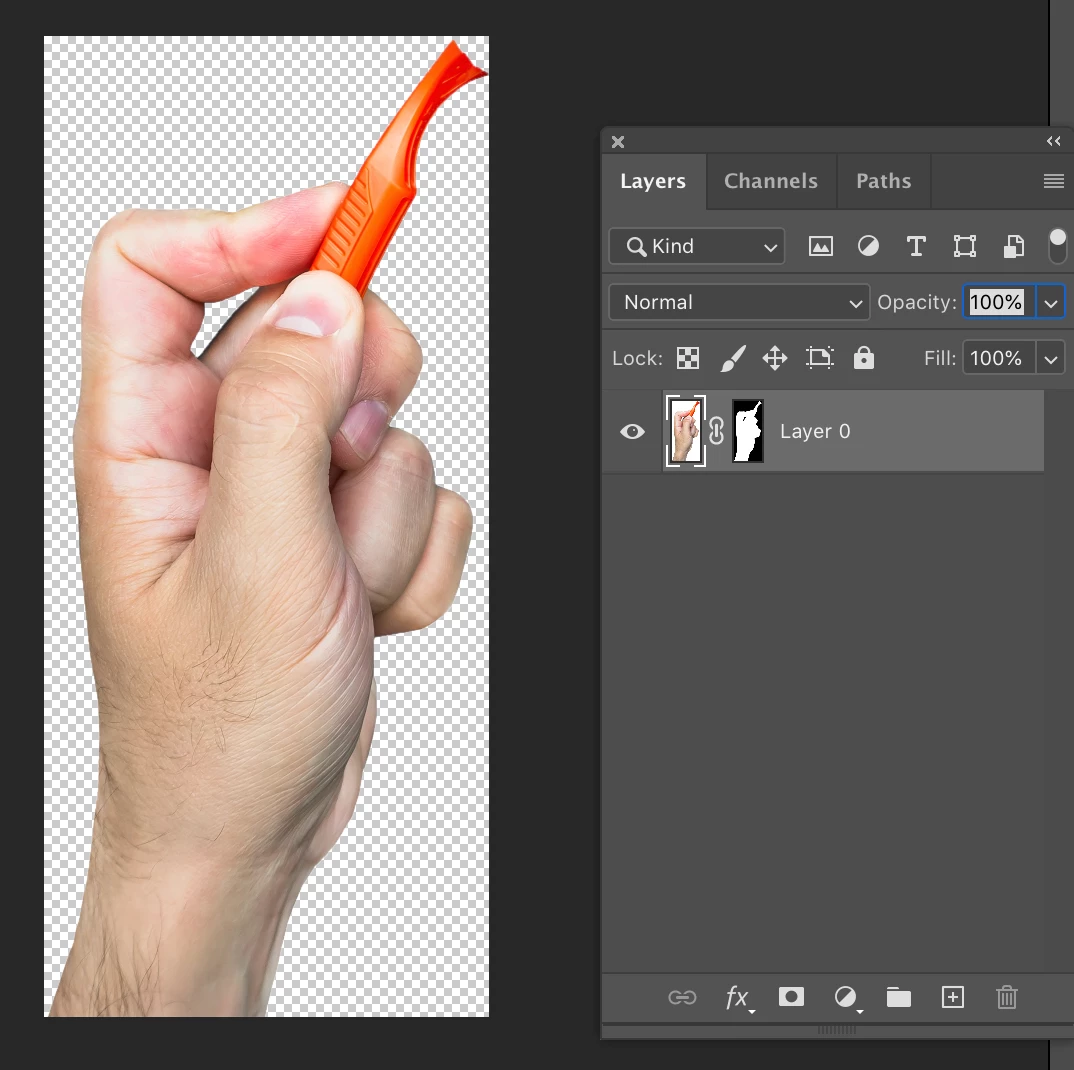
Is there a way to turn this functionality off so I preserve the full editing capabilites?

This topic has been closed for replies.
Correct answer c.pfaffenbichler

The image isn’t clipped, just hidden. 

You can convert to SO with the Mask disabled or you can apply Image > Reveal All in the SO (again with the Mask disabled). 

2 replies

c.pfaffenbichler
Community Expert
c.pfaffenbichlerCommunity ExpertCorrect answer
Community Expert
April 10, 2020

The image isn’t clipped, just hidden. 

You can convert to SO with the Mask disabled or you can apply Image > Reveal All in the SO (again with the Mask disabled). 

Participating Frequently
October 20, 2020

That's a super helpful trick, thank you!!!! 

PECourtejoie
Community Expert
Community Expert
April 10, 2020

Hello, I just tried in Photoshop CC (PS 14) and I get the same behaviour, with which version are you comparing with?