
Answered
Smartobjet placement via Script
Hello everyone,
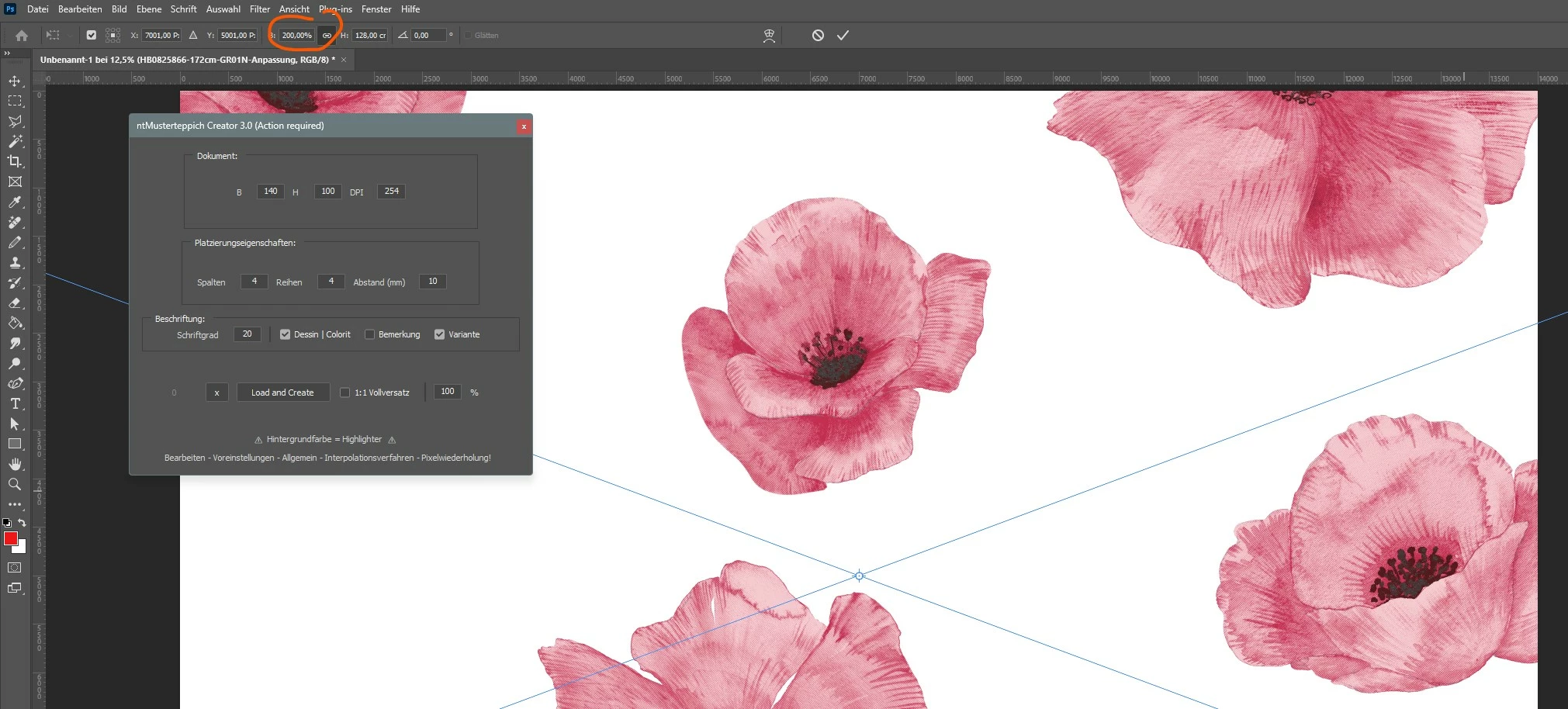
I am desperate and need help, I want to place a smart object via script, but this should not be adapted to the workspace but always keep the original size.
If I load the smart object into a workspace with a width of 40cm but my image is 60cm wide, the image is scaled to the 40cm width when it is placed and the smart object is set to 100%.
I am looking for a way to place the image so that it retains the print size and is rather cut off or partially outside the workspace.
function placeImage(imageFile) {
    var desc = new ActionDescriptor();
    desc.putPath(cTID('null'), imageFile);
    desc.putEnumerated(cTID('FTcs'), cTID('QCSt'), cTID('Qcsa'));
    var desc2 = new ActionDescriptor();
    desc2.putUnitDouble(cTID('Hrzn'), cTID('#Pxl'), 0.000000);
    desc2.putUnitDouble(cTID('Vrtc'), cTID('#Pxl'), 0.000000);
    desc.putObject(cTID('Ofst'), cTID('Ofst'), desc2);
    desc.putBoolean(sTID('autoSelectLayer'), false);
    executeAction(cTID('Plc '), desc, DialogModes.NO);
    return activeDocument.activeLayer;
}

function cTID(s) {
    return app.charIDToTypeID(s);
}

function sTID(s) {
    return app.stringIDToTypeID(s);
}
many thanks in advance🙏

 AdChoices