Howdy.
Nice technique, Noel.
Chewingcow: I'm not sure what you plan to do with your image. If all you need is a a line rendering without much editability, Noel's technique looks great. But if you want maximum editability, skip Ps and learn to do it all in Illustrator. If you check out the Adobe Illustrator forums, the limitations of Auto Trace are a frequent topic. If the results you are getting need a trip to Ps to get cleaned up, you might reconsider using Auto Trace. The big dogs in Illy world always recommend avoiding Auto Trace and instead recommend tracing by hand, using the pen tool. The more you do it, the faster you get. Of course, Illy has simple tools to create the geometric parts.
I don't know how much you know about Illy, but in the time it takes to run back and forth from Illy to Ps, you could probably recreate the whole thing from scratch in Ilustrator. And have a fully editable, hugely scalable vector image.
I did the tracing below using the pen tool, except for the circle, which I made with the Oval Tool. It only took a few minutes.
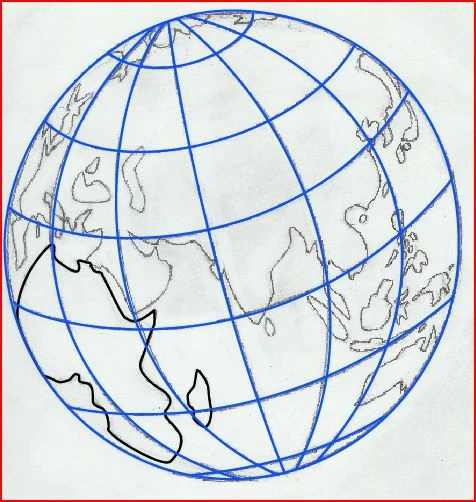
I kept going, and 20 minutes later, the drawing is vectorized. Twenty minutes isn't a long time when your talking about art. Especially when you consider where this 20 minutes gets you. From here on, the rest is gravy.
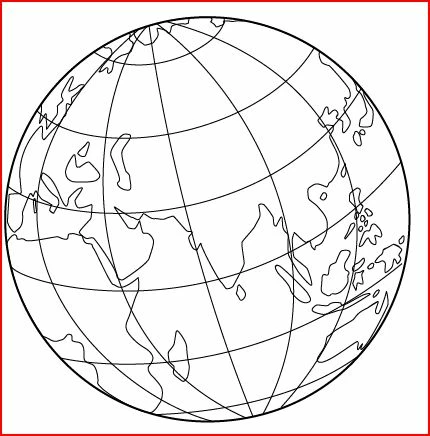
The above has a stroke applied to the paths. But if you want it to look more hand drawn, you can apply a brush instead of a stroke. There are tons of brushes in Illy, and it's easy to make your own. You can apply a brush that makes the lines look smoother or rougher. With one mouse click, the image above looks like the image below. It looks rougher than the original. You can make it look like it was drawn with a crayon or a calligraphy pen if you want.
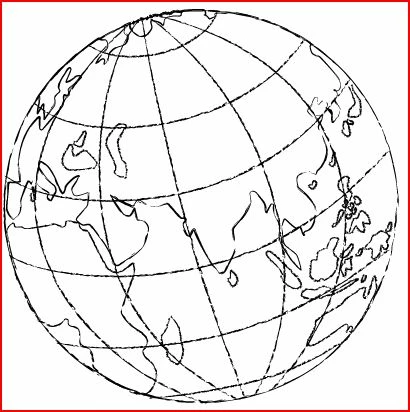
Or you can apply color. Just a few more mouse clicks. One of bazillions of possiblilities.
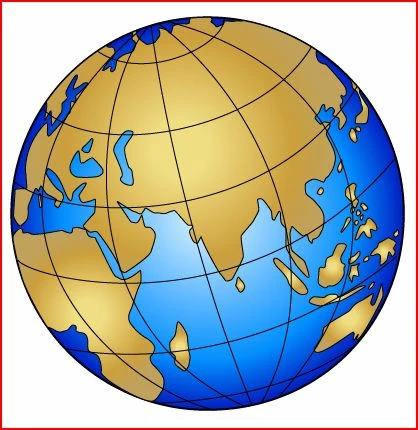
It's well worth your time to vectorize your art in Illustrator. It allows you to output the same piece of artwork as anything from a business card to a T-shirt to a car wrap to a billboard. Ps, not so much. There's a reason Illustrator is called Illustrator and Photoshop is called Photoshop.
But, if you really want to use Ps (this is the Ps forum, after all), I used to scan hand drawn stuff into Ps all the time. But I seldom scanned in complete compositions like your example. I scanned in bits and pieces and assembled them with other art created in Ps. My process was pretty straight forward.
I used the Quick Selection Tool to select Africa.
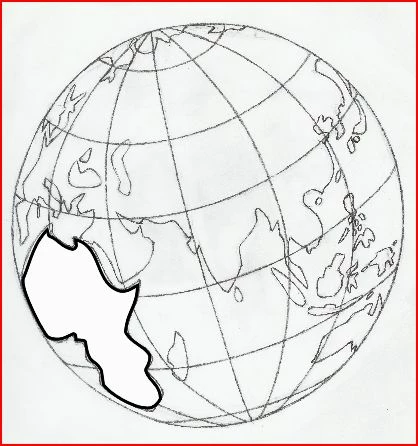
Then, using the Paths pallet, I converted the selection to a vector using the Make Work Path command with the Tolerance set to 1.5. I usually set it between .8 and 2, dependent on image resolution and contrast. Fill and stroke were applied. The shape is not quite perfect (Low resolution image, fuzzy drawing make the Quick Select Tool less accurate. The sharper your drawing, the better it works.), but it can be edited using the vector tools in Ps. I would add Madagascar to the Africa layer, and organize the other shapes into appropriate laters. Building the image this way, you get maximum editability. Not as good as Illustrator, but I did it this way for years before I got Illy.
For what it's worth.
Peace,
Lee
 AdChoices