
Question
Smoothing out scanned drawn lines in Photoshop.
Hello everyone! I use Photoshop to color my illustrations. A problem I have with this is that whenever I scan my drawing, the pen lines show up as not as smooth as I'd like them to be. So I usually have to go over the entire drawing and manually erase certain edges and re-draw. Does anyone here happen to know whether there is a quicker way of smoothing out these drawn lines in Photoshop? It could be a big help if there is an answer to this! Thanks!
I have included a closeup picture of the line to show what I mean: 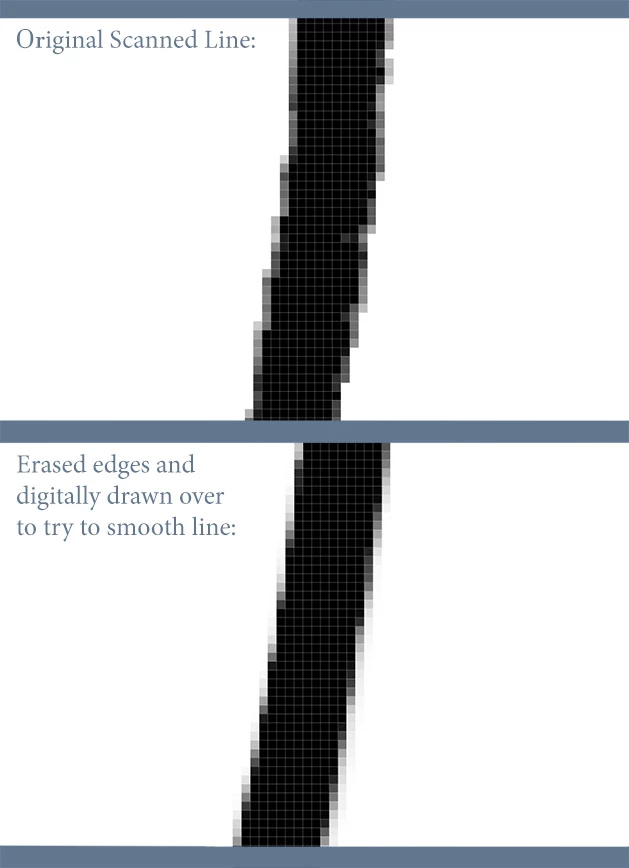


 AdChoices