
Participant
February 26, 2021
Question

Smudge tool is not currently working right or it's normal?

  • February 26, 2021
  • 2 replies
  • 682 views

Hello, i have problem, when i use smudge tool in Photoshop and using this tool for making shadow. And when i zoom in, i have so many colors, but when i watching tutorial digital art, when he using smudge tool, He's fine without different colors.

1) Before using smudge tool 



2) After using smudge tool
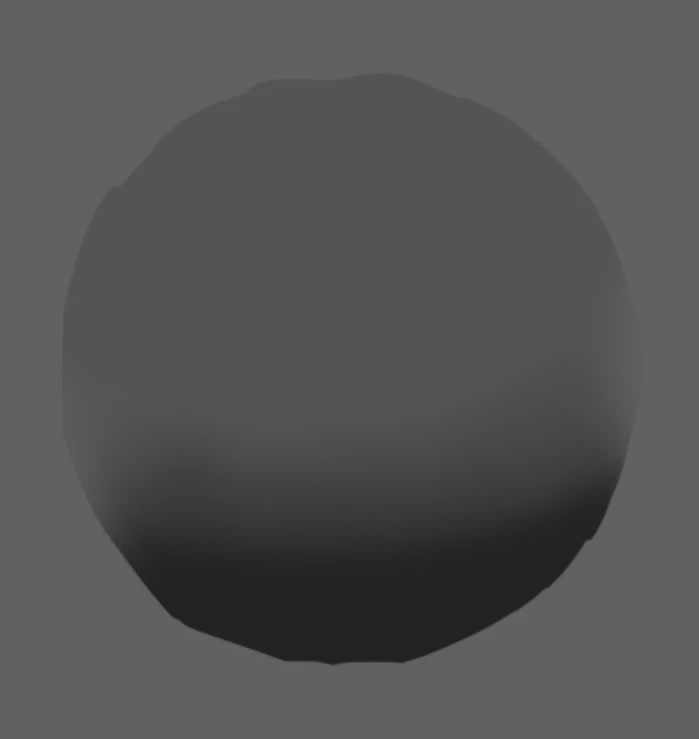


3) This problem what i talking this right now

Thank for the people who know how to fix this! 

This topic has been closed for replies.

2 replies

davescm
Community Expert
Community Expert
February 26, 2021

Are those colours actually in your document or just your display? Check with the eyedropper tool and the info panel.


If in your document and you are using 8 bits /channel for your document, convert to 16 bits/channel mode before using the smudge tool. You could also add a little noise which can be very effective at hiding such an issue.


If the issue is just in your display (i.e. it is not shown by the eyedropper and info panel) then short of using a 10 bit/channel display there is little you can do.


Dave


Trevor.Dennis
Community Expert
Community Expert
February 26, 2021

Does the document have underlying layers that have colour in them?

If yes, do you have Sample all Layers checked in the Options Bar?