hikarukenta
Participating Frequently
July 9, 2020
Question

So Strange lines in Photoshop

  • July 9, 2020
  • 1 reply
  • 681 views

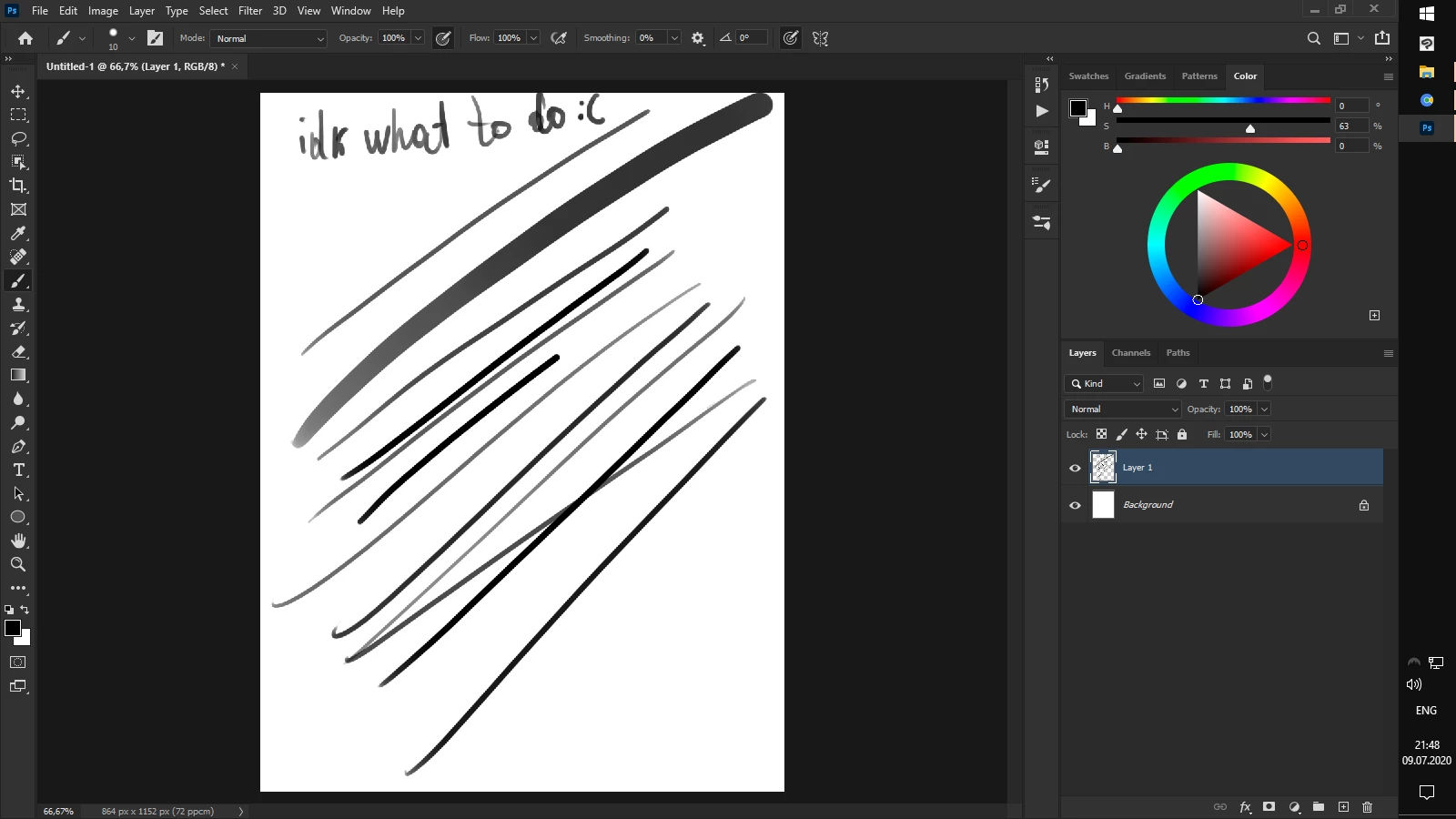
Hi,I cant remember when it started to be like this,but this problem only in Photoshop,no matter what version I use,Here the screenshot with my problem,i tried to draw in CS5 and CS6 and finally this is CC 2020 but it is not fixing( help me pls.

I use Wacom One(small) Intel Core 2 Duo , 2 GB RAM ,dont have Graphic Card 
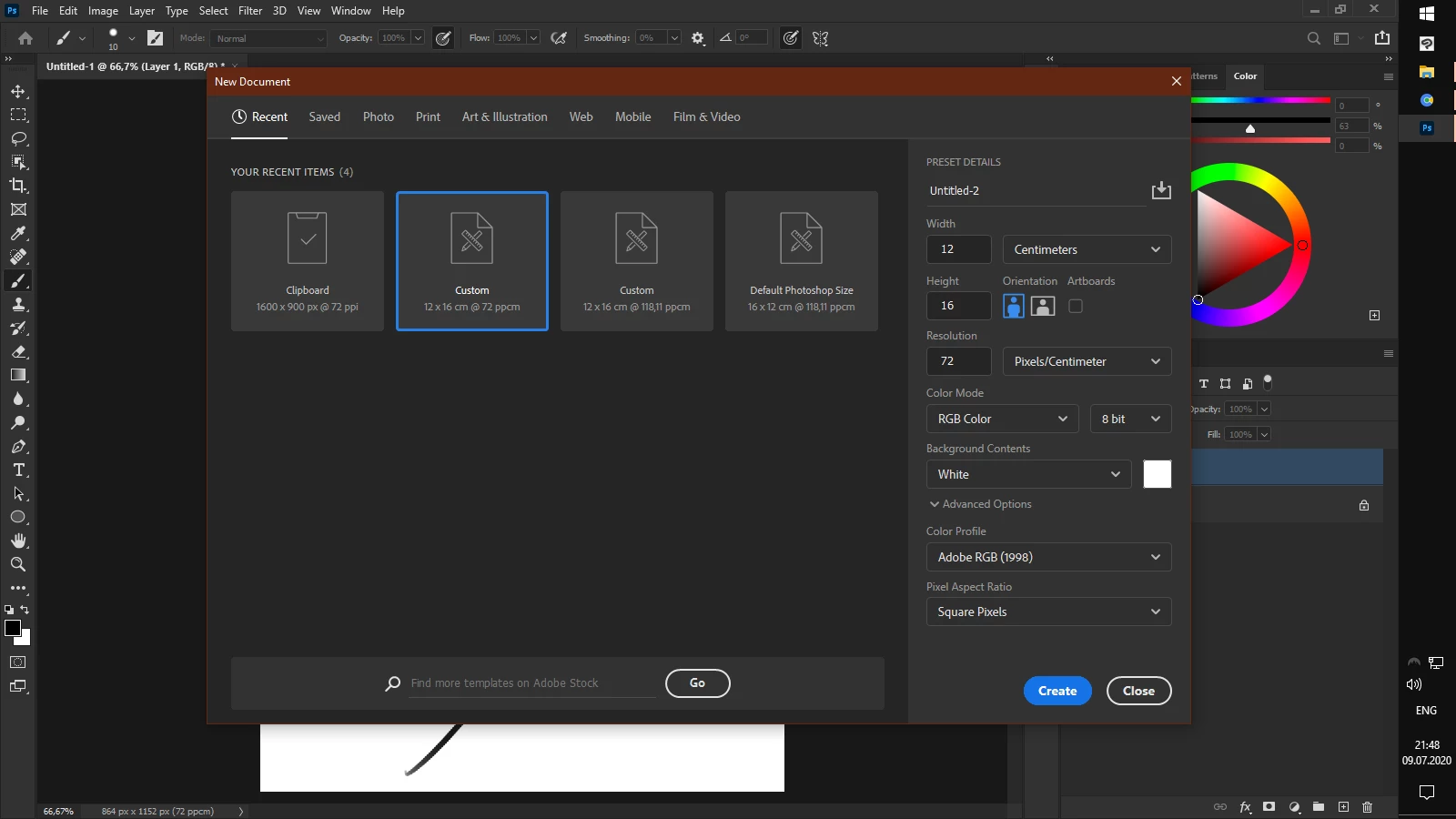
This is the canvas size,photoshop default.

This topic has been closed for replies.

1 reply

Participating Frequently
July 10, 2020

What exactly is the problem?

hikarukenta
Participating Frequently
July 10, 2020

The brush lines too jagged and like a pixels. I cant draw with this problem,its made me nervous -_-


Participating Frequently
July 10, 2020

Ah well increase your canvas or image size and then you can draw with brushes with larger dimensions.
You do that by pressing CTRL+ALT+I and entering the number of pixels under width and height while keeping resolution on 300ppi.

Go minimum 3000x3000 px ! 🙂