Known Participant
December 15, 2020
Question

Social Media Templates; Drag and Drop

  • December 15, 2020
  • 2 replies
  • 411 views

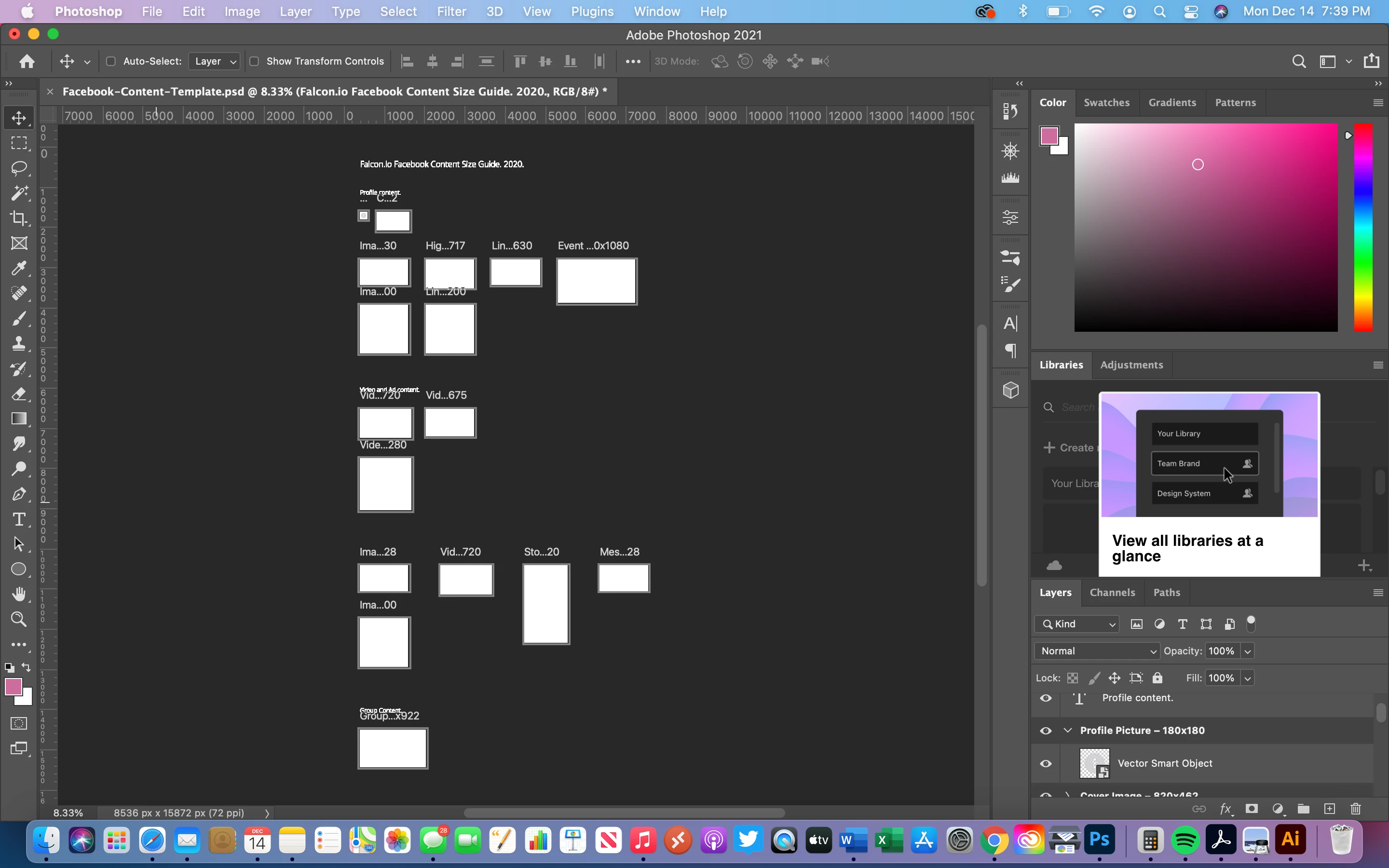
Downloaded these templates but don't know how to use them.


They're supposed to be drag and drop


Also, is there a way to make them presets in photoshop?

This topic has been closed for replies.

2 replies

Dan Rodney
Community Expert
Community Expert
December 15, 2020

This is a Photoshop file with artboards for all the various sizes of things you can post. You create your designs on the artboard for the size of the thing you want to create.


Can you make presets? Yes.

  1. In the Layers panel select an artboard.
  2. In the Properties panel take note of the W (width) and H (height) in pixels.
  3. Choose File > New.
  4. Click the Web tab.
  5. Enter the Width and Height you noted earlier.
  6. At the top name the preset and click the button to the right of the name to see the preset.


Repeat this for any artboard size you want to save as a preset.

— Adobe Certified Expert & Instructor at Noble Desktop | Web Developer, Designer, InDesign Scriptor
Known Participant
December 15, 2020

Thank you for that 

Participant
December 15, 2020

 in thisscreenshot photo picture how to clear dear