
Participant
May 24, 2022
Question

Soft brush banding in Photoshop while painting

  • May 24, 2022
  • 1 reply
  • 1258 views

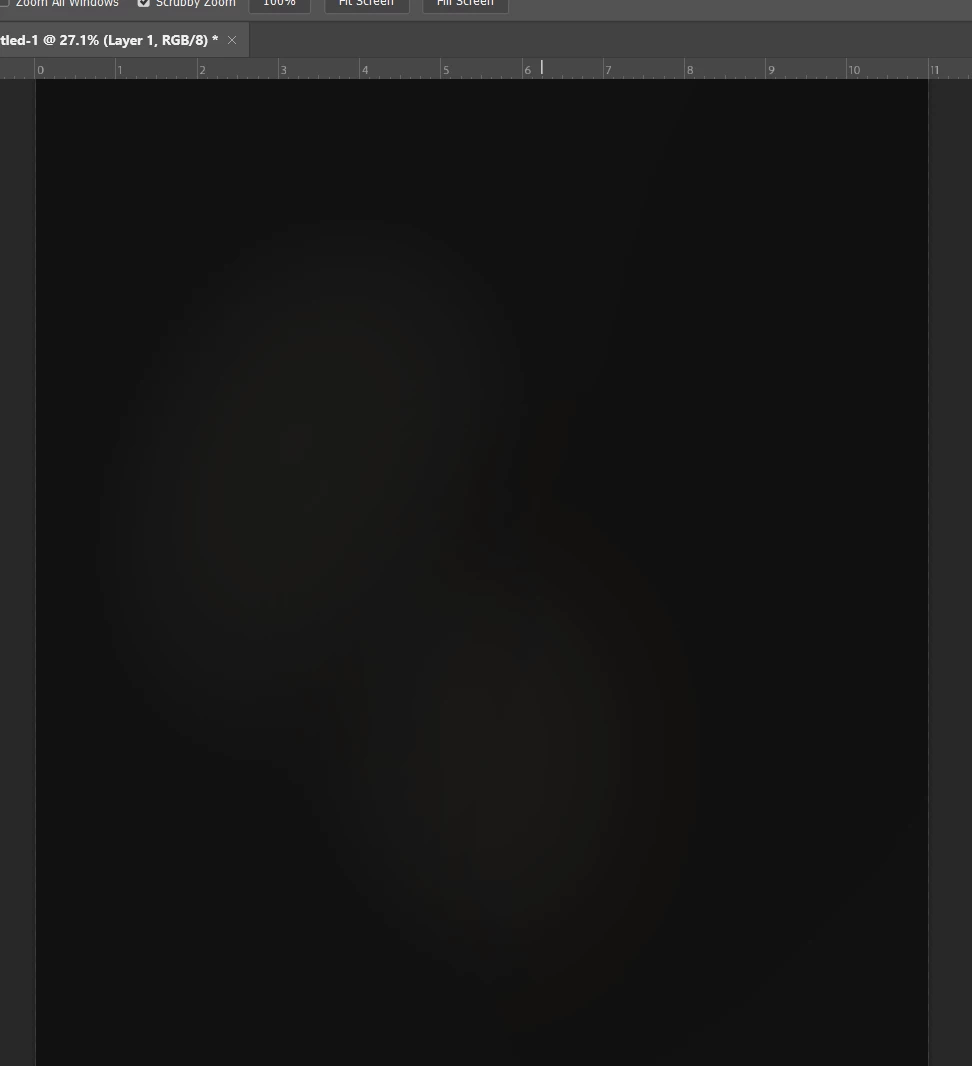
Hello, I am using a pretty new computer and I noticed on my last painting when I paint on dark colors I get some banding. I've never hand this issue on my old computer before. This happens on 8bit and 16bit .I use a 11x14 inch 300dpi canvas for my painting.
This topic has been closed for replies.

1 reply

Nancy OShea
Community Expert
Community Expert
May 24, 2022

[Moderator moved from Using the Community (forums) to Photoshop.]

I see no colors and no banding in your screenshot.


In which color mode are you working?

What are your opacity and flow settings? 

Is Airbrush option on or off? 

Is Presure Sensitivity on or off?

Are you viewing at 100% magnification?


See my screenshot.  The sample on left is with airbrush on.  The sample on right is with airbrush off.


Nancy O'Shea— Product User & Community Expert
Participant
May 26, 2022

Hi, Sorry hope these screen shots are better 

D Fosse
Community Expert
Community Expert
May 27, 2022

Your example is an 8-bit file, which will have banding. There are only 256 discrete steps per color channel, and that will be clearly visible in smooth gradients.


In a 16 bit file there will be no banding in the data. But what most people forget is that the display system is still 8 bit! Unless you have a 10 bit capable monitor, there will always be banding in the display pipeline. With 16 bit data, any banding you see is in your display system.


Banding is cumulative. It can happen in a bad monitor profile, calibration tables in the video card, or the panel itself. If several of these come on top of each other, the result can be highly irregular banding with pronounced color bands.