


Something for the weekend - Part 144 - Shielding
Thanks to all those who took part our last "Repair Shop" challenge. This week, we have something different.
There has been a lot of shielding going on around the world over the past year so I wondered what the Photoshop community would make with an actual shield.
I made this shield as an exercise in creating an "object" entirely as a material, using Adobe's 3D Substance Designer. So it is all procedural, stringing together 3D Designer's nodes, and no modelling was involved at all. I then rendered the material on a flat, square, plane in Blender 3D, using the material's height map to displace the surface and give it depth.
Now you have the shield, what can you do with it?
The “rules”:
* Anything goes, as long as it meets the forum rules on decency, copyright etc
* Anyone, and everyone, is welcome to have a go, whether you are a complete beginner or a Photoshop expert. This is not just for our forum "regulars".
* There are no prizes apart from the chance to practice, show off, or bring a bit of humour and fun. Don't be shy, join in and have a go!
To download the image below at its full pixel size, and with an embedded ICC colour profile (sRGB), hover over the image and click on the circle with the arrows at the top right. Then, when the image opens in its own window, right click and choose “Save Image As/Save Target As” (or similar depending on your browser).
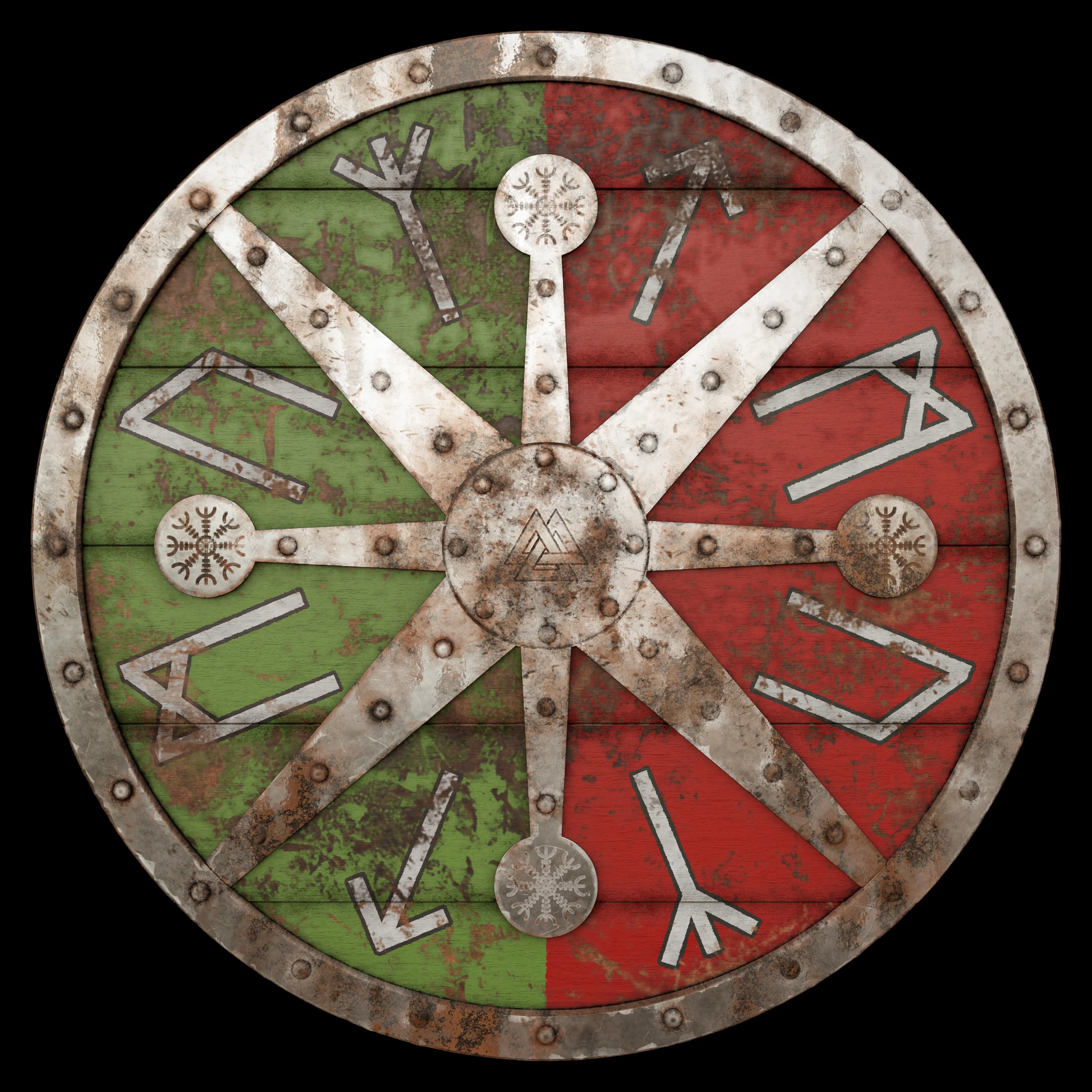
When posting back your image – please use the Blue reply button in this first post. If posting a comment on someone else’s entry then please use the grey reply button next to their image post.
Have fun.
Dave
 AdChoices