Participant
November 11, 2020
Question

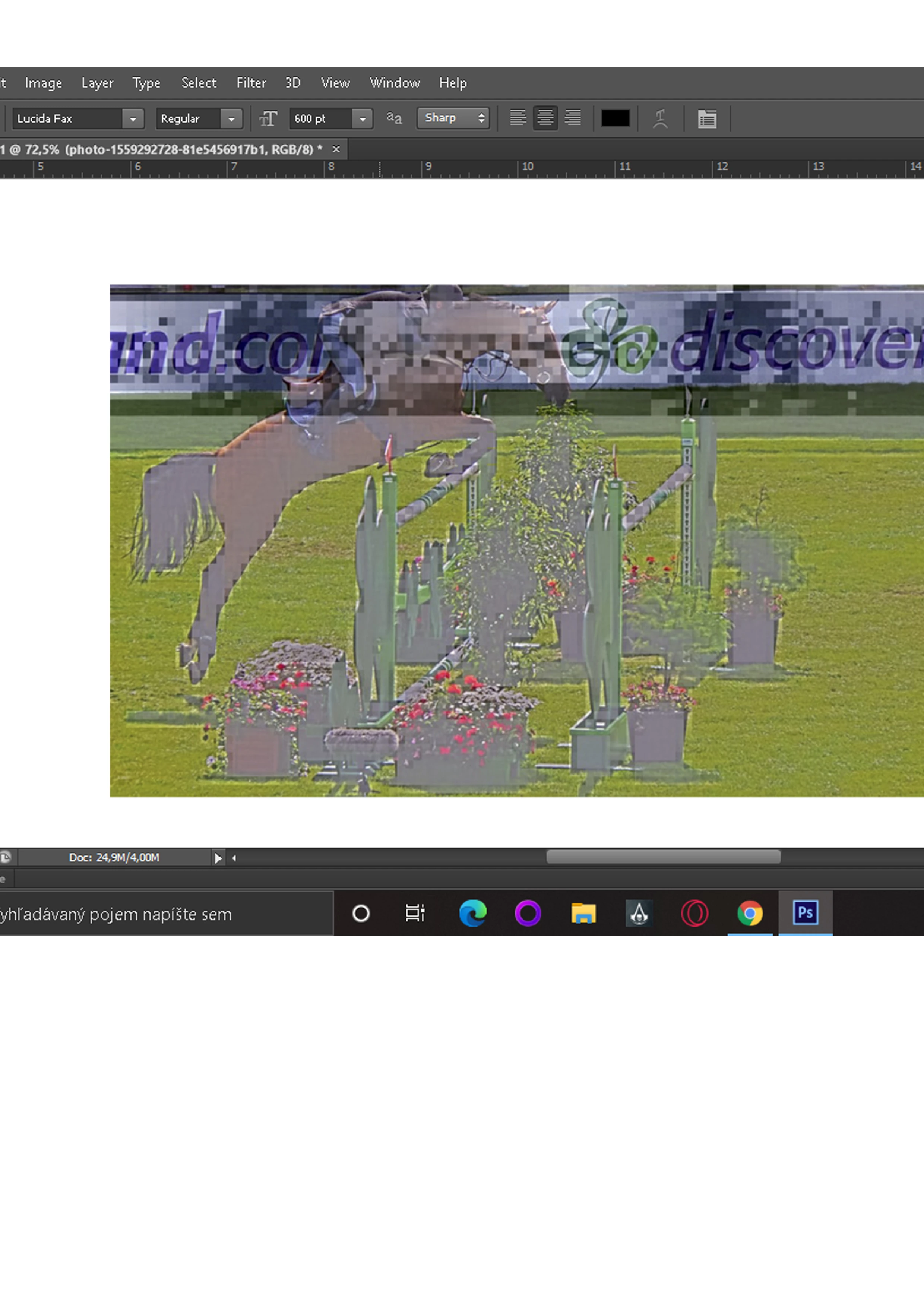
Sometimes when I upload images to photoshop they look like this, what should I do?

  • November 11, 2020
  • 2 replies
  • 168 views

This topic has been closed for replies.

2 replies

c.pfaffenbichler
Community Expert
Community Expert
November 11, 2020

Does turning off »Use Graphics Processor« in the Performance Preferences (Photoshop > Preferences > Performance > Graphic Processor Settings) and restarting Photoshop have any bearing on the issue? 

Could you please post a screenshot taken at View > 100% with the pertinent Panels (Layers, Channels, Options Bar, …) visible? 
Derek Cross
Community Expert
Community Expert
November 11, 2020

Which version of Photoshop and OS?

Does this happen to all images that you try and open or just one or two that might be corrupted?

Try unticking Use Graphics Processor in Photoshop preferences under the Performance tab.

If that doesn't help try resetting the Photoshop preferences under the General tab in preferences.
