
Spaces process still up to no good.
Every time I panned my canvas it was like a slide show, never understood why because it's been like that for so long I just though I had to deal with it.
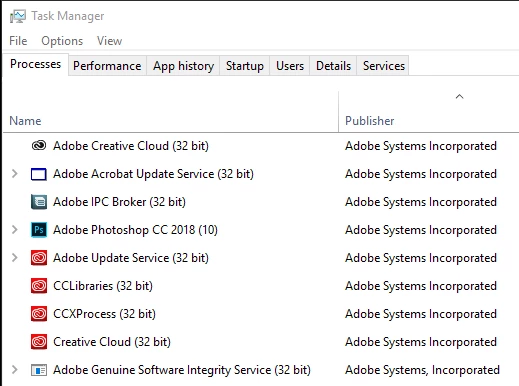
Alas, today, looking at Task Manager with Photoshop open I see 3 Spaces process running and remembered it was causing issues for people before (I think it was crashes on opening or was it brush lag? Anyway...) I right clicked, opened file location and put a tilde (~) in front of it as per the recommendation in the other thread. Lo and behold, my canvas now pans around like butter. Once again, disabling that process improves Photoshop performance. What's going on with Spaces?
I also tried disabling the 50 CEPengine processes to see that would help performance too but my Extensions didn't load, so I guess not 
Ah well, just a fyi in case anyone else has horrible panning.

 AdChoices