Answered
Splitting image
What is the quickest way to split this image into 4 parts.
In the end i want 4 separate images.
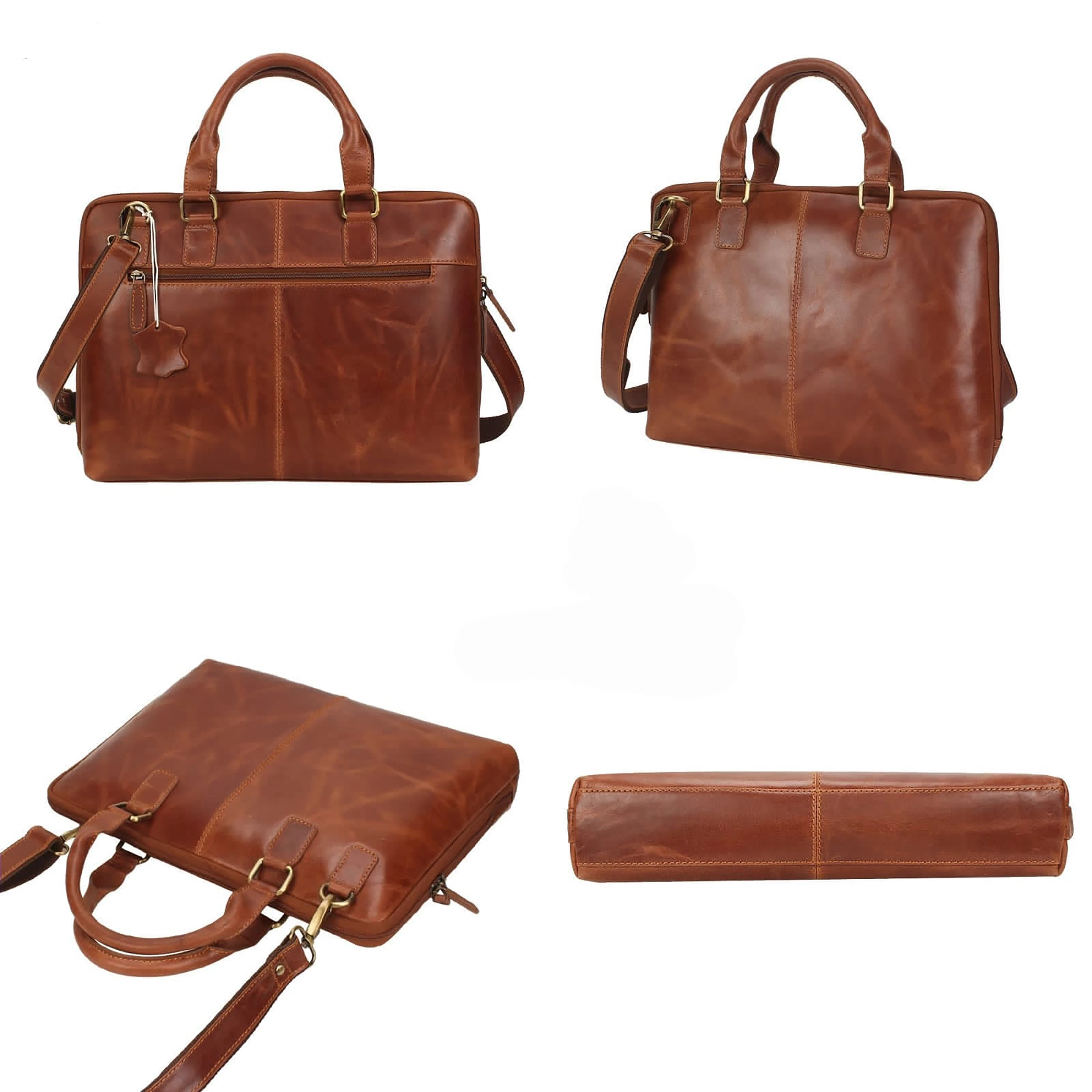

What is the quickest way to split this image into 4 parts.
In the end i want 4 separate images.
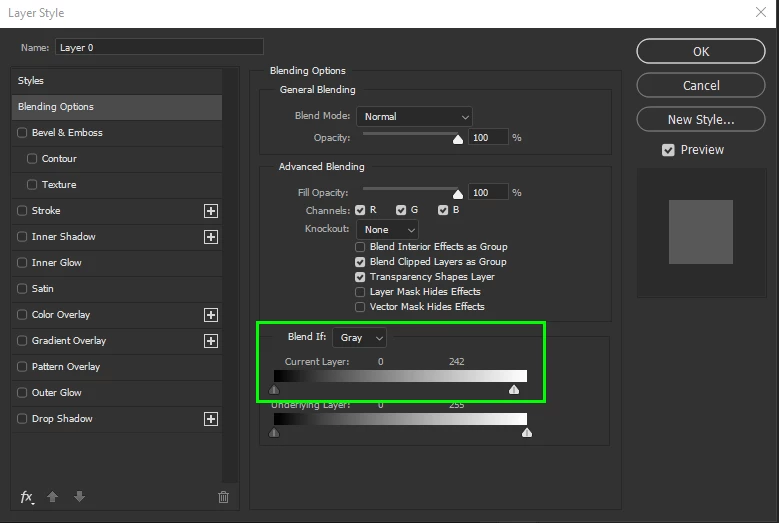
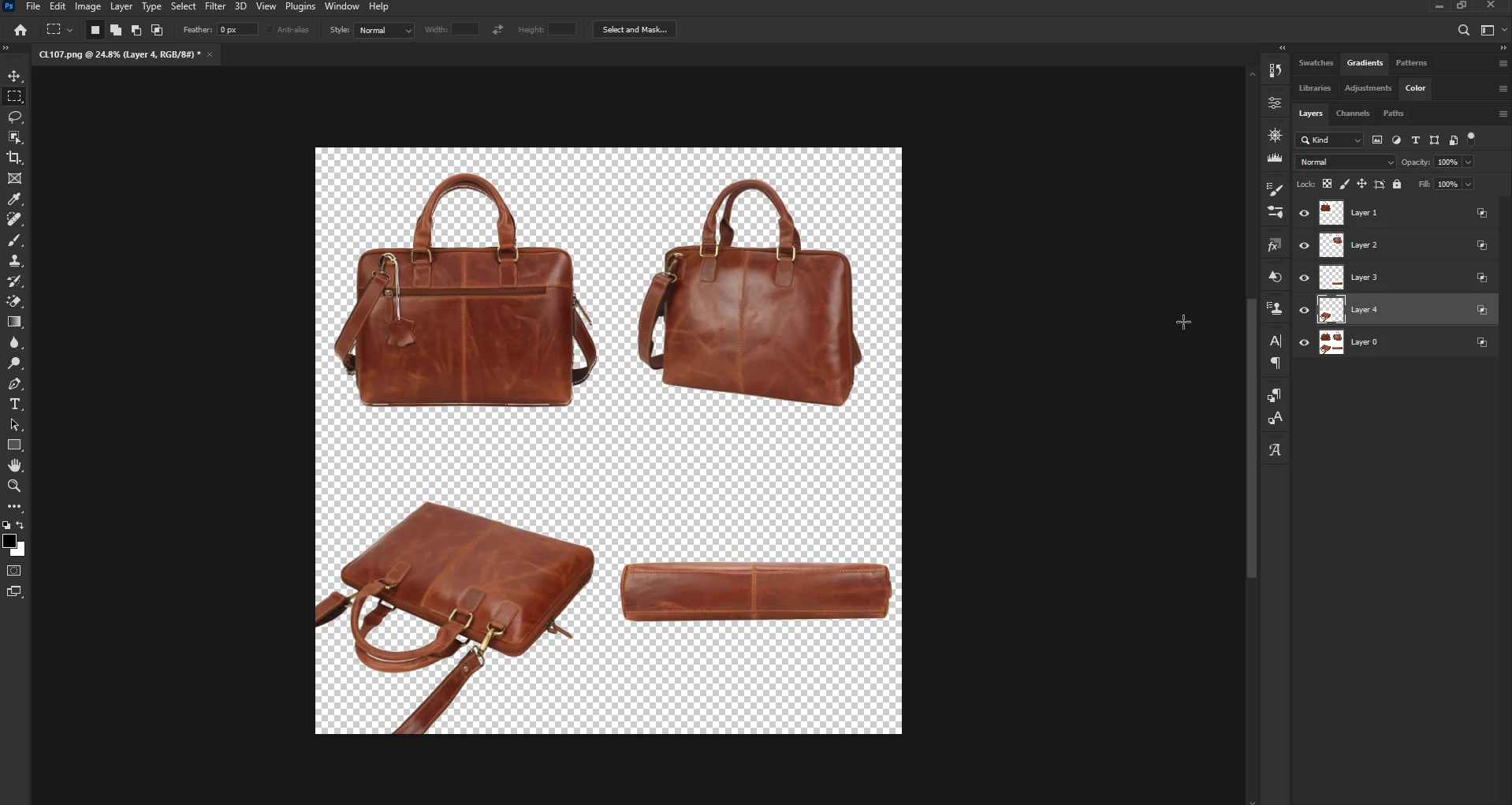
@Summayah5FC7 unlock the background layer and double click on the layer to bring up the layer style options, use the blend if slider to remove the white background, then use the rectangle marquee tool to select each object, hit ctrl + j to copy it to it's own layer.
Already have an account? Login
Enter your E-mail address. We'll send you an e-mail with instructions to reset your password.
 AdChoices