
Question
Strange selection and slow performance
Hi, i used some weird keyboard shortcut, and end up with few problems:
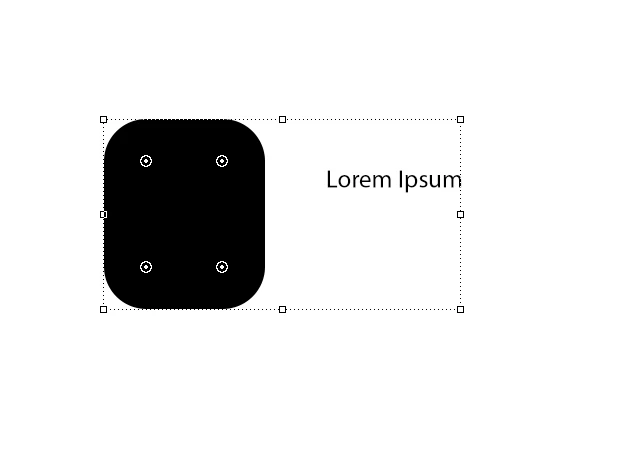
• selection of any item appear in a dotted frame
• shapes have weird active points in their corners
• fonts do not edite easy
• i can't see the artboards names
• when background in artboard is transparent, there is no white-gray checkered pattern and it's dark
• PS work really slow, the rendering of any action is slow and it cuts
Any ideas?
 AdChoices