
Strange Smudge Tool Bug?
I've tried looking around the internet to find this issue, but apparently i'm the only person having this. I draw digital images in Photoshop, and the smudge tool is important for making things look a little stretched. But there's a strange issue with it. Where it's supposed to draw out the color onto the transparent layer, it instead creates this glitchy dark effect:
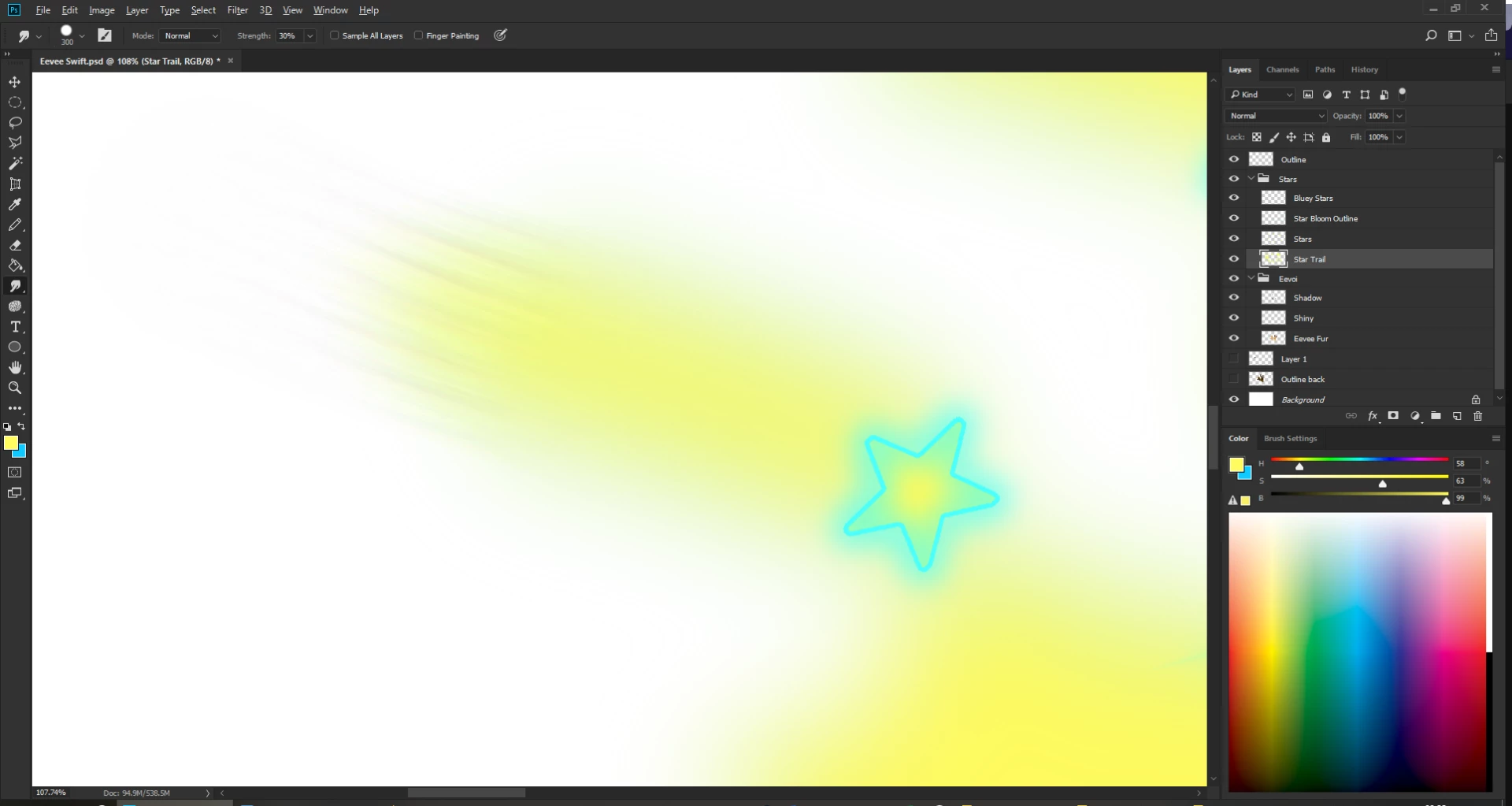
I'm drawing a Pokémon image for those wondering, this is a move called Swift.
Anyway, that trail looks, horrible. I already used Gaussian Blur to make the trail a bit blurry. Now I want to stretch it out, and if possible, fade it. I want it to look similar to how it looks in game (In Gen 7). I would like to know how to fade it out easily without using the annoying FG + Gradient and using that for each individual trail.
 AdChoices