
Question
stroke path lines not smooth -- help!
Hi,
Newbie here. I've been drawing paths using the pen tool, but still not getting perfectly smooth lines/curves when I stroke it with the paintbrush - the edges seem just a little blurry, not sharp. I've tried stroking the pathway with paintbrush, pen, pencil to see if any of them created a smoother line but no luck!
Could it possibly be the paintbrush settings? I'm using a hard round brush set to hardness 100% opacity 100%, smoothing from 20%. I tried saving the image afterwards hoping that the lines would be smoother as a 300dpi JPEG but nothing changed. Am I missing something here? Help!!
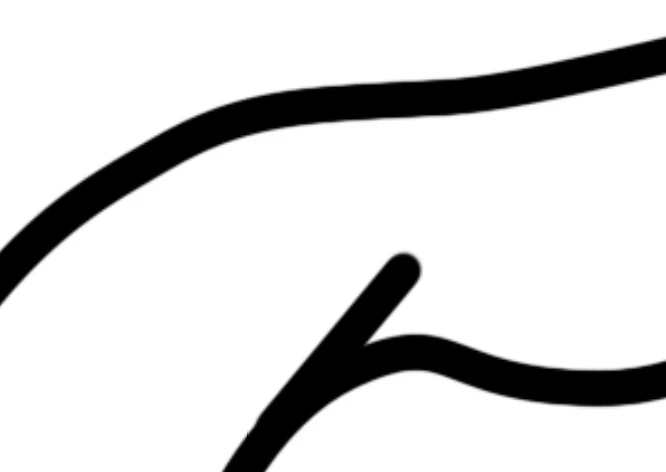
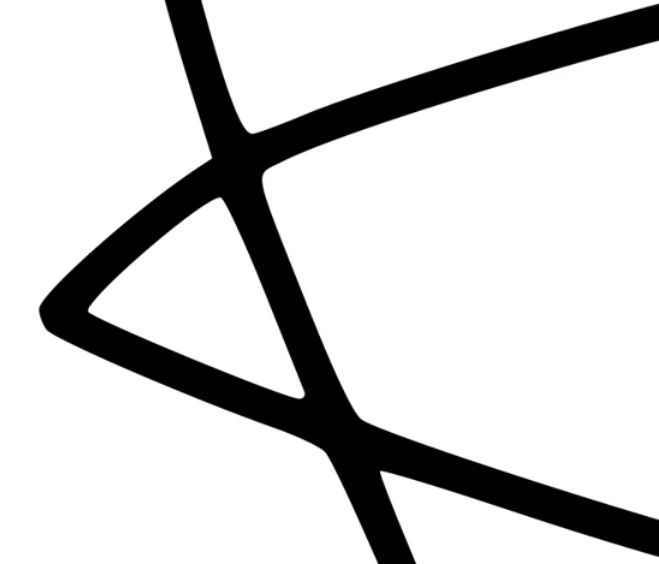
Below are 2 photos - mine is the one with the less sharp edges. I am trying to achieve the photo with the perfectly sharp edge
 AdChoices