morrisrn22
Participant
February 29, 2024
Answered

Stylus in Photoshop drawing lines quickly offset from where I start drawing

  • February 29, 2024
  • 1 reply
  • 283 views

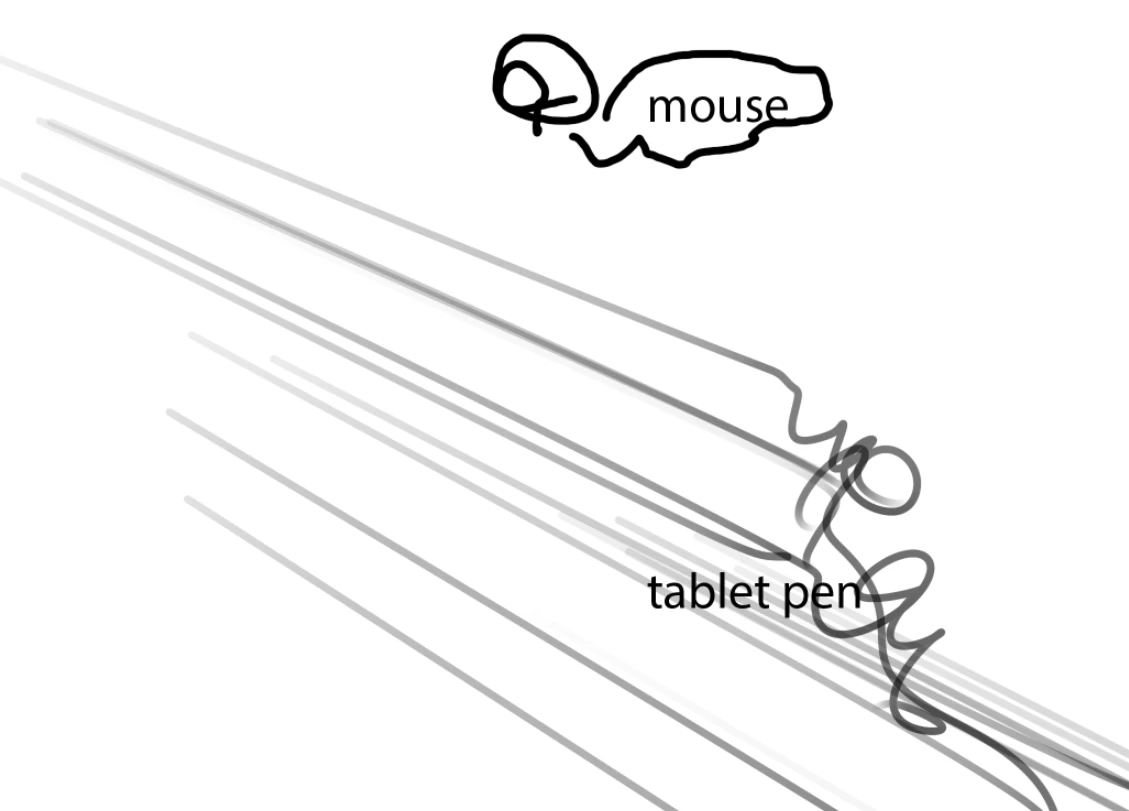
Something recently changed in my drawing tablet/stylus (Artisul D16 Pro) causing this weird bug to happen. Whenever I try to draw with my stylus the line shoots off to the bottom of the screen, then catches up to what I'm actually drawing later. I've tried finding the settings to fix this. I believe it has to do with screen size - high DPI compatibility. I can't seem to figure out right combination of off and on buttons.. I've tried everything: Uninstalling, restarting, every combo of on and off dpi properties and nothing has solved it. I'm desperate. 

Windows 11

Artisul D16 Pro

Battery free Artisul Stylus

Photoshop 25.5
 

This topic has been closed for replies.
Correct answer morrisrn22

Update on this issue, seems to be solved now. The issue has to do with  a missmatch of aspect ratios while using multiple monitors. 

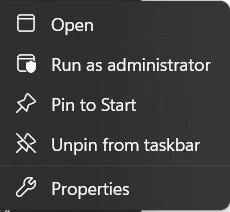
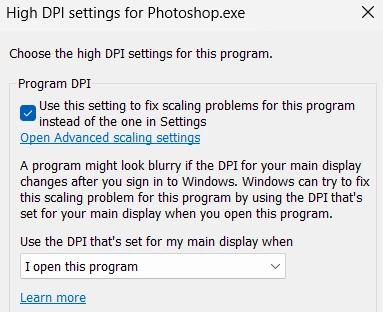
If you are having an issue like this it is in the Photoshop > properties >  

>compatibility tab > Change high DPI settings > 

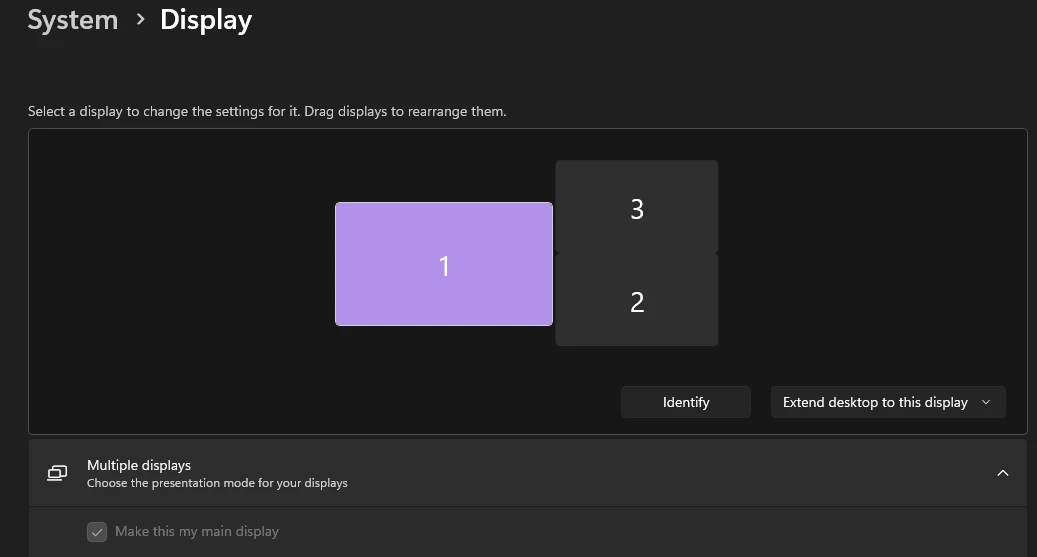
The key to the issue (is in the wording here) photoshops ratio being linked to my [Main monitor] which is 2560x1440; while my tablet is sitting at 1920x1080. 

So my solutions weren't ideal, but were:  1) Make the monitors match in resolution scale by changing my main monitor to 1920x1080 in display settings. 2) Make the display tablet monitor the main monitor.


1 reply

morrisrn22
morrisrn22AuthorCorrect answer
Participant
March 2, 2024

Update on this issue, seems to be solved now. The issue has to do with  a missmatch of aspect ratios while using multiple monitors. 

If you are having an issue like this it is in the Photoshop > properties >  

>compatibility tab > Change high DPI settings > 

The key to the issue (is in the wording here) photoshops ratio being linked to my [Main monitor] which is 2560x1440; while my tablet is sitting at 1920x1080. 

So my solutions weren't ideal, but were:  1) Make the monitors match in resolution scale by changing my main monitor to 1920x1080 in display settings. 2) Make the display tablet monitor the main monitor.