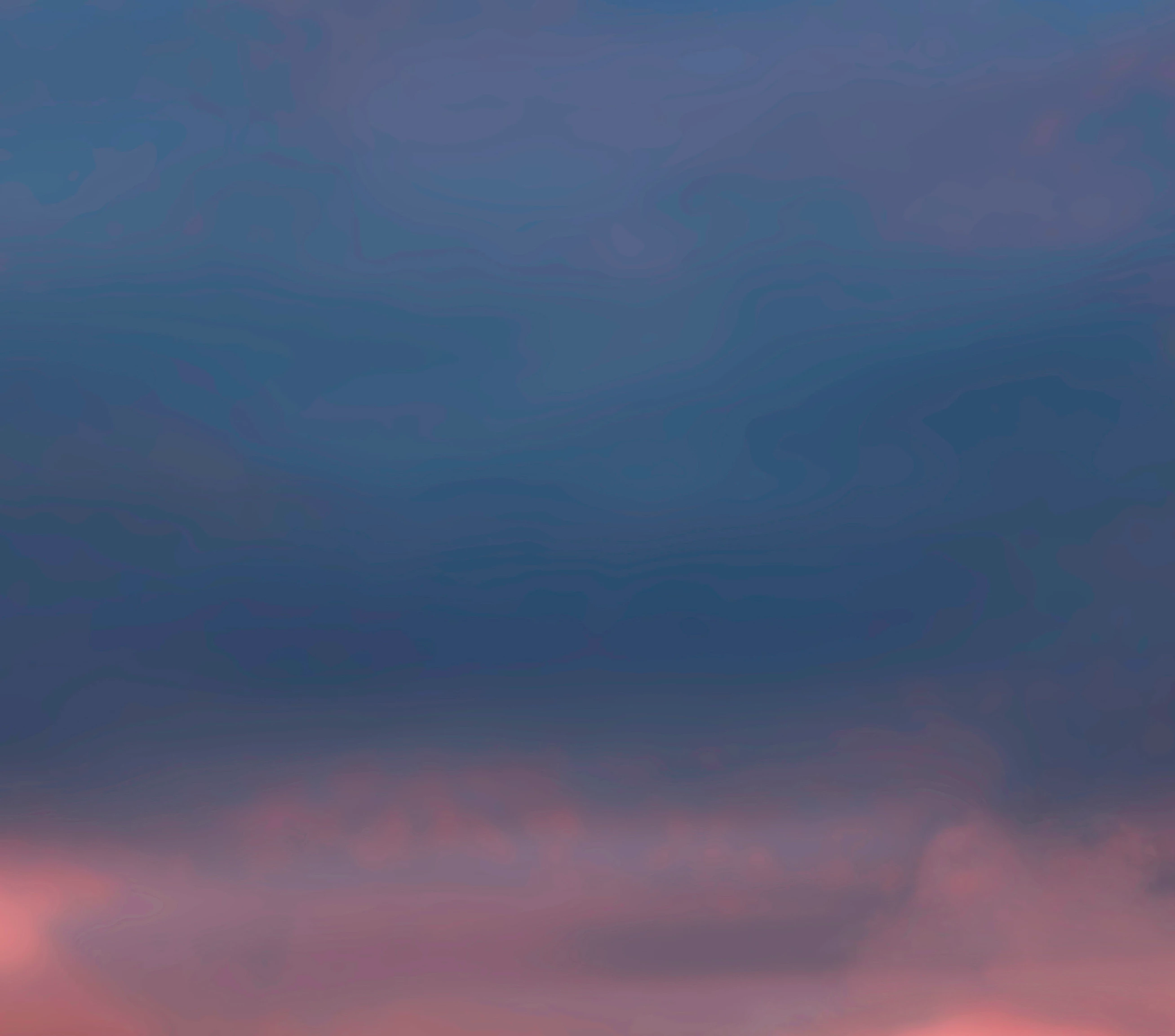
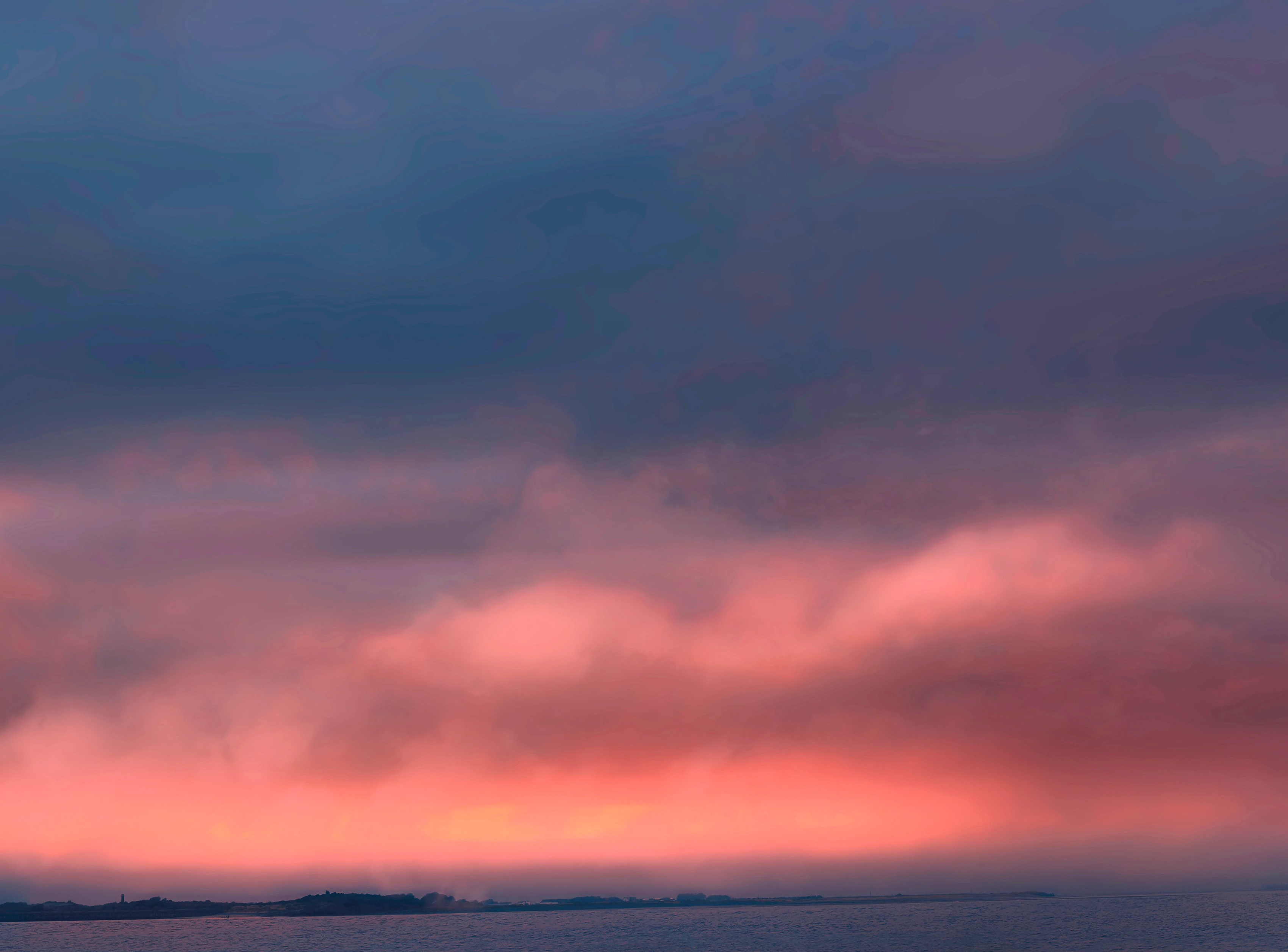
Arrrrgh
Inspiring
February 2, 2017
Answered

Sugestions for tidying up this weird wavy line sky ?

  • February 2, 2017
  • 2 replies
  • 1431 views

Hey guys I have a wavy line sky which I'm struggling to tidy up.

I've tried various blur techniques but nothing seems to work.

I no longer have the raw file (so I can't reprocess).

I'm happy to loose detail as its just the sky.

Any advice, tutorial links, additional software suggestions would be great...

Thanks in advance : )

Paul
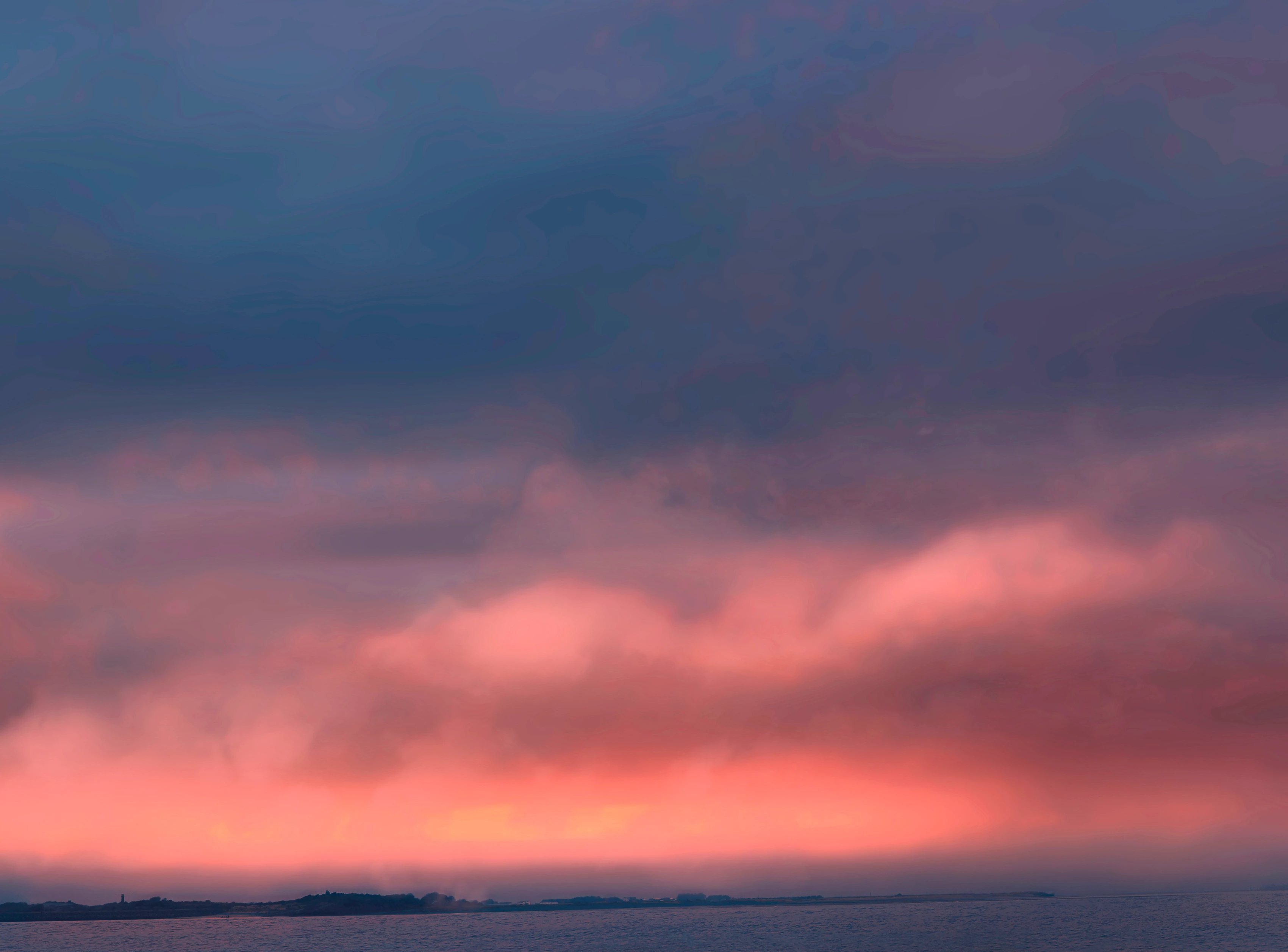
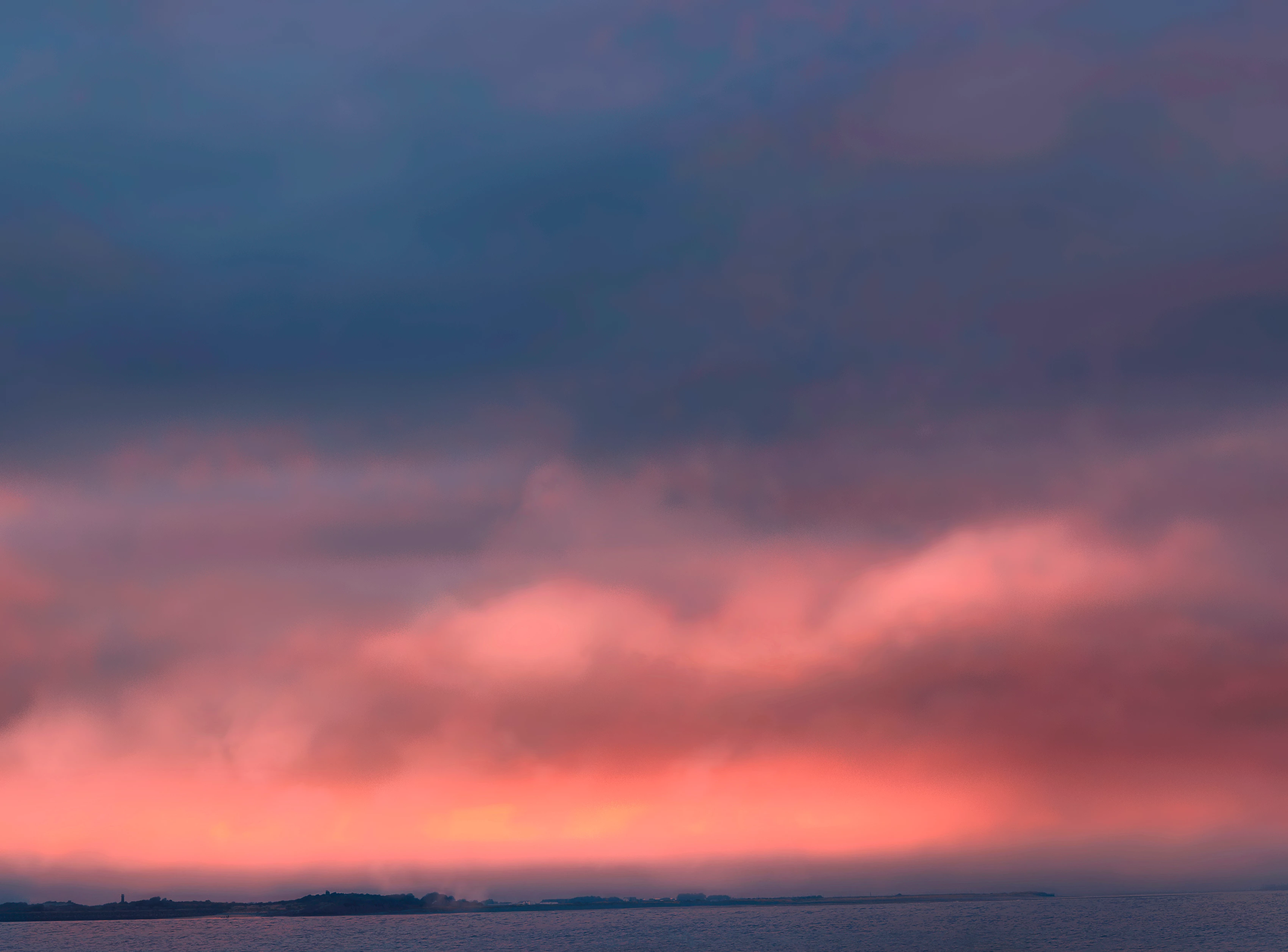
    Correct answer Arrrrgh

    After more research I've found this 'banding' issue is best not fixed with a blur but rather the splatter filter which you can find in the filter gallery of all versions of PS.

    Lee Varis' video explains it best https://youtu.be/HLWh68q_yUI​ its 20 mins but worth it if you have this issue!

    Before:

    After:

    Add the splatter filter to a duplicate of the main image then with a layer mask brushed back the areas which didn't have banding like the shore line etc. See how much it cleaned up the top of the picture.

    Hope this helps someone searching...

    2 replies

    Arrrrgh
    ArrrrghAuthorCorrect answer
    Inspiring
    February 4, 2017

    After more research I've found this 'banding' issue is best not fixed with a blur but rather the splatter filter which you can find in the filter gallery of all versions of PS.

    Lee Varis' video explains it best https://youtu.be/HLWh68q_yUI​ its 20 mins but worth it if you have this issue!

    Before:

    After:

    Add the splatter filter to a duplicate of the main image then with a layer mask brushed back the areas which didn't have banding like the shore line etc. See how much it cleaned up the top of the picture.

    Hope this helps someone searching...

    Trevor.Dennis
    Community Expert
    Community Expert
    February 2, 2017

    Goodness, that is pretty bad.  All sorts of ways to approach this.  The problem seems to be with the blue tones at the top of the image, so copy the layer and Gaussian blur (I used a value of ten).

    Then use Image > Calculations with red channel on red channel with mode set to Multiply, and invert both channels. OK this and select the alpha channel it produces.

    Select the paint brush and set its mode to Overlay. Paint over the sky with white, and darker lower tones with black.

    Click on the RGB channel, and with the blurred layer selected, ctrl click the alpha channel you just made to load it as a selection, and add a layer mask

    Arrrrgh
    ArrrrghAuthor
    Inspiring
    February 2, 2017

    Wow thanks Trevor! this really is much appreciated. I've just turned my computer off but will try this first thing tomorrow.

    I really am very grateful for your efforts.

    Will report back tomorrow...

    Many Thanks

    Paul