
Question
Super Resolution repeatedly creates weird artifacts
Hi community,
I recently discovered the super resolution feature in Photoshop and as I still own a lot of pictures that I took with my Canon 600D (18MP) I would like to increase the MP to some selected photos.
I tried to apply it to various photos now but every time the processing is done I receive the following result, which includes these weird artifacts. I applied this to 4 other photos but it never shows the result without these artifacts.
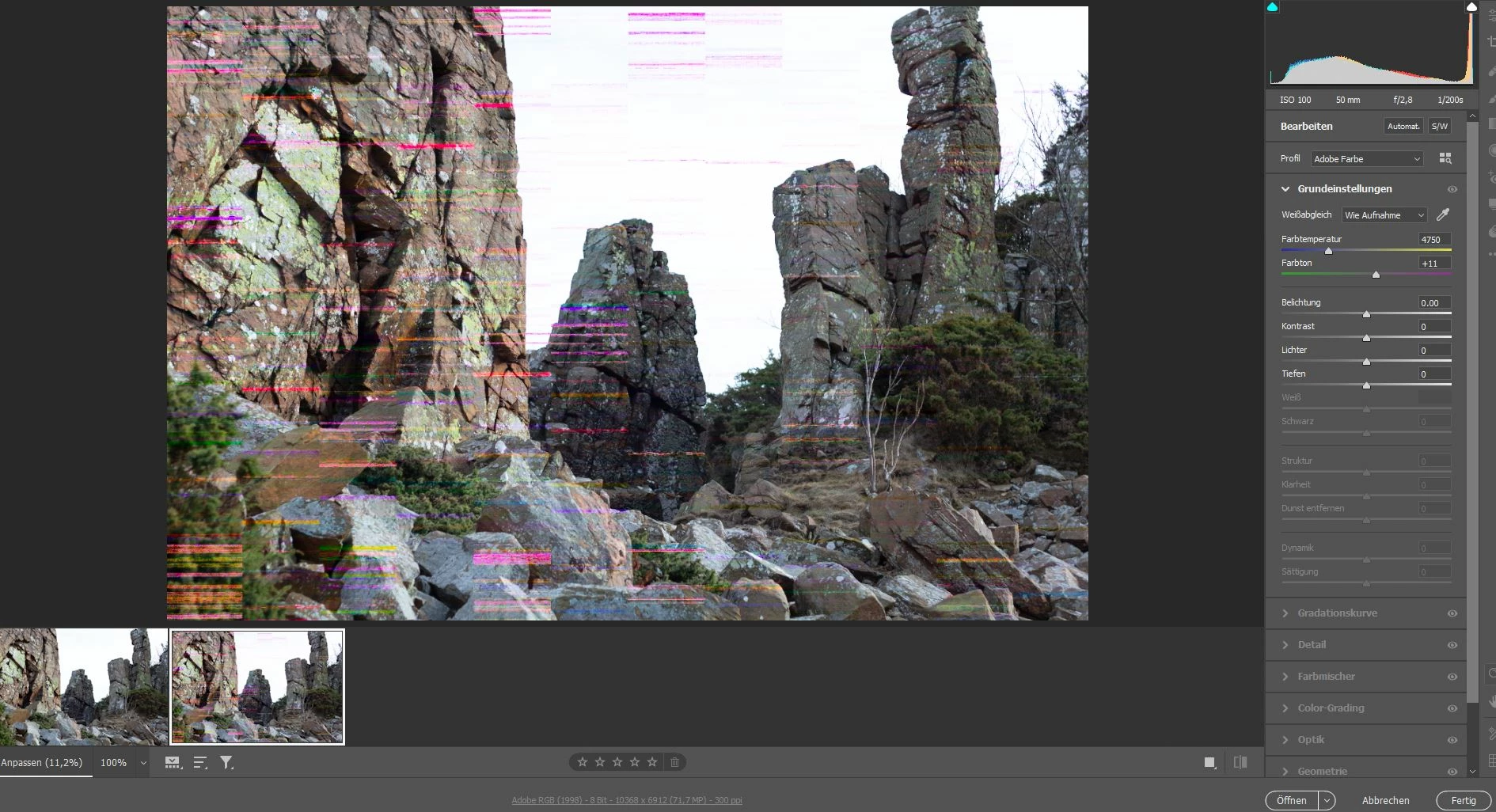
Do you have a solution or workaround for this problem? It would be much appreciated.
Please let me know in case you need further information.
Thank you.
Max
 AdChoices