Hey Skittles
Participant
December 2, 2020
Question

Swatch pannel help

  • December 2, 2020
  • 1 reply
  • 267 views

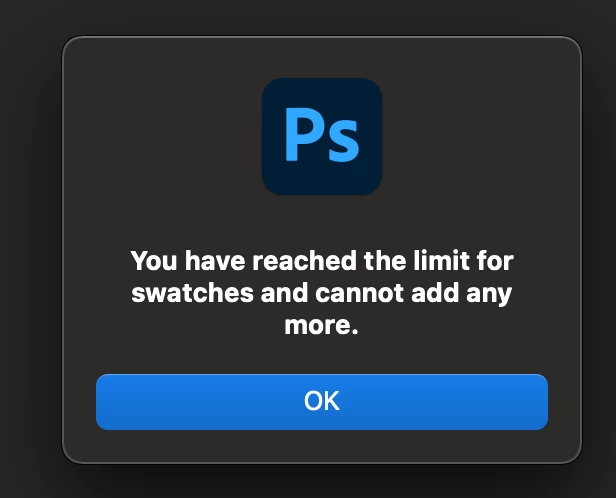
Is there a way I can get clafircation on this or get help on how to rest it? I logged into Photoshop today to try and edit a photo but when I clicked the swatch pannel it said I reached the maximum amout of swatch allowed. I did not know that there was a limit on swatches. Also my "reset swatch" is greyed out as well


Running Photoshop 2021 version 22.0.1 on Macbook pro 


Thanks
 

This topic has been closed for replies.

1 reply

michaelg20991496
Participant
August 21, 2022

I've been getting the same message and found a workaround that works for me. Go to your Swatches Palette and create an new Swatch Group, name it what you want. That swatch appears in the Swatches drop down pallete, so make sure your new Swatch Group is selected. Then select the Eyedropper tool and choose a color you want to save,  click on that color where it appears on your Tools Palette. When the Color Picker menu pops up choose Add to Swatches and it should place that color into your new Swatches Group. Step and repeat until all of the colors you want in that Swatch Group are saved.  I know this isn't exactly what you're asking, but it seems to be a sufficient fix for my tastes. I hope this helps.