
Question
Swatches panel menu is too big and does not scroll
I am using Photoshop CC. I make a lot of my own swatches to keep up with colour trends in fashion etc. The problem is that when I click the Swatches panel menu icon ("the hamburger") to load a swatch group, all of the swatches I have created appear right there. As a result, the menu is too big for my screen and does not scroll. How do I access the remaining swatches? I have tried changing the interface preferences and my laptop resolution (it's a relatively new computer with a high-resolution screen). A note: the self-created swatch groups do not appear in the "Presets" folder in File Explorer in Windows when I save them there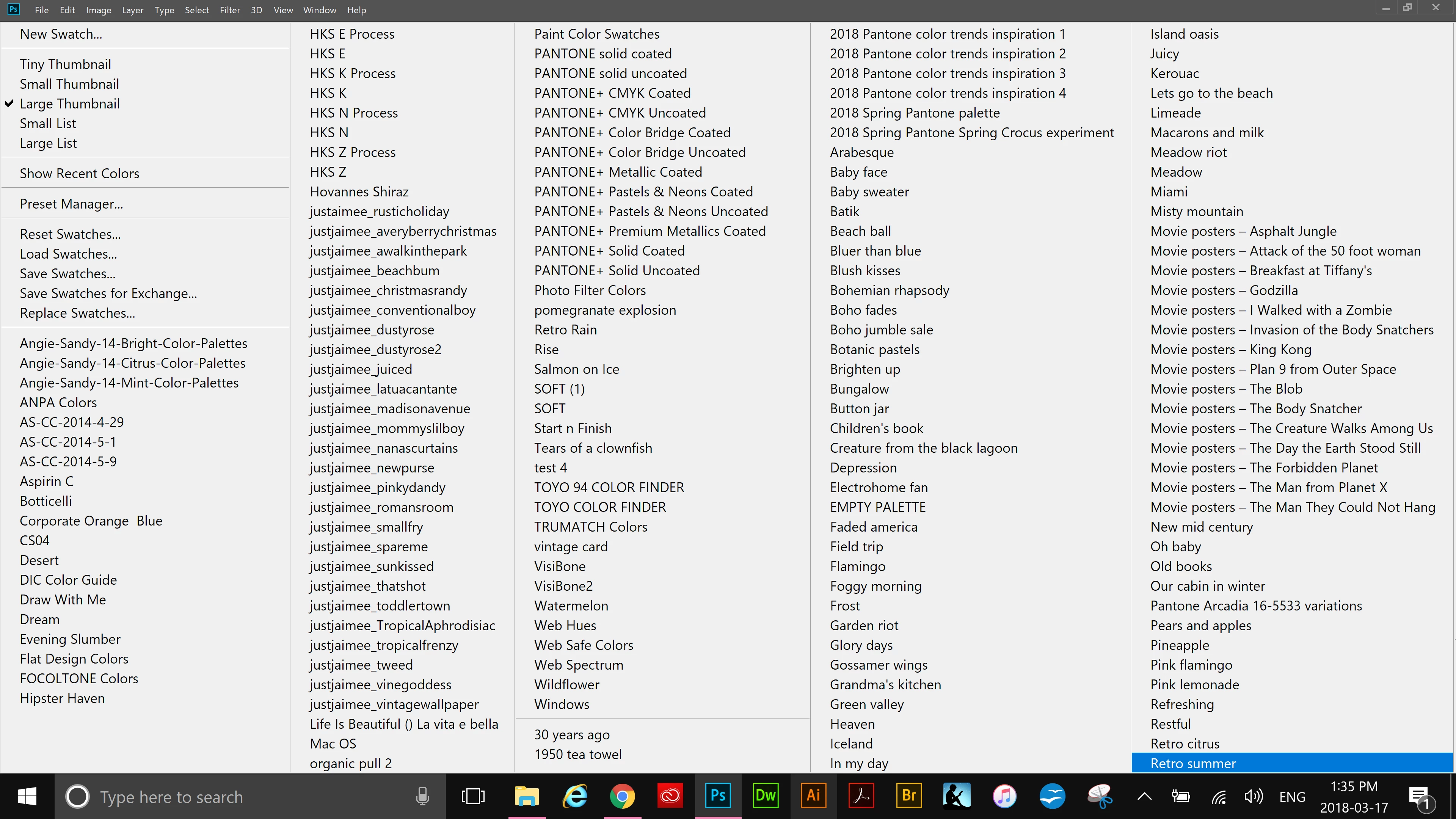 .
.
 AdChoices