

Sync Presets notice
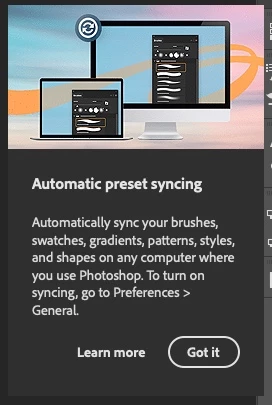
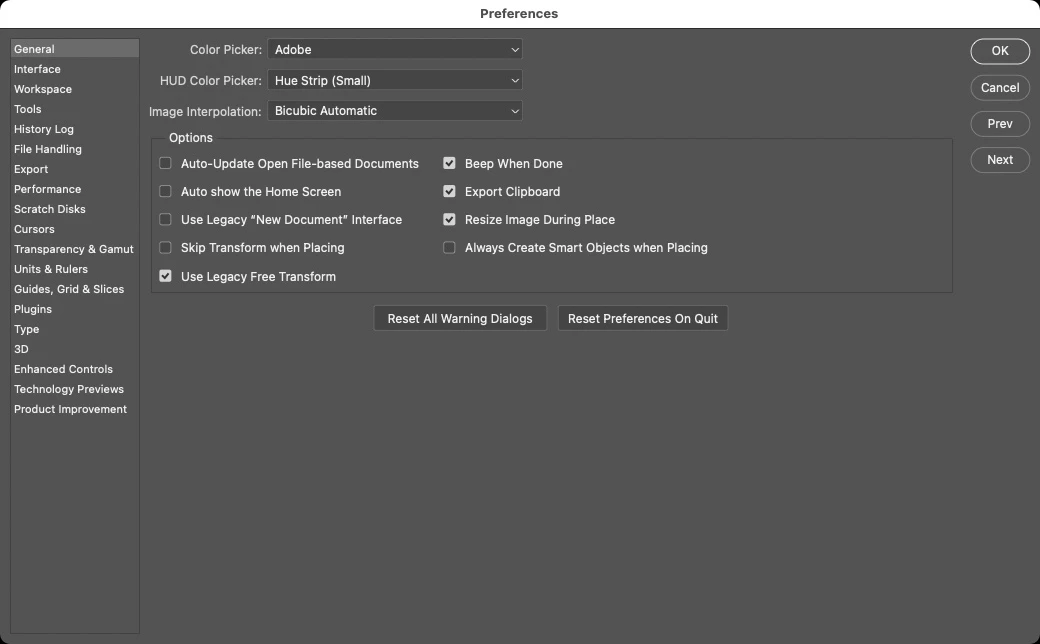
Every time I start Photoshop, I get a dialog box that says, "Automatic Preset Syncing" with instructions to go to Preferences > General to turn on this feature. I click the "Got it" button, and next time I open Photoshop, I get the same notice. Today, I finally decided to go to Preferences and turn this on, and there is no such option in Preferences > General.
I am running Photosop 22.3.1.
See attached images.
I searched the forums and found a post from 2017 (!) saying this feature was removed.
At the same time this notice started appearing, I also started having an issue with Photoshop taking upwards of 5 minutes to launch, getting hung up on the Halide Bottlenecks plug-in. I am running Big Sur 11.2.3, yet all the fixes for the Halide Bottlenecks issue I've seen talk about upgrading to 11.2.1 to fix the issue, so apparently something has brought it back.
I've already uninstalled and re-installed Photoshop, which seemed to fix the issue for a day or two, but then it came back.
Over the years, I have made many changes to my Photoshop preferences, so I would hate to start from scratch, but I suspect this is a prefs issue... Does anyone have any other ideas before I rip the bandage off and click on Reset Preferences on Quit?
 AdChoices