
JLewis24
Participating Frequently
June 25, 2018
Answered

Tabbing between text layers

  • June 25, 2018
  • 1 reply
  • 825 views

I'm looking for a way to tab between text layers using just the keyboard. I know I can use my mouse to just double-click the next layer and I'm only going to save a maximum of 5 seconds, but doing this for 10 slides every week with this many text layers on a slide is annoying to say the least.

Each layer is in order, starting at the top left and ending on the bottom right, so I just need a way to "accept" changes to a layer ( CTRL+Enter ), then move down a layer ( CTRL+[ ) and open the text layer to edit ( ??? ). As far as I've found, there's no keyboard shortcut for opening a text layer.

Any help would be appreciated, you'd be saving me minutes of my life but more importantly, my patience.
This topic has been closed for replies.
Correct answer Jeff Arola

When you have a Type Layer selected in the layers panel hitting Ctrl +Enter (windows) or Cmd+Return (mac) should "open" the type layer for editing like demonstrated in the last post #13 of this thread:

Is there a way to edit text via shortcut key (and not dbl-clicking on the thumbnail)?

1 reply

Legend
June 25, 2018

There is indeed no shortcut for opening a text layer. But in fact you don't need to. Just click on the text you want to edit and the layer will be selected automatically.

Also instead of using CTRL + Enter, use the Enter key on the numeric keyboard. It's quicker.

Just my 2 cents.

JLewis24
JLewis24Author
Participating Frequently
June 25, 2018

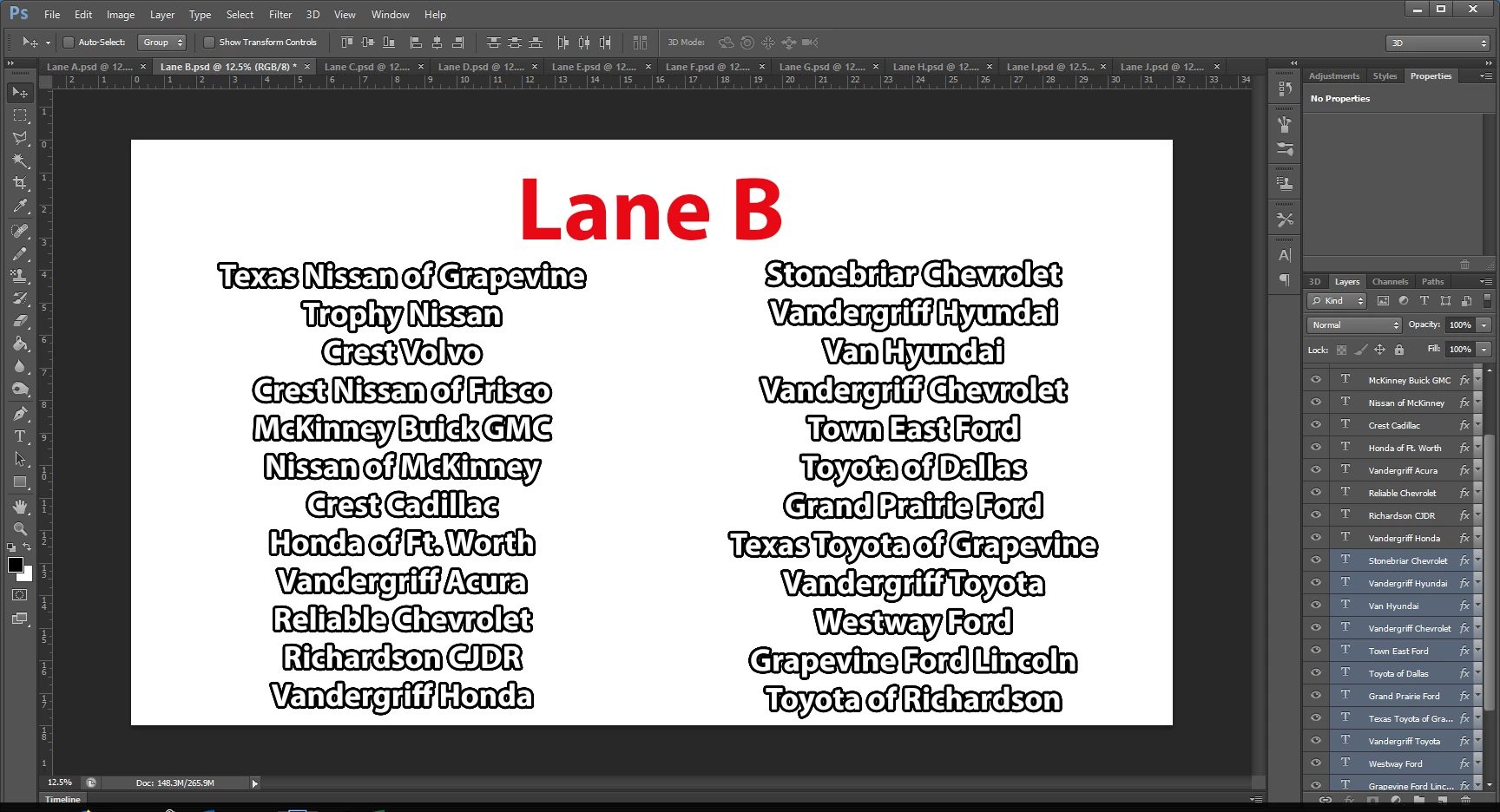
Yeah /: that's what I was trying to bypass. For example, in the picture I attached, you can see the number of text layers I'm using and I have to change them all weekly. I know it's not a huge difference but just trying to save time where I can.

Thanks for the Enter on the Number Pad trick though, that's a new one for me!

Jeff Arola
Community Expert
Community Expert
June 27, 2018

Don't know why I never found this thread, I've been searching for a solution for weeks! Thank you! Guess I have to get the 2018 Photoshop CC now lol


Yeah it's a new for photoshop cc 2018 shortcut as requested here:

Photoshop: Add a keyboard shortcut to enter Text Editing mode | Photoshop Family Customer Community